 (925) 293-3313
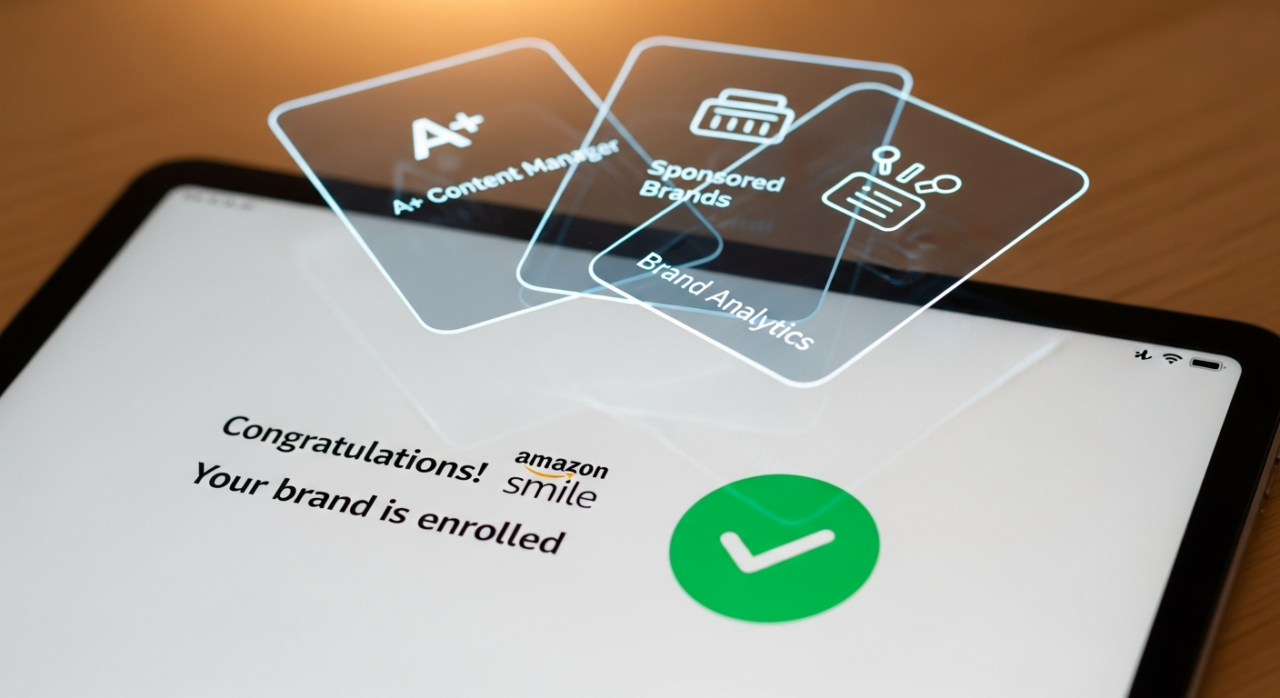
Unlocking Amazon Brand Registry is a game-changer for any serious seller. It’s your ticket to enhanced brand protection, powerful marketing tools like A+ Content and Sponsored Brands, and greater control over your product listings. But navigating the application process can feel like a maze of legal jargon and unclear timelines.
You might have heard whispers of 24-hour approvals or gotten conflicting advice about trademark requirements. Let’s cut through the noise. This guide breaks down the Brand Registry approval process into clear, actionable steps based on what actually works.
1. Secure Your Trademark Serial Number
This is the non-negotiable first step. Before you even think about the Brand Registry application, you need to file for a trademark with the appropriate government body, like the United States Patent and Trademark Office (USPTO).
The great news is you don’t have to wait months or years for full registration. You can apply for Brand Registry with a pending trademark application. Once you file, you’ll receive a serial number. This number is your golden key. Keep in mind, it can take a few business days for your new application to become searchable in the USPTO database, so don’t be alarmed if Amazon’s system can’t find it immediately. Give it at least 48 hours before you start your application.
2. Prepare Your “Permanently Affixed” Product Images
Amazon needs to see undeniable proof that the brand is yours and is physically on your products. This is where many sellers get tripped up. You must provide real photos of your product or its packaging with your brand name permanently affixed.
What does “permanently affixed” mean?
- Yes: Printed, sewn, laser-etched, or engraved directly onto the product or packaging.
- No: Stickers, easily removable labels, or stamps. These are common reasons for rejection.
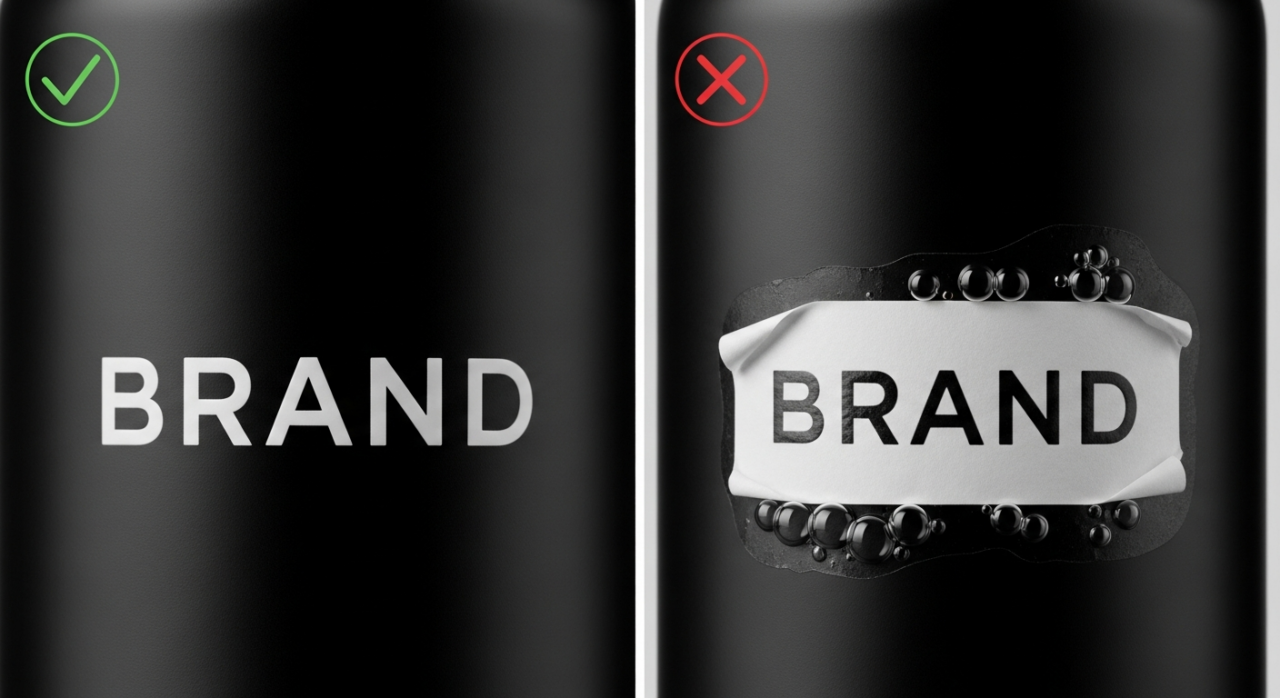
Your images must be authentic. Do not use computer-generated mock-ups or digitally altered photos. A great pro-tip is to include your hand or hold the product in the photo. While not an official requirement, it helps prove you have a real, physical item and aren’t just submitting a digital design.
3. Complete the Brand Registry Application
With your trademark serial number and product images ready, head to brandregistry.amazon.com to begin. The enrollment form is straightforward. You’ll enter your brand name exactly as it appears on your trademark application, provide the serial number, and upload your images.
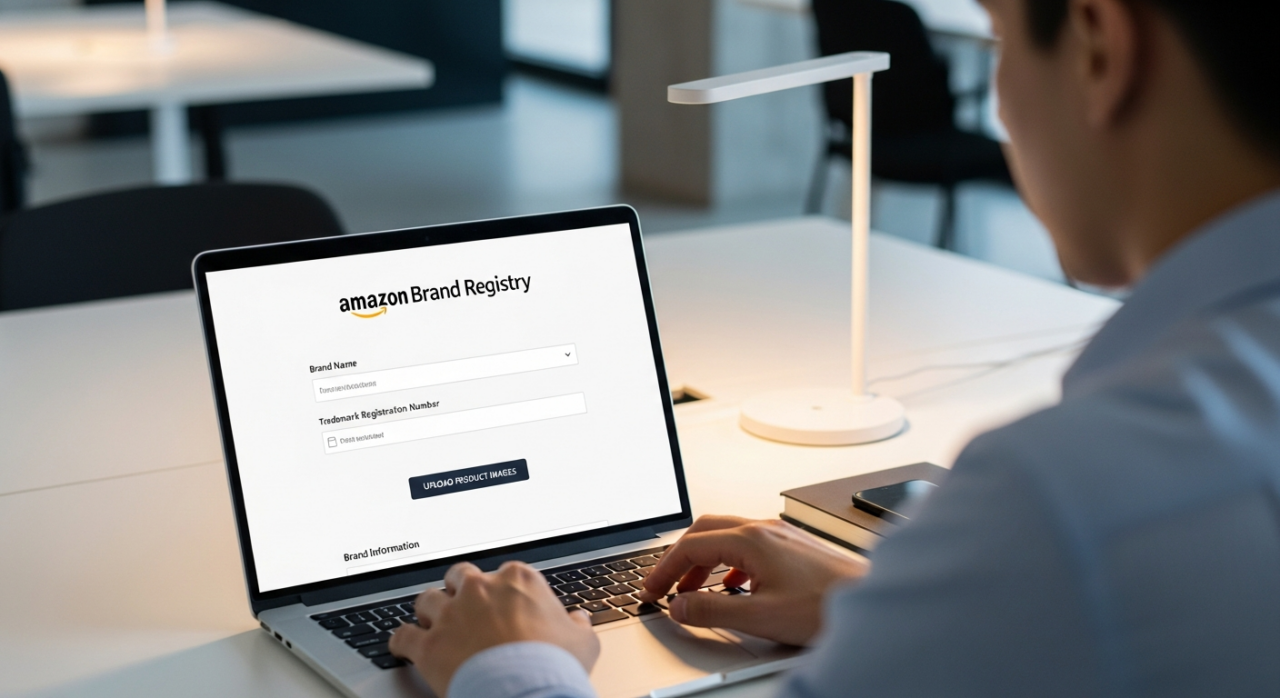
To ensure the smoothest process, make sure the brand owner information listed on your trademark application matches the details in your Amazon Seller Central account. While not mandatory, having a simple, branded website can also add legitimacy to your application, but don’t let the lack of one stop you from applying.
4. Navigate the Verification Code Process
This is the most critical checkpoint. After you submit your application, Amazon will send a verification code to the official contact listed on your trademark filing. This is important: the email will go to the correspondent of record—that might be you, or it might be the attorney who filed your trademark.
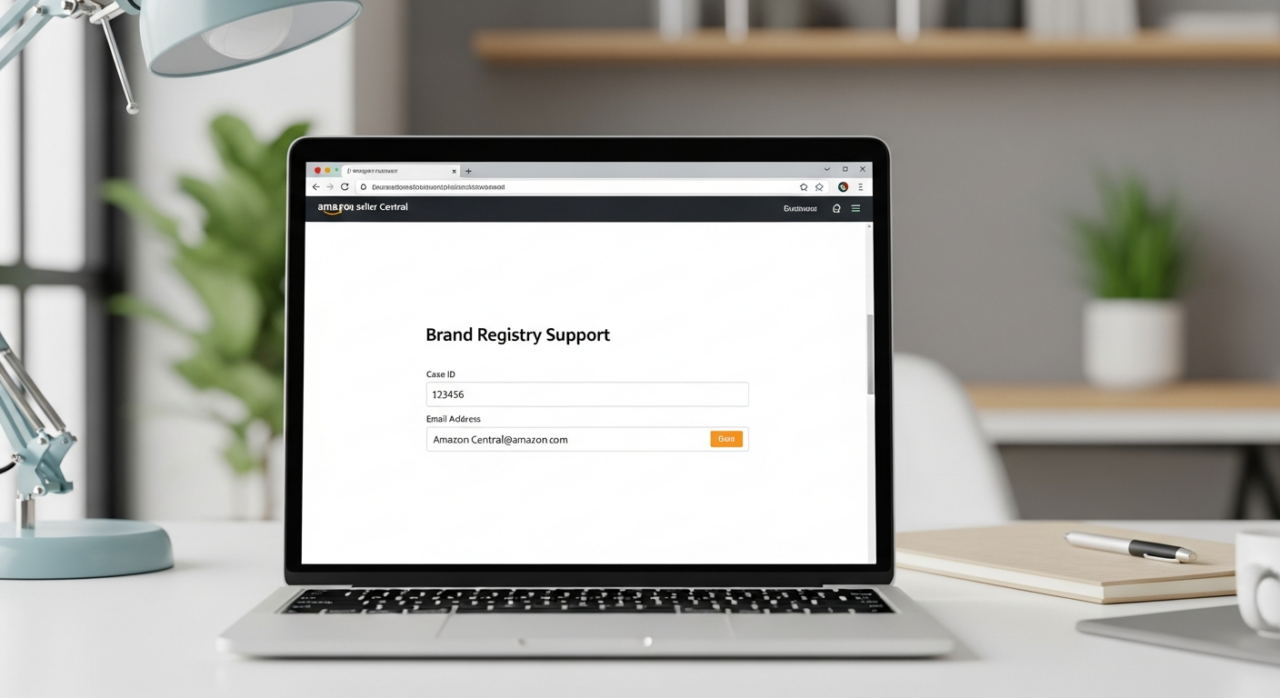
If you used a lawyer, you need to contact them and ask them to forward the email from Amazon containing the code. Once you have this code, you must submit it back to Amazon through your Brand Registry case log. Don’t let this email get lost in a spam folder; the clock is ticking once your application is submitted.
5. Await Final Approval
After you’ve submitted the verification code, Amazon performs its final review. You may have heard that approval comes within 24 hours. While this can happen, it’s not the norm. Amazon officially states the review process takes an average of 10 business days, but once the code is submitted, many sellers report final approval within 48 hours to a few days.
Delays at this stage are almost always caused by inconsistencies. If the information in your application doesn’t perfectly match your trademark record or your Seller Central account, it will get flagged for manual review, extending your wait time. Patience and precision are key. Once you get that approval notification, you’ll be ready to unlock the full power of your brand on Amazon.
Ready to Grow on Amazon?
At EHP Consulting Group, we help sellers rank higher, sell more, and scale faster.
👉 Contact us to audit your Amazon strategy
👉 Learn more about our full Amazon account management services
YouTube Channel Link: EHP Consulting Group on YouTube
TikTok Profile Link: EHP Consulting Group on TikTok
Written By: Jhan Rose Magbanua
Email: [email protected]
Website: http://www.ehpconsultinggroup.com
Number: 925-293-3313
Date Written: Feb 22, 2026