 (925) 293-3313
Taking a well-deserved break is essential for everyone, including hardworking Amazon sellers. But the thought of stepping away from your business can be stressful. How do you prevent new orders from piling up while you’re gone? Thankfully, Amazon provides a built-in feature for just this occasion: Vacation Mode.
Using this tool correctly allows you to pause your self-fulfilled operations without damaging your account health or seller reputation. Let’s walk through everything you need to know to take that break with peace of mind.
How to Properly Activate Vacation Mode
Putting your store on hold is a straightforward process, but timing is key. To avoid any last-minute chaos, we recommend activating vacation settings at least 48 hours before you plan to be unavailable. This gives you a buffer to process and ship any final pending orders.
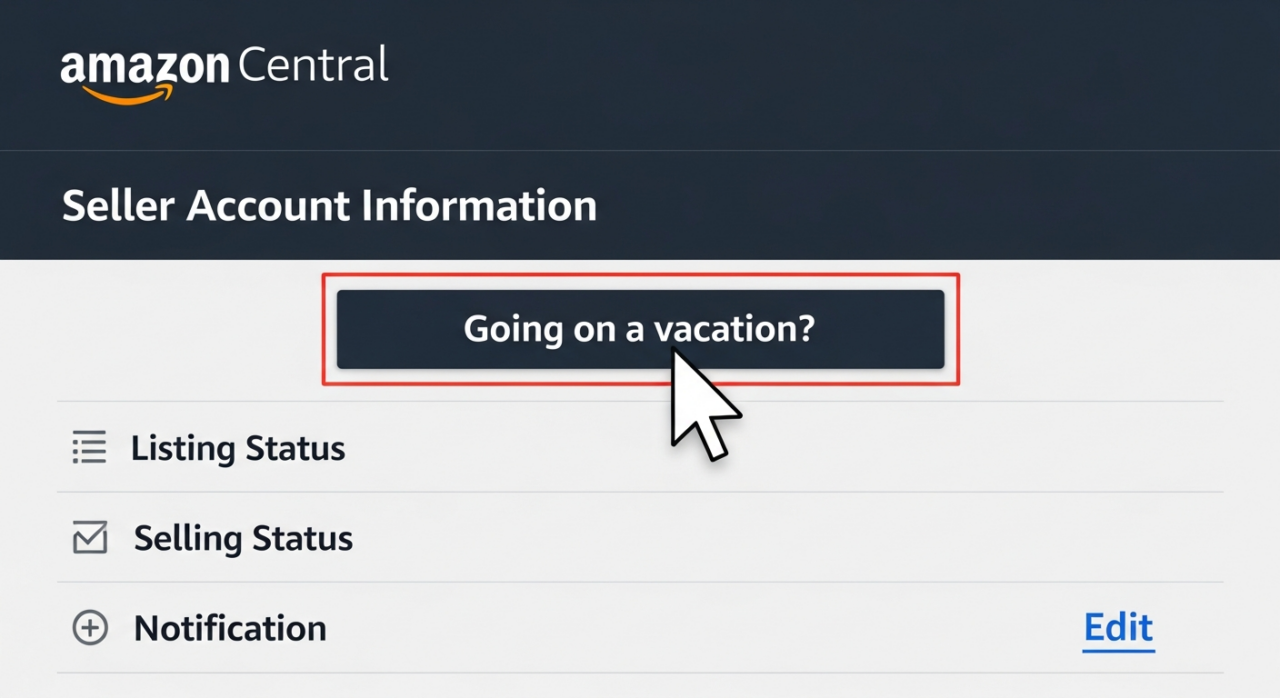
Here’s the step-by-step process:
- Log in to your Amazon Seller Central account.
- Hover over “Settings” in the top-right corner and click on “Account Info”.
- On the Seller Account Information page, find the “Listings Status” section.
- Next to “Going on a vacation?”, click the link.
- You will be taken to a page where you can see all your marketplaces. Select “Inactive” for each marketplace you want to pause.
- Save your changes.
Your Fulfilled by Merchant listings will now begin the process of being removed from Amazon’s search results and product detail pages.
Understand the Impact: FBM vs. FBA
A common point of confusion is what actually happens to your products when you enable Vacation Mode. The impact depends entirely on how your products are fulfilled.
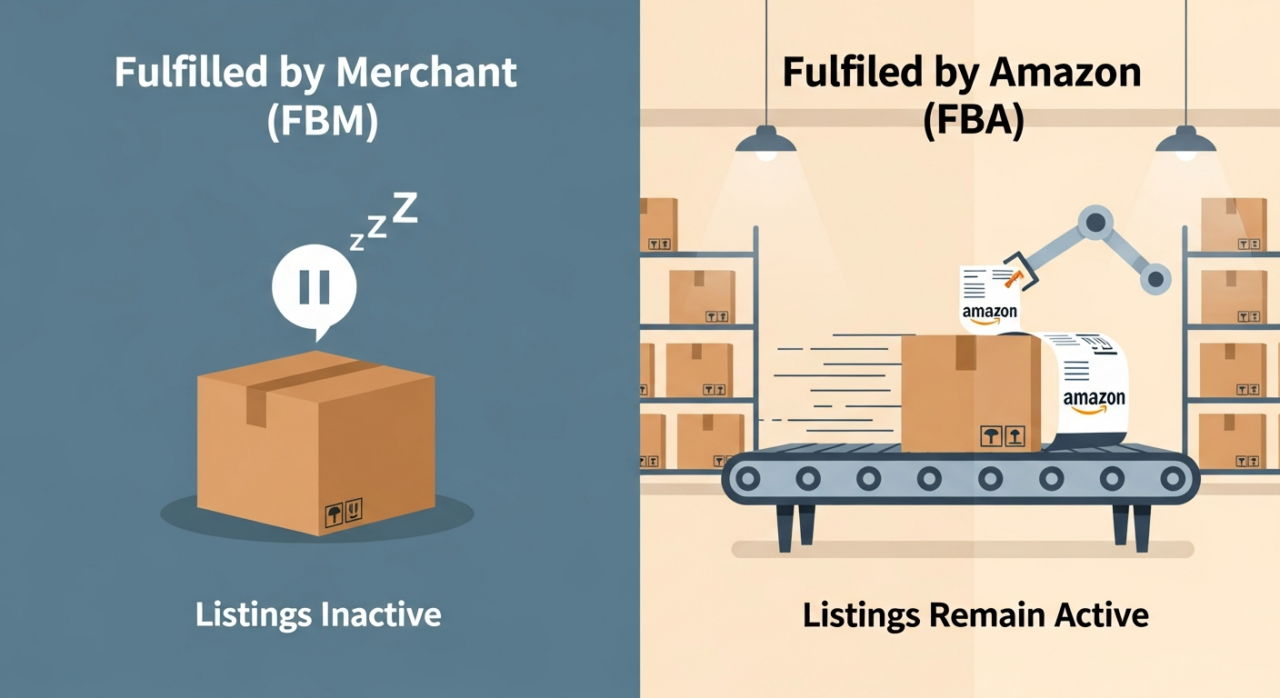
- Fulfilled by Merchant (FBM): These are the listings primarily affected. By setting your status to “Inactive,” your FBM listings will be hidden from view on Amazon. Shoppers will not be able to find or purchase them, preventing new orders that you cannot fulfill.
- Fulfilled by Amazon (FBA): Your FBA listings are completely unaffected by Vacation Mode. Since Amazon handles all the storage, packing, shipping, and customer service for these items, they will remain active and available for purchase. This is great news, as you can continue to generate sales while you are away.
Remember: Your Responsibilities Don’t Go on Vacation
Activating Vacation Mode doesn’t mean you can completely disconnect. As an Amazon seller, you still have a few key responsibilities to manage to maintain a healthy account and keep your customers happy.
- Fulfill All Pending Orders: Vacation Mode only prevents new orders. Any orders you received before your listings became inactive must still be shipped within the promised timeframe. This is why the 48-hour buffer is so important.
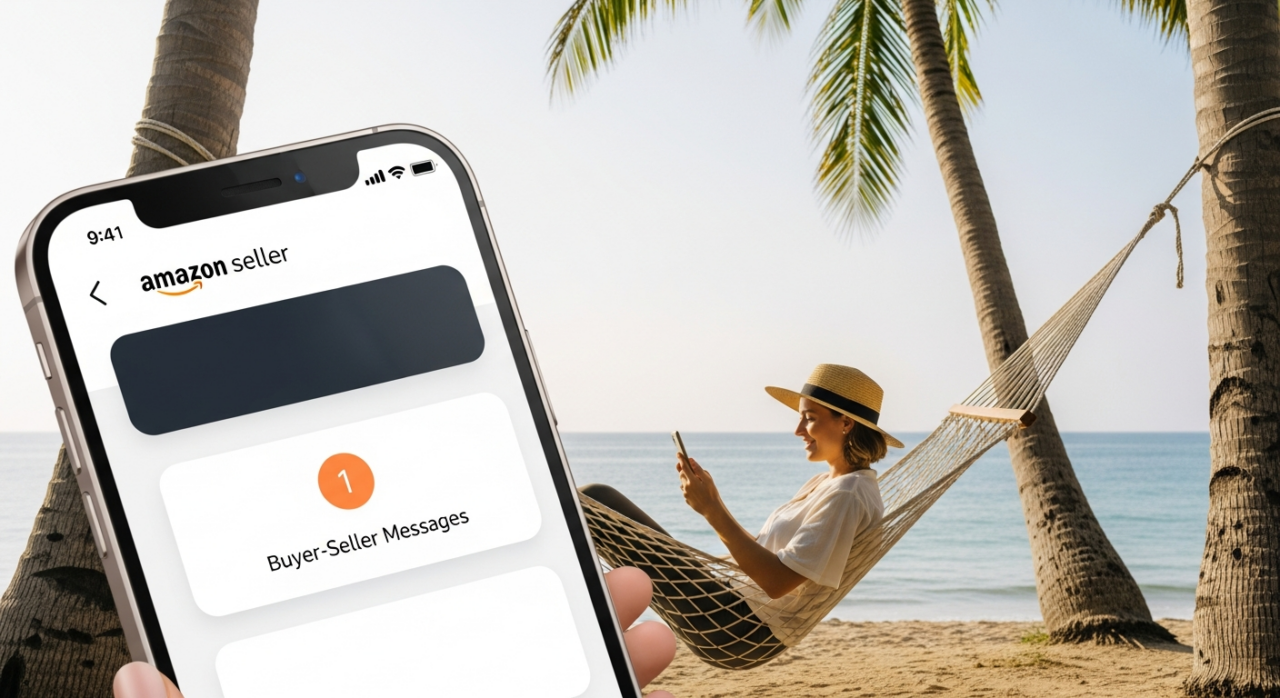
- Respond to Customer Messages: Amazon’s 24-hour response time policy for buyer-seller messages is still in effect. Be sure to check your account daily to answer any inquiries. To make this easier, you can set up automated responses to let customers know you are away and will provide a more detailed reply as soon as possible.
- Process Return Requests: You must continue to authorize and process return requests according to Amazon’s policies, even for orders that were placed before your vacation began.
Key Considerations for a Smooth Break
Before you sign off, keep these final points in mind to ensure your vacation is truly worry-free.
- Protecting Account Health: Using Vacation Mode is the correct way to pause sales and protect your performance metrics. If you were to simply let orders come in and not fulfill them, it would severely damage your Order Defect Rate and Late Shipment Rate, putting your account at risk. For complex situations, many sellers turn to an Amazon consulting group to protect their business. It’s always worth checking a firm’s past results before engaging.

- Subscription Fees: If you have a Professional Seller account, your monthly subscription fee will continue to be charged even while your listings are inactive.
- Reactivating Your Listings: When you return, simply follow the same steps as before, but this time, set your listings back to “Active”. Be patient, as it can sometimes take a little while for all of your listings to reappear in search results.
By following these steps, you can use Amazon’s Vacation Mode to take a necessary and refreshing break, confident that your business is secure and your account health is protected.
Need Help Growing Your Sales?
We are here to help you scale.
YouTube Channel Link: EHP Consulting Group on YouTube
TikTok Profile Link: EHP Consulting Group on TikTok
Written By: Ahzel P. Miral
Email: [email protected]
Website: http://www.ehpconsultinggroup.com
Number: 925-293-3313
Date Written: April 23, 2026