 (925) 293-3313
Are your competitors on Walmart outsmarting you with their advertising? It often feels like a black box, leaving you guessing which keywords they’re targeting and how much they’re spending. The good news is you can pull back the curtain on their strategy. By leveraging the right tools, you can uncover the exact keywords your rivals are bidding on, giving you a powerful advantage in the competitive Walmart marketplace. Here is a step-by-step guide to revealing their secret ad playbook.

1. Identify a Key Competitor’s Product
Before you can begin your investigation, you need a target. Choose a product that is a direct competitor to one of your own—ideally, one that is performing well in search results or seems to be gaining traction. This could be a top seller in your category or a new product that is being promoted heavily. Navigate directly to that product’s listing on Walmart.com.
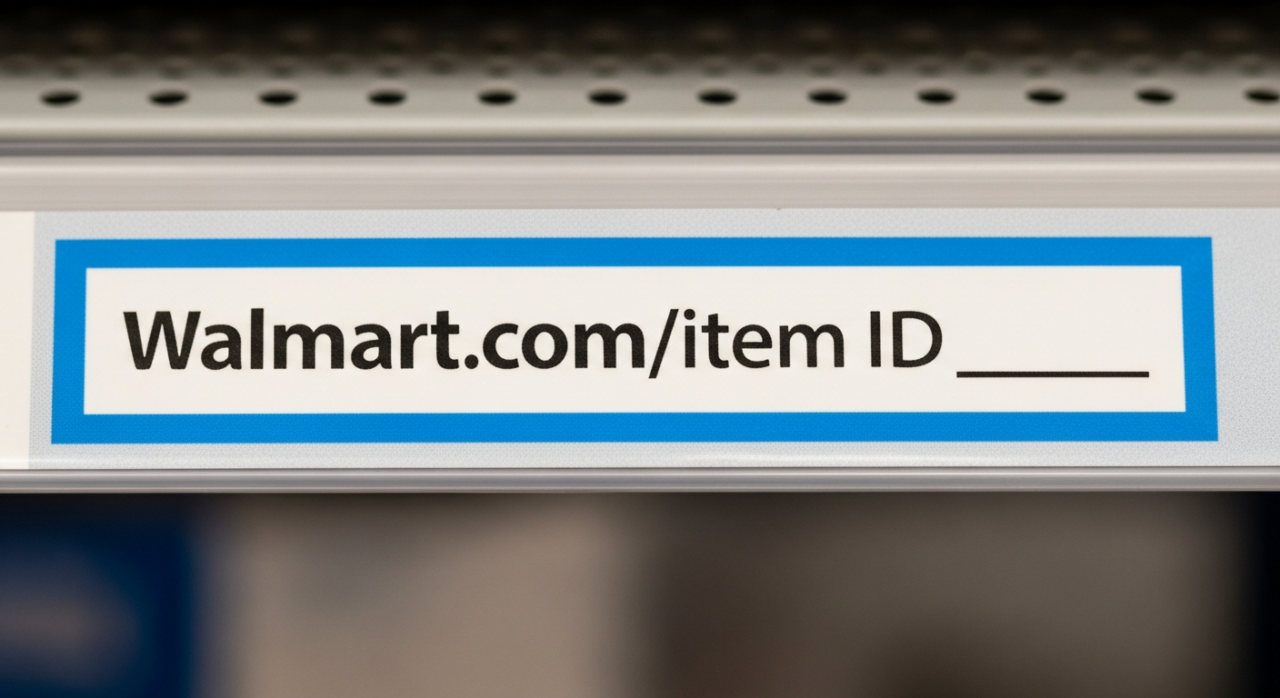
2. Locate the Competitor’s Product Item ID
The key to unlocking your competitor’s data is their unique Product Item ID. This is a numerical code that Walmart assigns to every listing. To find it, simply look at the URL of the product page. The string of numbers at the end of the URL is the Item ID you need. Copy this number, as it will be your primary input for the next step.
3. Utilize Helium 10’s Cerebro Tool
The tool for this specific mission is Cerebro, a powerful reverse product lookup tool within the Helium 10 software suite. While Helium 10 offers a free plan to get started, be aware that advanced tools like Cerebro have usage limitations on the free tier. To begin, sign into your Helium 10 account, select the Walmart marketplace, and open Cerebro.
4. Initiate the Competitor Analysis
This step is straightforward. In the Cerebro search bar, paste the competitor’s Product Item ID that you copied from the Walmart URL. The tool will then process the information and generate a comprehensive keyword report based on that specific product’s performance on the Walmart platform.

5. Analyze the Sponsored Keyword Data
This is where you uncover their advertising strategy. The Cerebro report will show you a metric called “Sponsored Keywords.” If the number listed is greater than zero, it confirms that your competitor is actively running Walmart Sponsored Product ads. The report goes even further, providing a list of the specific keywords they are targeting with their ads. You will also see their “Sponsored Rank” for each term, which shows you how prominently their ad is appearing in search results for that keyword. This data reveals which terms they believe are most valuable for driving paid traffic and sales.

6. Evaluate Their Organic Keyword Performance
Beyond just their paid strategy, Cerebro also provides a complete picture of a product’s organic keyword rankings. Alongside the sponsored data, you will see a list of all the keywords the product ranks for naturally. This allows you to understand their overall keyword strategy, identify terms where they are strong organically, and discover potential keyword gaps you can exploit in both your own organic listing optimization and your paid advertising campaigns.
Need Help Growing Your Sales?
We are here to help you scale.
YouTube Channel Link: EHP Consulting Group on YouTube
TikTok Profile Link: EHP Consulting Group on TikTok
Written By: Ahzel P. Miral
Email: info@ehpconsultinggroup.com
Website: http://www.ehpconsultinggroup.com
Number: 925-293-3313
Date Written: May 14, 2026