 (925) 293-3313
Selling on Walmart Marketplace offers a massive opportunity to reach a loyal customer base, but the platform operates with a level of rigor that often catches Amazon veterans off guard. To succeed, sellers must move beyond basic listing practices and master the specific technical levers that Walmart uses to police its catalog. Based on the latest evaluations of marketplace strategies, here is the roadmap for maintaining account health and driving conversions on Walmart.com.
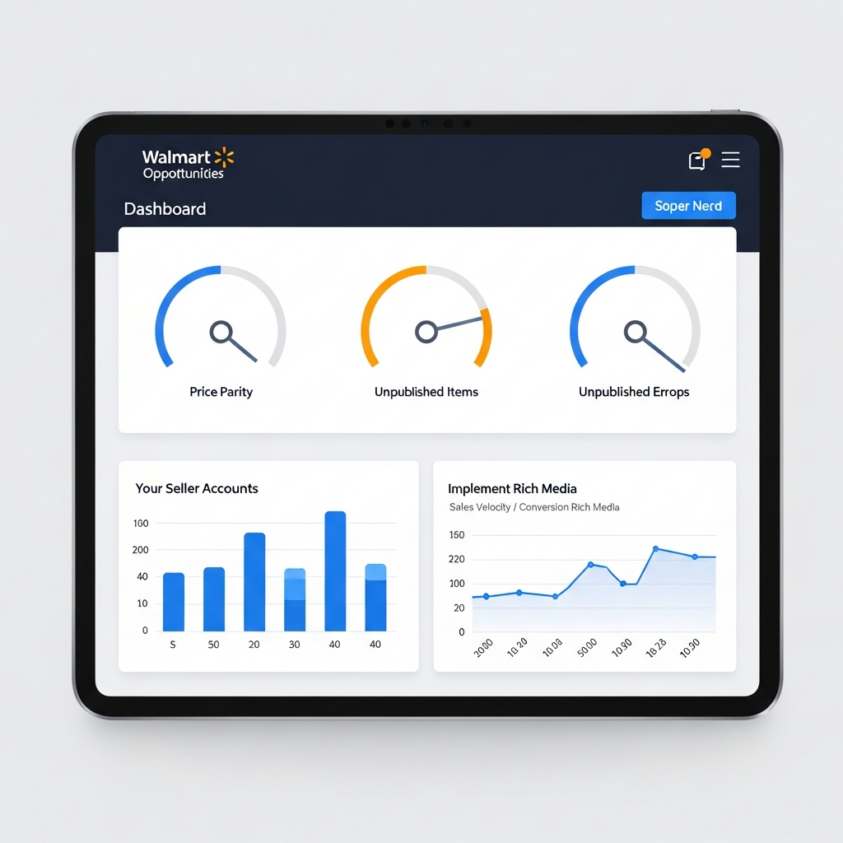
Monitor the Unpublished Items Dashboard to Protect Your Account
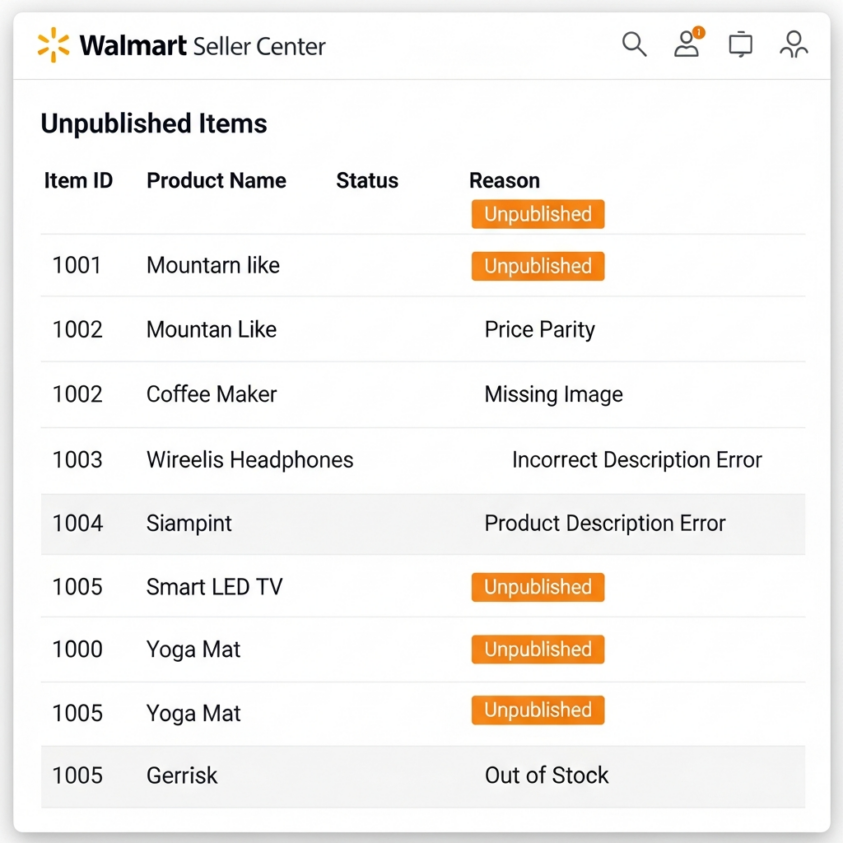
Walmart Marketplace is governed by strict Performance Standards, and unlike platforms that may offer multiple warnings, Walmart utilizes automated systems that can lead to rapid account suspension. One of the most critical health indicators is the “Unpublished” status. When an item is unpublished, it remains in your catalog but is hidden from customers due to policy violations, ranging from prohibited products to image errors.
To stay ahead of automated account reviews, sellers must frequently audit the “Unpublished Items” dashboard located under the Catalog section of the Seller Center. High rates of unpublished items are a primary trigger for account termination. By categorizing items by their specific removal reason, this dashboard allows you to prioritize fixes, such as regulatory compliance or data errors, before they escalate into a “Trust & Safety” review, which is handled by a specialized team separate from general Seller Support.
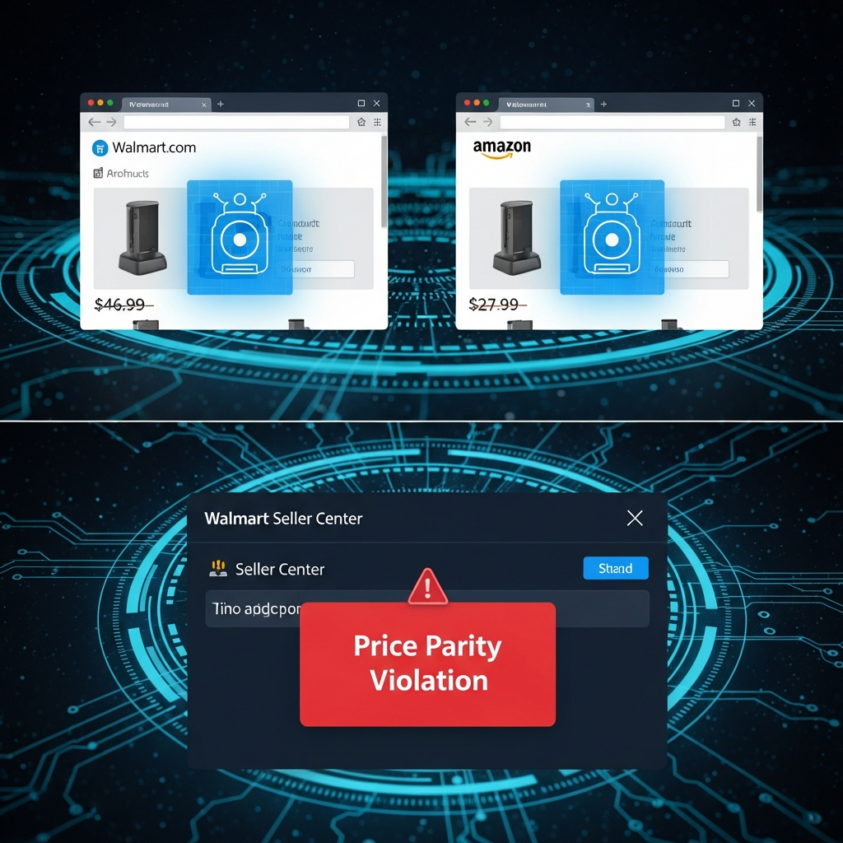
Master the Rules of Price Parity and Price Leadership
Walmart’s core philosophy is “Everyday Low Price” (EDLP), and they enforce this through aggressive automated price scraping. Their bots constantly scan competitor sites like Amazon and Target to ensure Walmart customers are getting the best deal. If your total price (item plus shipping) is higher than the same product on a competitor’s site, Walmart will invoke the “Price Parity Rule” and automatically unpublish your listing.
Furthermore, the “Price Leadership Rule” ensures that your item isn’t significantly undercut by other sellers even within the Walmart platform. Understanding that these are automated, non-negotiable triggers is vital. To manage this, sellers should utilize the Pricing Opportunities Dashboard in the Seller Center. This tool provides “Reference Prices” from around the web, often giving you a direct link to the competitor listing that triggered the violation. If a bot incorrectly matches your product to a different item, use the dashboard to “Report an Incorrect Match” immediately.
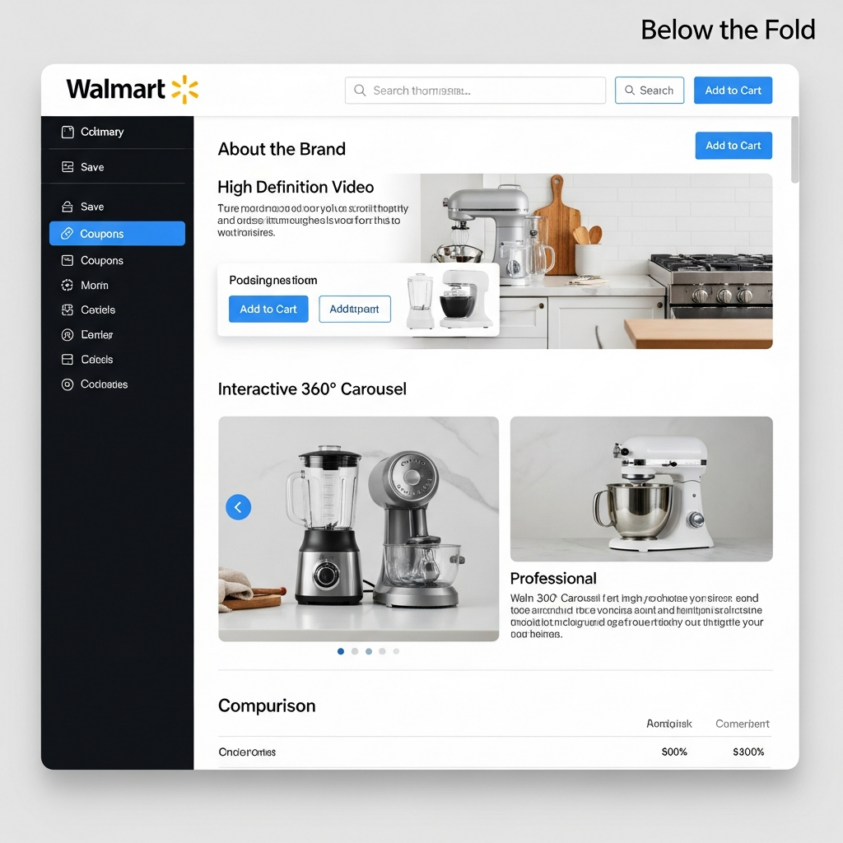
Enhance Conversion Using Below the Fold (BTF) Rich Media
Getting a customer to your page is only half the battle; converting them requires a premium brand experience. Walmart refers to enhanced content as “Below the Fold” (BTF) or Rich Media. This includes high-production-value assets like product videos, 360-degree imagery, and detailed comparison charts that appear under the “About the Brand” section of the Product Detail Page (PDP).
Unlike Amazon’s native A+ Content builder, Walmart currently requires most sellers to work with an Approved Rich Media Partner to host and publish this content. For brand owners looking to master these visual conversion elements, specialized e-commerce courses can help bridge the gap between basic listings and high-converting storefronts. Integrating Rich Media is a proven strategy to increase “time on page” and reduce return rates by providing a more comprehensive look at the product than standard images allow.
Navigate Reinstatement Timelines and Automation Risks
A common misconception among new sellers is that fixing a pricing error results in an instant listing update. While manual intervention by a support representative can sometimes lead to a fast resolution, the official standard for automated republication is typically 48 to 72 hours. Planning for this lag is essential for inventory management and maintaining sales velocity. This timeline is a critical component for marketplace sellers on Walmart to understand when troubleshooting catalog errors.
It is also important to recognize that Walmart’s “automated termination” is rarely “for no reason.” It is usually the result of a seller crossing a specific threshold of unpublished items or repeated price parity violations over a set period. Because the system is heavily automated, the best defense is a proactive offense: daily monitoring of the Pricing Insights and Unpublished Items dashboards to resolve flags before the system triggers a permanent account review.
Leverage Specialized Appeal Teams for Complex Issues
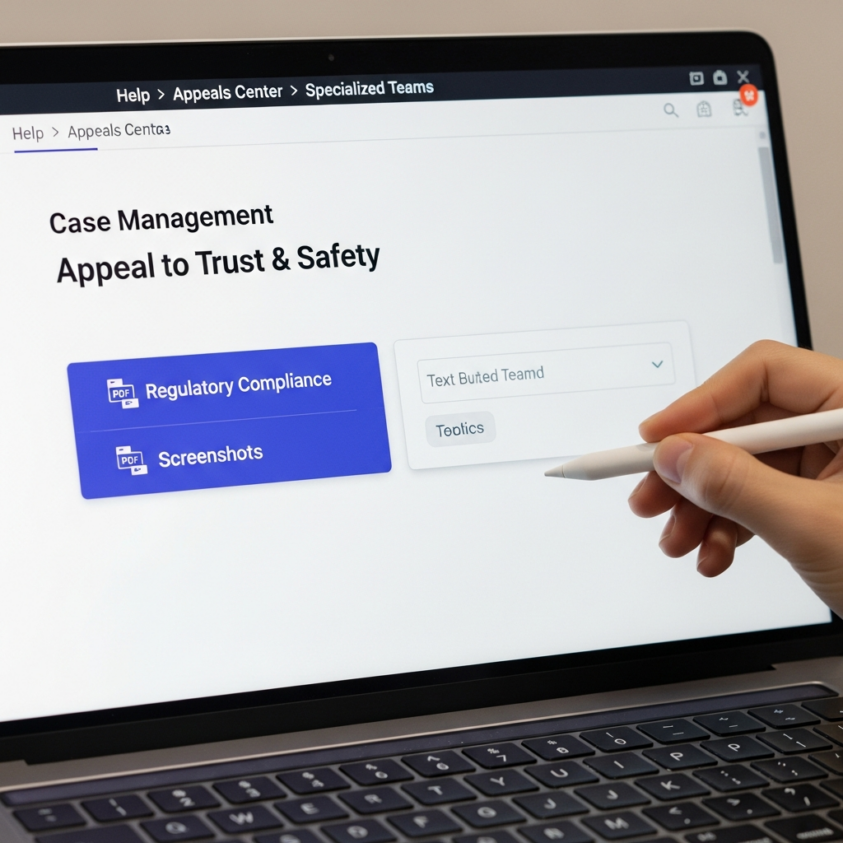
When a standard ticket doesn’t resolve a listing issue, it is important to know which lever to pull. Walmart utilizes specialized departments like the Trust & Safety team for regulatory and prohibited item appeals. These teams operate under different protocols than general Seller Support.
When filing an appeal, documentation is key. If you are battling a pricing violation, provide screenshots of the Pricing Dashboard and evidence of the “Reference Price” if you believe it is an error. If navigating these technical hurdles becomes overwhelming, professional teams like EHP Consulting Group specialize in managing marketplace complexity. By understanding the distinction between a simple data error and a Trust & Safety violation, you can tailor your communication to the right department. If you need assistance with an account suspension or a complex technical issue, do not hesitate to contact us for expert guidance.
Need Help Growing Your Sales?
We are here to help you scale.
Stay ahead with the latest tips and trends in online selling:
🎥 YouTube – EHP Consulting Group
📱 EHP Consulting Group
Written By: Janine Alaban
Email: info@ehpconsultinggroup.com
Website: http://www.ehpconsultinggroup.com
Number: 925-293-3313
Date Written: August 5, 2026