 (925) 293-3313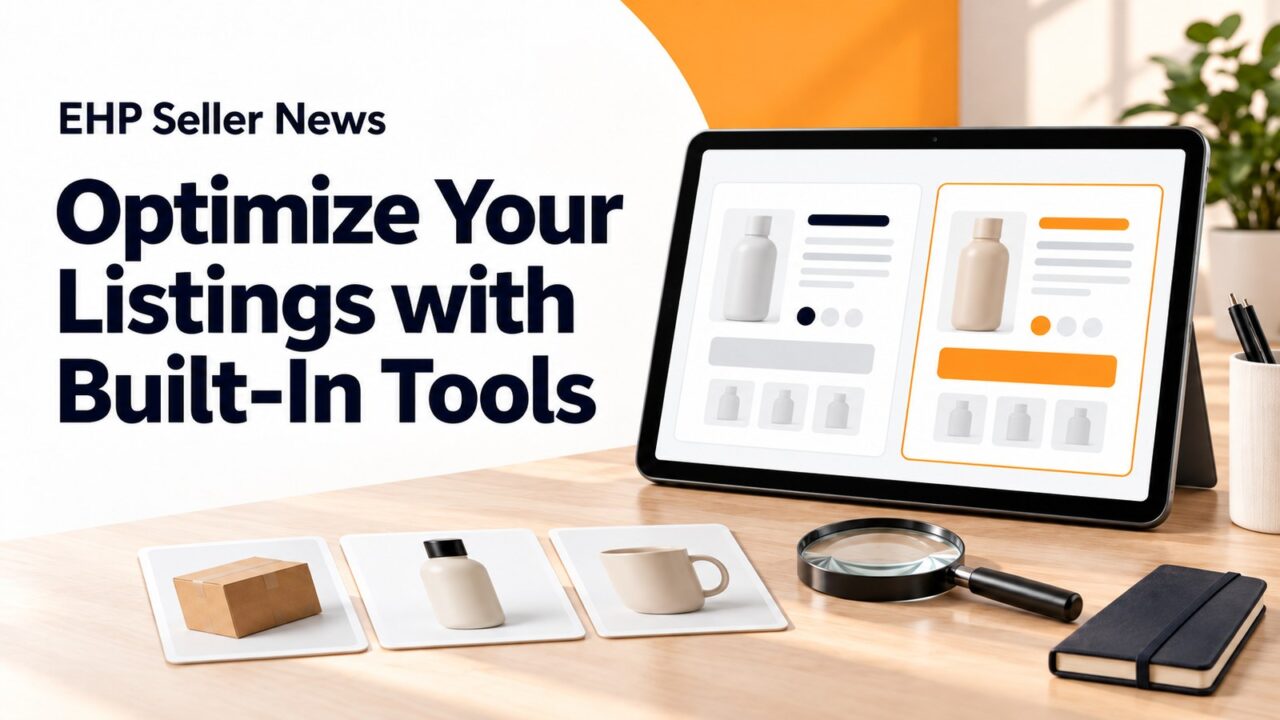
Your Seller Central account includes powerful tools designed to help you improve listings and drive more sales.
Here are some ways to put them to work:
- A/B test what drives sales with Manage Your Experiments. Test your main images, titles, and A+ Content to see which version drives more purchases. Let the data decide – even small changes can meaningfully improve conversion rates.
- Discover how customers search for your products. The Search Query Performance dashboard shows you the exact terms customers type when looking for products like yours. Weave these insights into your titles, bullet points, and backend keywords to match how customers shop.
- Use image slots to stand out through Image manager. Make sure you include high-resolution images (at least 1,000 pixels) to enable zoom, infographics highlighting key features and benefits, size guides and dimension comparisons, and lifestyle shots showing real-world use. Your second image is especially important as it appears alongside your main image in mobile search results, where most customers shop.
To learn more, go to Intro to Seller Central.