
 (925) 293-3313
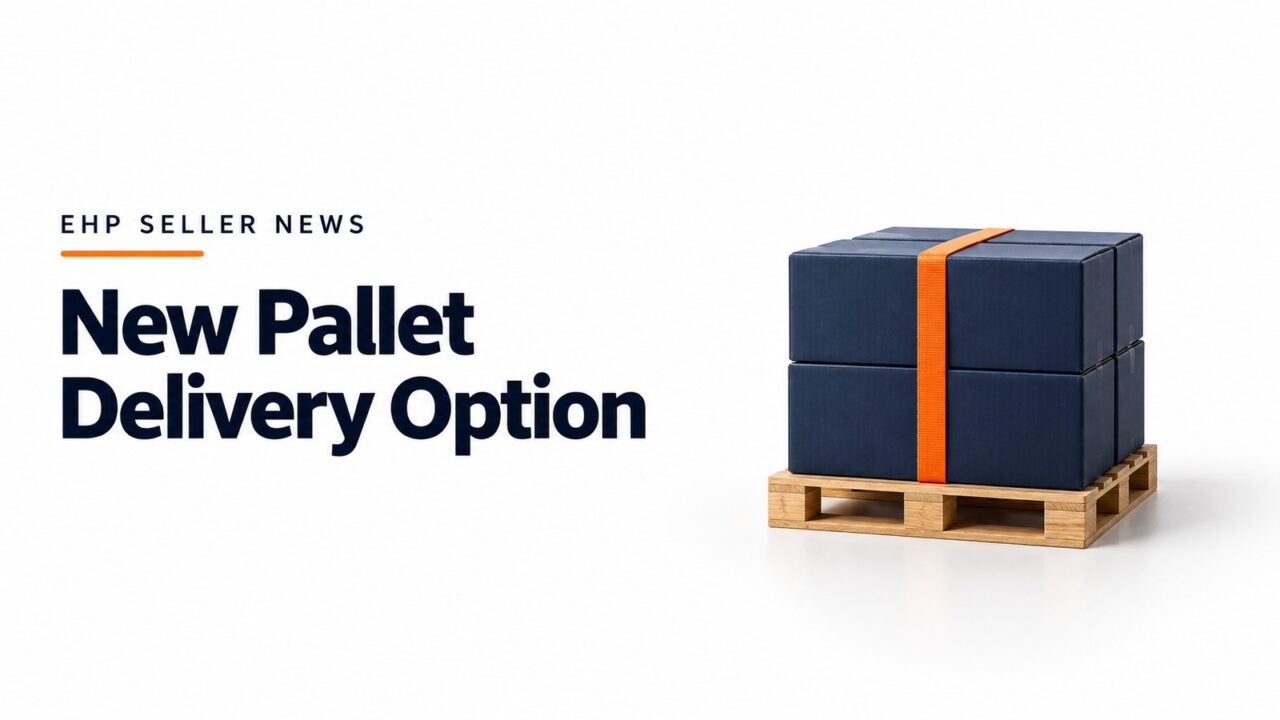
Pallet delivery is now available as a shipping option for your Fulfilled by Merchant Amazon Business orders.
Pallet delivery is the preferred delivery method for many business customers and can encourage more units per order. During our pilot program, 80% of business customers chose pallet delivery when it was offered, most of them choosing pallet over faster shipping options.
Pallet delivery can help you sell more units, improve margins, and make your operations more efficient. According to our 2025 research, US FBA pallet orders generated an average of 16 times more revenue per order than non-pallet orders.
To qualify, orders must meet these requirements:
- Order quantity must be greater than 1 unit
- Weight over 500 lbs or size larger than 30 cubic feet
- Delivery to a commercial address
To enable pallet delivery:
- Go to Shipping Settings.
- Select Create New Shipping Template.
- Create a new shipping template or select an existing freight shipping or parcel template then click OK.
- In the template editor, select the box next to Pallet Delivery to enable, then add regions, transit time, and shipping fee.
As pallet orders typically need longer handling times, you can adjust the estimated delivery date for these orders. To add pallet-specific handling times, go to Handling time within Shipping Settings
For more information, go to Amazon Business Pallet Delivery.