 (925) 293-3313
It’s a scenario that strikes fear into the heart of any Amazon seller: you log into your account to check your campaign performance, and your ad spend is zero. Your sales have plummeted. Your ads have stopped running, but you never received a notification, an email, or a performance alert. This silent shutdown is a frustrating reality, and it means your product has likely been deemed ineligible for advertising.
Before you panic, you need to confirm the suspension. The simplest way is to go into your advertising console and try to add the affected product to a brand-new campaign. If the product appears as “ineligible” or “not approved,” you have a confirmed suspension on your hands. The good news is that you can almost always fix it. Here is the step-by-step process to get your ads reinstated and your sales back on track.

1. Contact Amazon Ads Support Immediately
Your first action should be to open a case with Amazon Advertising support. It is crucial that you contact the advertising-specific support team, not the general seller support team, as they are the ones equipped to handle this issue. In your case log, be specific. Provide the ASIN of the product in question and state that its advertising eligibility has been suspended. Ask them to provide the specific reason for the suspension.
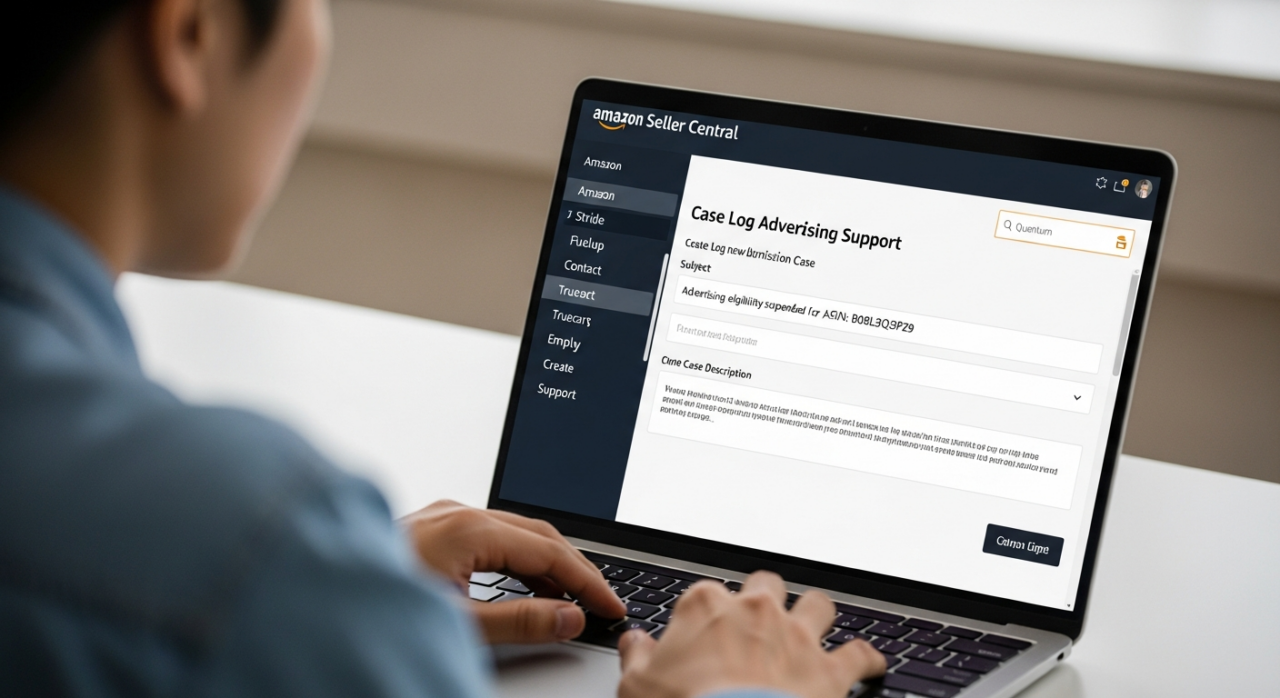
Be prepared for a vague initial response. The quality of support can vary, and you may be told to simply review Amazon’s advertising policies. Be persistent. Politely reply to the case and ask again for the *exact* element of your listing that is violating policy. Sometimes it takes two or three attempts to get a representative who will pinpoint the problem, such as a specific keyword in your title or a non-compliant product image.
2. “Clean” Your Product Listing
While you wait for a detailed response, you need to audit and “clean” your product detail page. The suspension is almost always triggered by something on your listing that violates Amazon’s strict advertising guidelines. Review your title, bullet points, product description, backend keywords, and all images for potential violations.

Common triggers include:
- Unsubstantiated Claims: Words like “guaranteed,” “all-natural,” or specific health claims can cause problems.
- Promotional Language: Phrases like “best seller” or “on sale” are not allowed in many parts of the listing.
- Non-compliant Images: Images with distracting text, logos (other than your own on the product), or models pointing off-screen can be flagged.
To be safe, you might consider stripping your listing down to its most basic form: a simple, compliant title, a single main image on a white background, and basic bullet points. This creates a clean slate for the review process.
3. Request Reinstatement and Follow Up
Once you have cleaned your listing, update your support case. Inform the representative that you have thoroughly reviewed and updated the listing for ASIN [Your ASIN] to be fully compliant with Amazon’s advertising policies. Ask them to please review the product and reinstate its advertising eligibility.
In some cases, the system’s automated check might catch your compliant changes and reinstate your ads within minutes. However, do not rely on this. It is more common that a manual review is required. If you don’t see your eligibility restored within a day, follow up on the case again.
4. Re-introduce Changes Slowly After Reinstatement
Once your ads are back up and running, resist the urge to immediately add all of your optimized copy and images back at once. This is the most critical step to prevent a future suspension. Re-introduce changes to your listing one at a time, waiting at least 24 hours between each update.
For example, first add your revised bullet points. Wait a day and check that your ads are still running. Then, add your A+ Content. Wait again. Then, add your secondary images. By following this methodical process, if your ads get shut down again, you will know the exact change that caused the violation. This allows you to isolate the problem element without having to guess.
5. Analyze Competitors’ Sponsored Ads
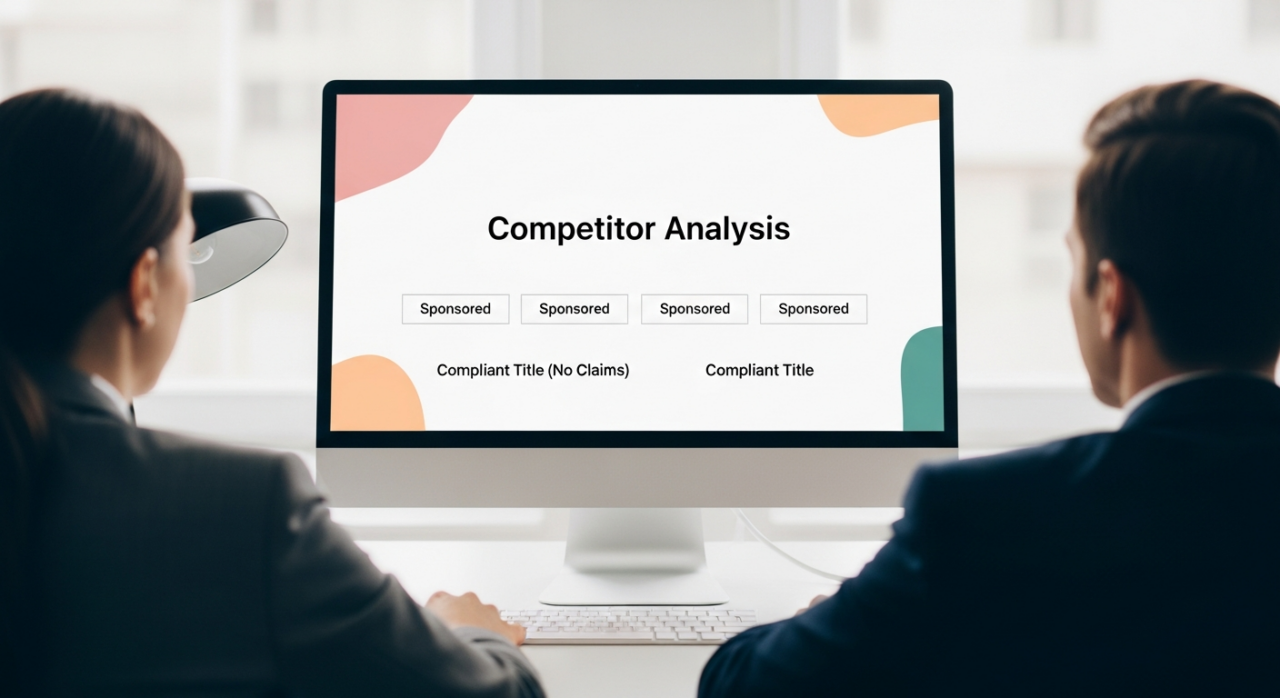
As you rebuild your listing, use your competition as a guide. Search for your main keywords and look at the top sponsored results. These are listings that Amazon is currently approving for advertising. Analyze their titles, main images, and the language they use. While this is not a substitute for reading Amazon’s official policies, it provides real-world insight into what is currently considered compliant and effective in your category. Never copy a competitor directly, but use their approved ads as a reference point for structure and tone.
Navigating an ad suspension can be a complex and time-consuming battle. If you’ve followed these steps and are still struggling, or if you’d rather have experts handle the process from the start, consider reaching out. You can review past successes and see how we’ve helped other brands overcome similar challenges. For a direct consultation on your specific situation, contact our team today.
Need Help Growing Your Sales?
We are here to help you scale.