 (925) 293-3313
In the world of Amazon e-commerce, few things carry as much weight as a message from the Seller Performance team. These notifications are your direct line of communication with Amazon regarding the health and compliance of your account. Ignoring them is not an option; it’s a direct path to jeopardizing your business. Understanding what these alerts mean and how to respond is a critical skill for every seller.
Think of your Performance Notifications dashboard in Seller Central as the central nervous system of your Amazon store. While email alerts are helpful, they can get lost in spam filters. Making it a daily habit to check your dashboard directly under Performance > Performance Notifications is the only guaranteed way to stay informed.
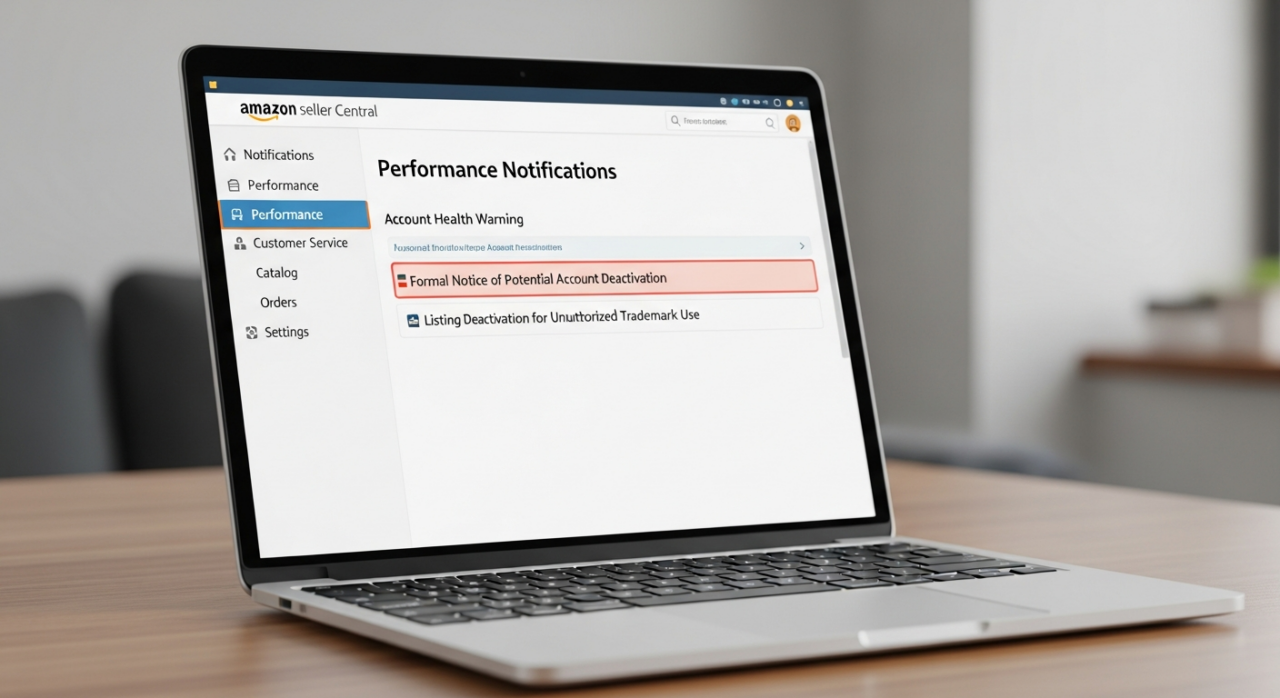
1. Understand the Severe Consequences of Inaction
Failing to address a Performance Notification promptly can trigger a devastating chain reaction. The consequences aren’t just minor warnings; they can cripple your operations and cash flow. These penalties often escalate and can include:
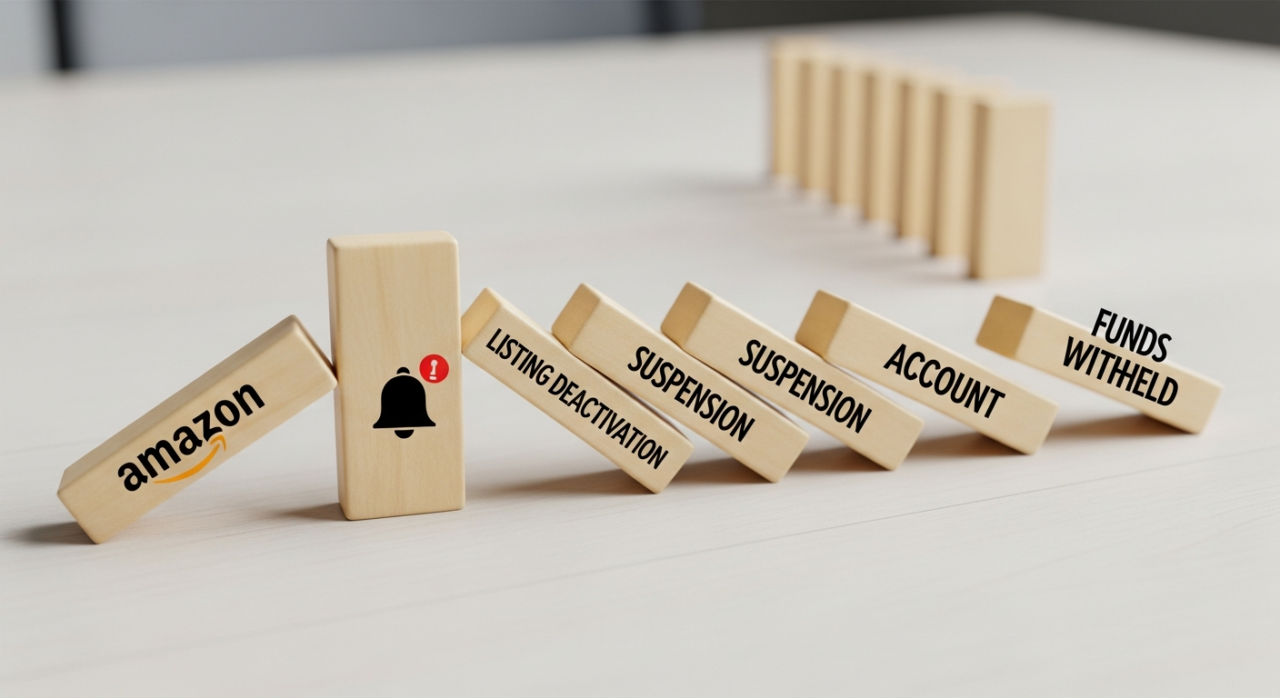
- Listing Deactivation: Amazon can pull individual product listings for a variety of reasons, from customer complaints to compliance issues, immediately halting sales for that item.
- Account Suspension: More severe or repeated violations may result in a temporary shutdown of your entire store. All your listings become inactive, and your ability to sell is frozen.
- Account Deactivation: This is the most severe penalty, a permanent closure of your selling account. This is typically reserved for serious offenses, such as selling counterfeit goods or manipulating the platform.
- Withholding of Funds: Perhaps the most painful consequence for any business, Amazon has the right to hold your funds during a suspension or deactivation. This hold, designed to cover potential refunds and A-to-Z claims, can last 90 days or even longer, severely impacting your cash flow.
2. Decode the Different Types of Notifications
Not all notifications are created equal, but all require your attention. Learning to recognize the most common types will help you prioritize and respond effectively. You’ll frequently encounter:

- Account Health Warnings: These alerts notify you when your key performance metrics are slipping. Amazon is strict about its standards, requiring an Order Defect Rate (ODR) below 1%, a Pre-fulfillment Cancel Rate under 2.5%, and a Late Shipment Rate below 4%. A warning here is your chance to correct course before a suspension and to protect your Buy Box eligibility.
- Policy Warnings: This is a direct notification that you have violated one of Amazon’s many selling policies.
- Listing Deactivation for Unauthorized Trademark Use: A serious intellectual property complaint. This means Amazon’s system or a brand owner has flagged your listing for infringing on a trademark, often in the title, images, or description.
- Listings at Risk of Deactivation: Consider this an urgent, final warning. You are being given a brief window to fix a specific issue before the listing is automatically removed.
- Formal Notice of Potential Account Deactivation: This is the most critical alert you can receive. It signals that your account is on the verge of being closed, and you have a limited time to provide a satisfactory appeal to prevent it.
3. Act with Urgency—The Clock is Ticking
The single biggest mistake a seller can make is delaying their response. Many notifications come with a strict deadline, and inaction is interpreted by Amazon as an admission of fault.
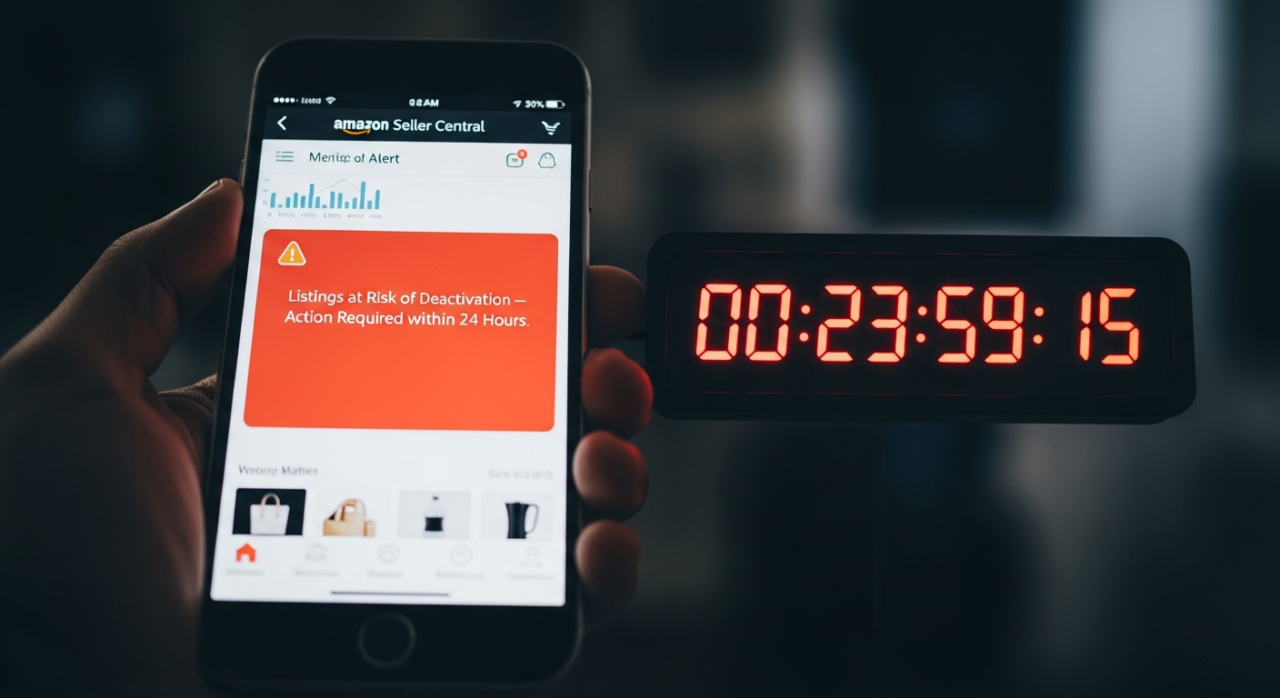
For instance, an alert about an unauthorized trademark might give you a very short window—sometimes less than 24 hours—to edit the listing yourself. If you miss that deadline, the listing can become “tombstoned,” locking you out from making simple edits and forcing you into a much more complex appeal process. Failure to respond within the given timeframe almost always leads to an automatic escalation of the penalty, turning a simple fix into a potential account suspension.
4. Craft a Winning Plan of Action (POA)
When your account is suspended, your path to reinstatement is the Plan of Action (POA). This isn’t just an apology; it’s a formal business document that must convince Amazon that you understand the problem and have implemented robust solutions. Navigating this process can be difficult, and sometimes expert assistance is required. A successful POA has three core components:
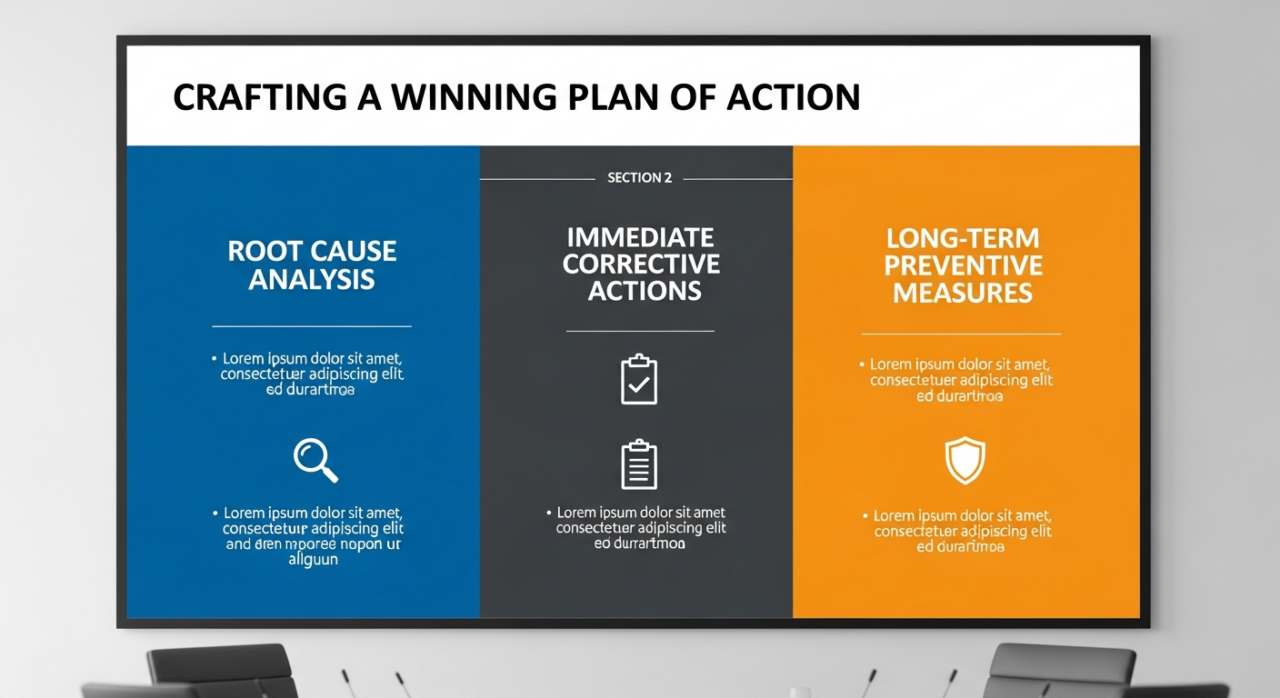
- The Root Cause: Clearly and concisely identify the fundamental reason the problem occurred. Don’t make excuses. Dig deep to show you understand the underlying issue, whether it was a flaw in your inventory management, a lack of policy knowledge, or an oversight in your listing creation process.
- Immediate Corrective Actions: Detail the specific steps you have already taken to resolve the issue for any affected customers or listings. This could include refunding buyers, removing problematic inventory, and correcting non-compliant listings.
- Long-Term Preventative Measures: This is the most important part of your POA. Outline the new systems, processes, or software you have implemented to ensure this specific problem will never happen again. This could involve using tools like Jungle Scout to better manage your listings or subscribing to new inventory software. This demonstrates to Amazon that you are a reliable seller committed to long-term compliance.
If your appeal is denied, your final recourse to recover held funds may be to enter into formal arbitration with Amazon, a complex and often costly process. Proactive compliance and effective appeals are always the better course. For complex cases, considering professional services from an experienced agency like EHP Consulting Group can make all the difference. Don’t hesitate to contact an expert for help.
Need Help Growing Your Sales?
We are here to help you scale.