 (925) 293-3313
Navigating the complexities of Amazon’s compliance rules can feel like trying to hit a moving target. One wrong keyword or a missing certificate can bring your sales to a screeching halt with a dreaded listing block. To keep your products alive and your account in good health, you need a strategy that is both proactive and reactive. Our expert services are designed to help you with just that. Here are the essential steps to manage product certifications and handle listing blocks effectively.
1. Use Amazon’s Compliance Reference Tool
Before your product even goes live, your first stop should be Amazon’s own toolkit. The “Manage Your Compliance” dashboard is a powerful, yet underutilized, resource that allows you to self-assess the requirements for your products. Think of it as your compliance cheat sheet.
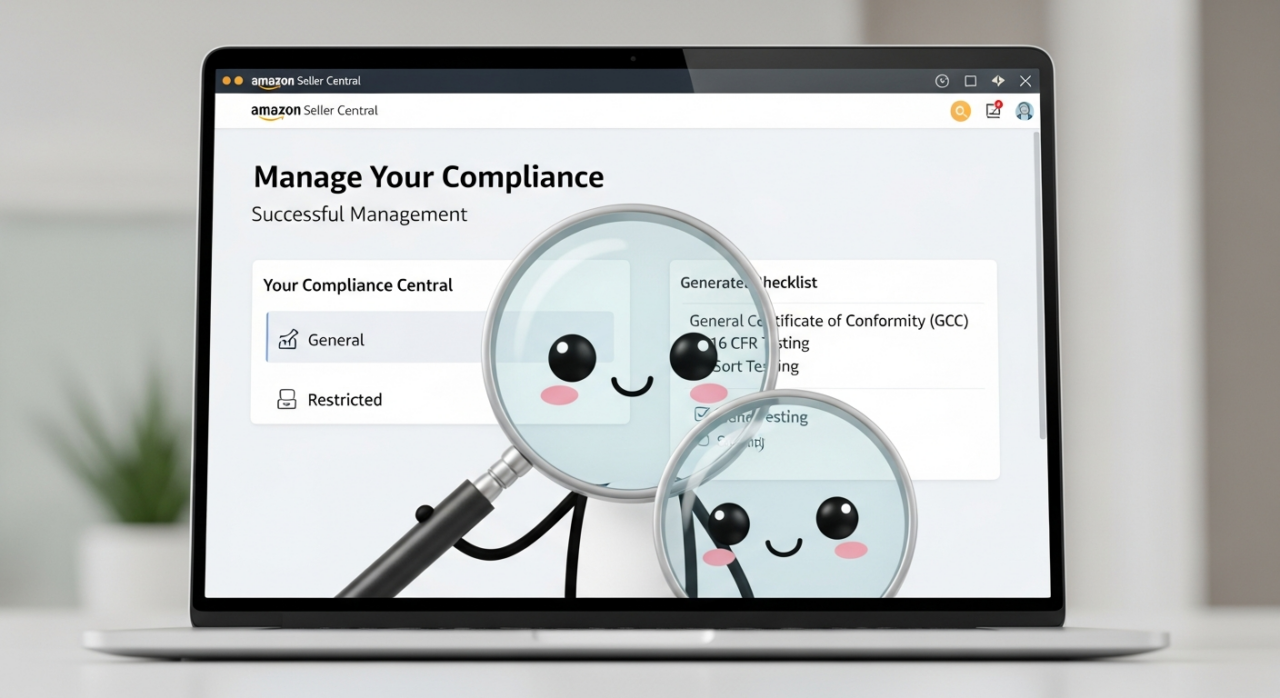
To get started, navigate to this dashboard from your Account Health page in Seller Central. Here’s how to use it to your advantage:
Initiate an Assessment: Start a self-assessment and select the country where you plan to sell.
Input Product Details: You can search by product type, keyword, or even an existing ASIN to find relevant regulations.
Review Your Requirements: The tool will generate a list of applicable compliance documents and regulations for your product. This could include requirements for a General Certificate of Conformity (GCC), specific testing reports like 16 CFR for children’s products, or other necessary certifications. Use this information to gather your documentation before Amazon ever has to ask for it.
2. Master the ‘Dummy Listing’ Strategy
Some of the most frustrating listing blocks are triggered by Amazon’s automated keyword bots, which can flag perfectly compliant products. To safely test your listing copy—including titles, bullet points, and descriptions—without risking your main ASIN, use the “dummy listing” method. This is your personal sandbox for testing potentially problematic phrases. For a visual guide on this process, check out our helpful video walkthrough.
Follow these steps to create a safe testing environment:
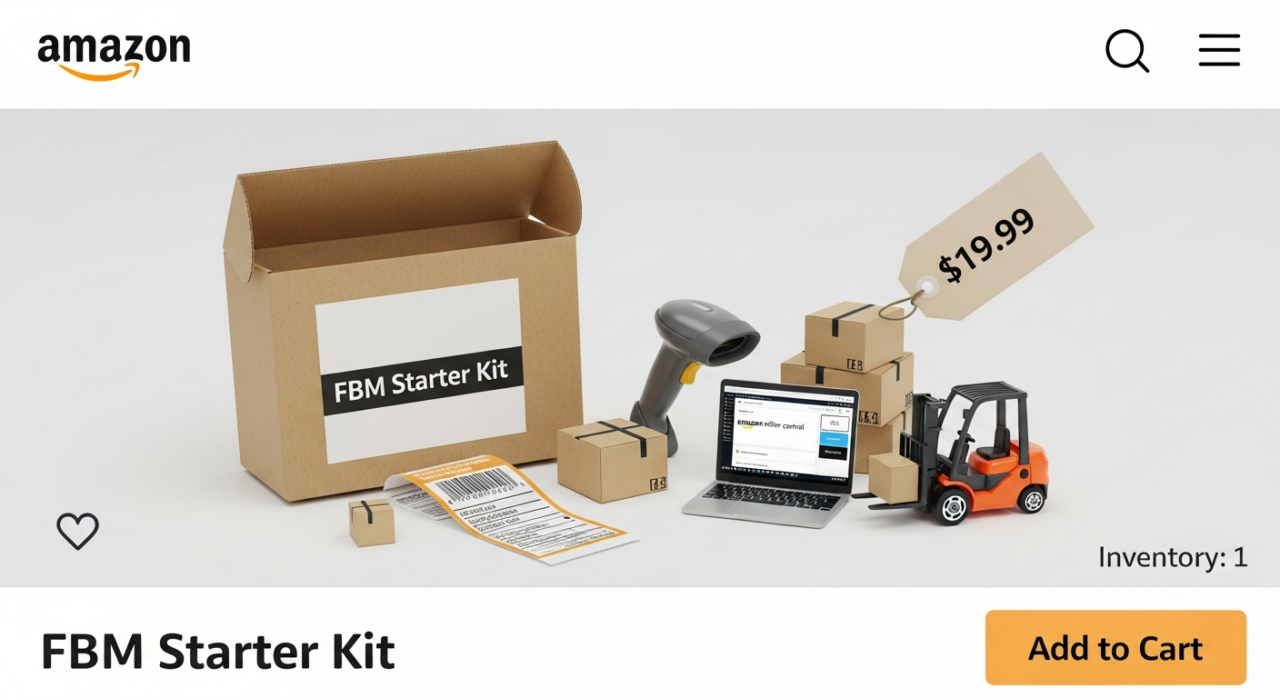
Create a Test Listing: In your inventory, create a brand new listing for your product with a new UPC. You can also use the “copy listing” function, but ensure it has a unique ASIN.
Isolate Variables: Only change one element at a time. If you’re testing a new title, keep the bullet points the same as your original. This helps you pinpoint the exact trigger if the listing gets flagged.
Set It Up for Safety: List the product as Fulfilled by Merchant (FBM), set the inventory to just one unit, and price it extremely high to prevent any accidental sales.
Wait and Watch: Let the dummy listing sit for at least 48 hours. This gives Amazon’s systems enough time to scan and react to it. If it remains active, you can be more confident that the new copy is safe to apply to your primary listing. If it gets blocked, you’ve found your problem word without harming your sales rank or velocity. If you’d rather have an expert eye on your copy, consider our free listing audit.
3. Identify the Root Cause of the Block
If you’re already facing a blocked listing, your first task is to play detective. Amazon’s bots are constantly scanning for claims and keywords that violate policy, especially those related to medical or restricted products.
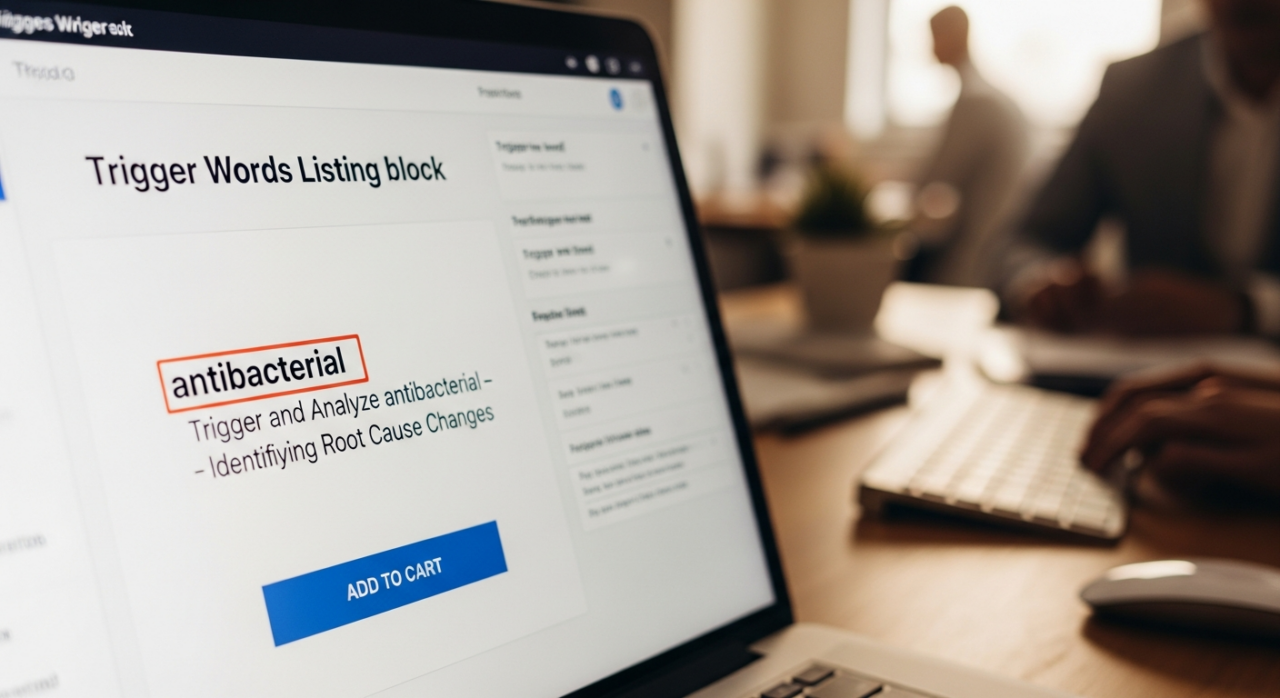
Common triggers include:
Medical and Disease Claims: Using words that suggest your product can “diagnose, cure, treat, or prevent” a disease is a major red flag for non-FDA-approved products. Terms like “antibacterial,” “anti-inflammatory,” or mentioning specific conditions like “insomnia” can cause an immediate block.
Restricted Keywords: Your product might be compliant, but a single word associated with a restricted category (like pesticides, for example) can get it flagged. Tools like Helium 10 and Jungle Scout can be useful for researching potentially problematic keywords before you use them.
Your first place to look for clues is in Seller Central. Check your Performance Notifications and the “Product Policy Compliance” section of your Account Health dashboard for the specific violation details.
4. Follow a Methodical Reinstatement Process
Once you’ve identified the likely cause, it’s time to take action. A panicked, haphazard approach won’t work. Follow a clear, step-by-step process. You can see how we’ve navigated these issues successfully in our case studies.

Open a Case: Immediately open a case with Seller Support to document the issue. If you are brand-registered, contacting the Brand Registry Support team often yields better results. This creates a paper trail and gets your issue in the queue.
Edit Your Listing: Before you even think about appealing, go into your listing and remove every potential trigger word you identified. Clean up your title, bullet points, description, and backend keywords.
Submit a Clear Appeal: Go to your Account Health dashboard, find the violation, and click “Appeal.” In your appeal, explain the corrective actions you have taken. Don’t just say “we fixed it.” Write a concise plan of action that details the root cause (e.g., “We inadvertently used a restricted medical term”), the immediate actions taken (e.g., “We have removed the term ‘antibacterial’ from our title and description”), and the preventative steps you will take to avoid it in the future.
Monitor and Follow Up: Keep an eye on your case log. Amazon usually responds within a few days. Be prepared to provide any additional information they request promptly.
The success stories from our clients, which you can read in our testimonials, often highlight the importance of this methodical approach. If the process feels overwhelming, don’t hesitate to contact us for direct assistance.
5. Understand FDA and Certification Nuances
Not all compliance is created equal, and misunderstanding the details, especially around the FDA, can lead to serious issues. For those who want to dive deeper into these complex topics, we offer in-depth training in our Amazon seller courses.

Medical Devices: If your product is classified as a medical device, simply being manufactured in an FDA-registered facility is not enough. Depending on the class, it may require FDA clearance (like a 510(k)) or full pre-market approval. Falsely claiming a product is “FDA Approved” is a fast track to a permanent listing removal.
Supplements & Food: These products are not “approved” by the FDA, but they must be produced in FDA-registered facilities and adhere to strict labeling regulations. The focus is on facility compliance and ensuring no misleading health claims are made.
General Product Safety: For a vast array of other products, from toys to electronics, Amazon requires proof of safety. This is typically a General Certificate of Conformity (GCC) and full test reports from an accredited lab, confirming the product meets U.S. safety standards. Refer back to the Compliance Reference tool to see exactly what you need.
Staying ahead of compliance is key to long-term success on Amazon. For comprehensive support and expert guidance, visit our team at EHP Consulting Group.
Need Help Growing Your Sales?
We are here to help you scale.
Written By: Liezel Felisilda
📺 YouTube: EHP Consulting Group on YouTube
🎵 TikTok: EHP Consulting Group on TikTok
Email: [email protected]
Website: www.ehpconsultinggroup.com
Number: 925-293-3313
Date Written: April 24, 2026