 (925) 293-3313
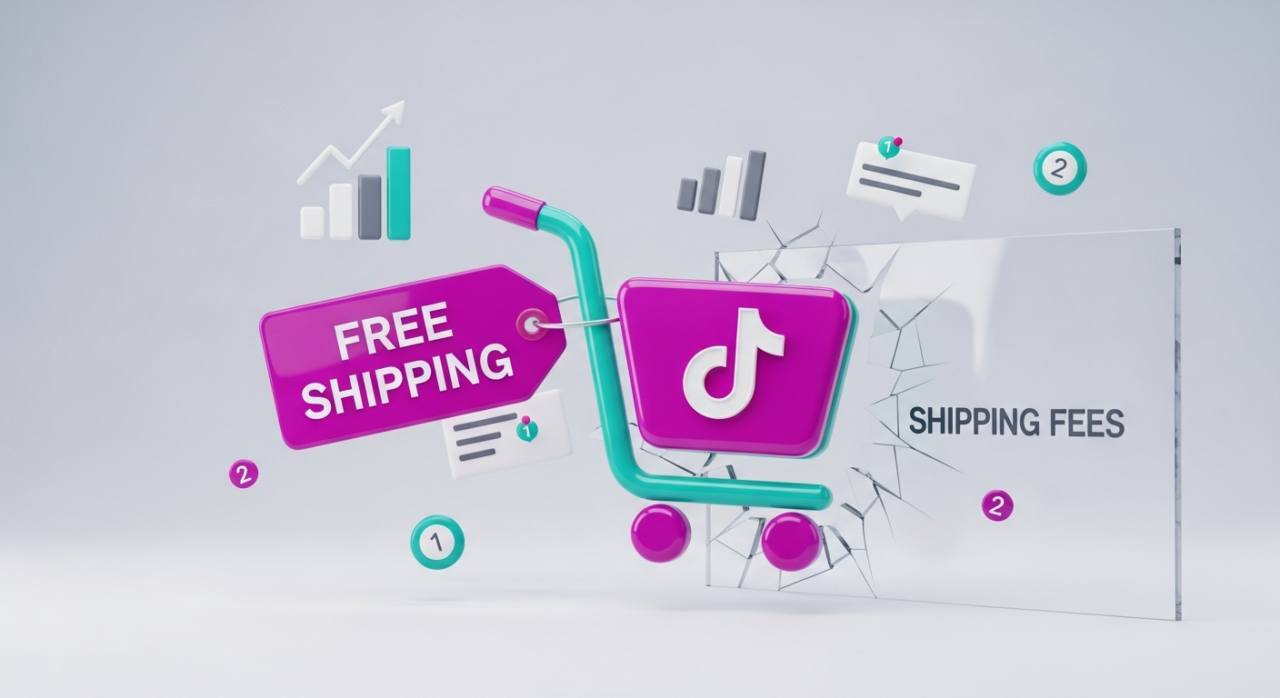
In the fast-paced world of TikTok Shop, the line between an impulse buy and an abandoned cart is razor-thin. One of the biggest friction points for customers is seeing an unexpected shipping fee at checkout. Eliminating this barrier with a clear, store-wide free shipping offer can dramatically increase your conversion rates.
Setting this up isn’t complicated. You can create a permanent free shipping promotion for all your products in just a few minutes. Here’s a straightforward guide to get it done.
1. Navigate to Your Promotional Tools
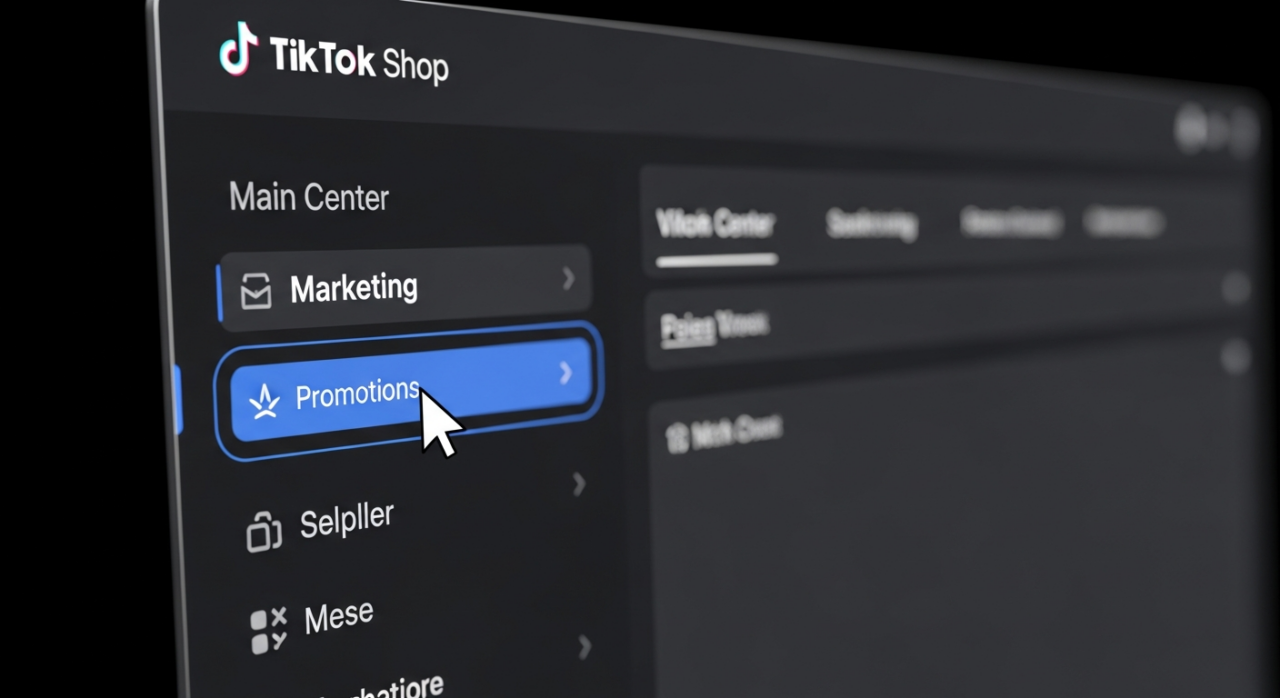
First, log in to your TikTok Shop Seller Center. On the main dashboard, look for the main menu on the left-hand side. Your destination is the Marketing tab. Clicking this will reveal several options. From there, select Promotions or Promotional Tools to access the hub where you can manage all your store’s special offers.
2. Create a New Shipping Promotion
Once you’re in the Promotions section, you’ll see different types of deals you can create. Scan the options for “Free Shipping Promotion” or a similar term like “Shipping Fee Discount.” This is the specific tool you need. Click the “Create” button to begin setting up your new offer.
3. Set the Promotion Duration to Indefinite
You’ll be asked to name your promotion and set its duration. While you can run short-term campaigns, the goal here is to create a permanent, store-wide incentive. To do this, find the setting for the promotion period and select the “Indefinite” option. This ensures the free shipping offer remains active for all customers until you decide to manually turn it off.

4. Define the Scope for All Products & Areas
Next, you need to specify where and to which products the promotion applies. To maximize your reach and reduce cart abandonment across the board, configure the settings to apply to “All products” in your store. Similarly, under the regional settings, select “All areas” to ensure the offer covers every location included in your shipping templates.
5. Remove All Purchase Conditions
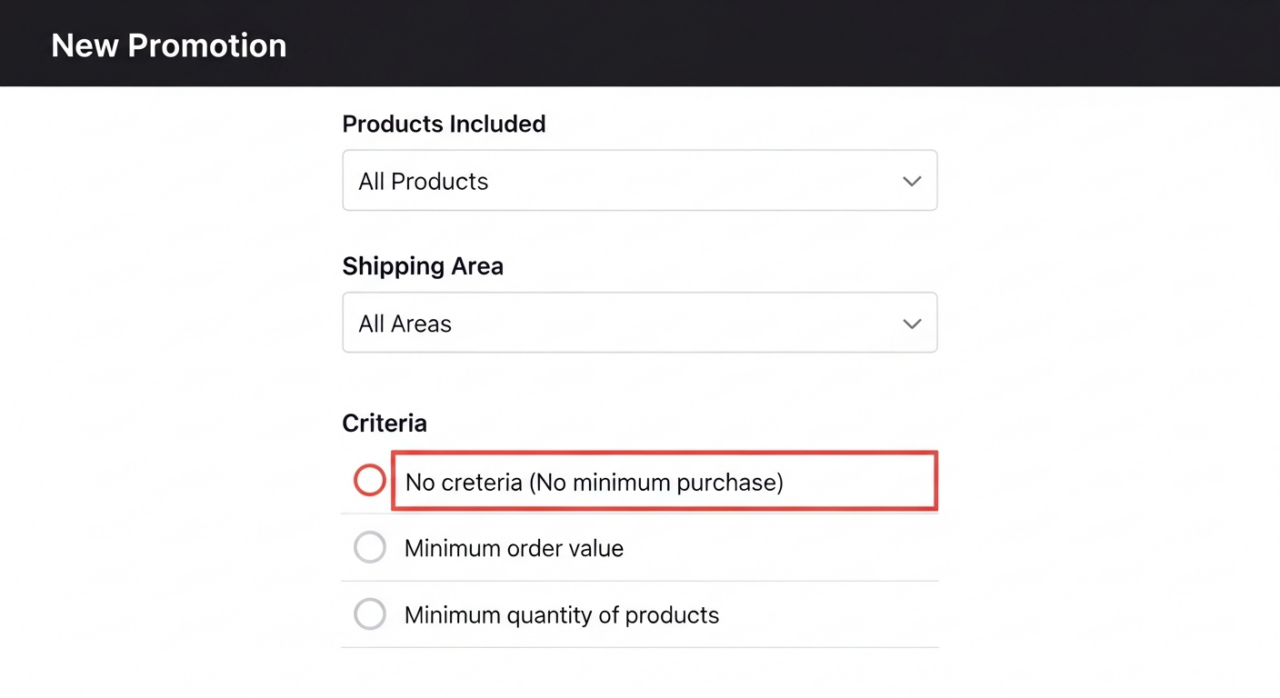
The key to capturing impulse buyers is to make the offer unconditional. The promotion tool will give you options to set criteria, like requiring a minimum order value or a minimum number of items purchased. To create a true, no-strings-attached offer, select the option for “No criteria” or “No minimum”. This guarantees that a customer buying even a single, low-cost item will still receive free shipping.
6. Publish Your Promotion
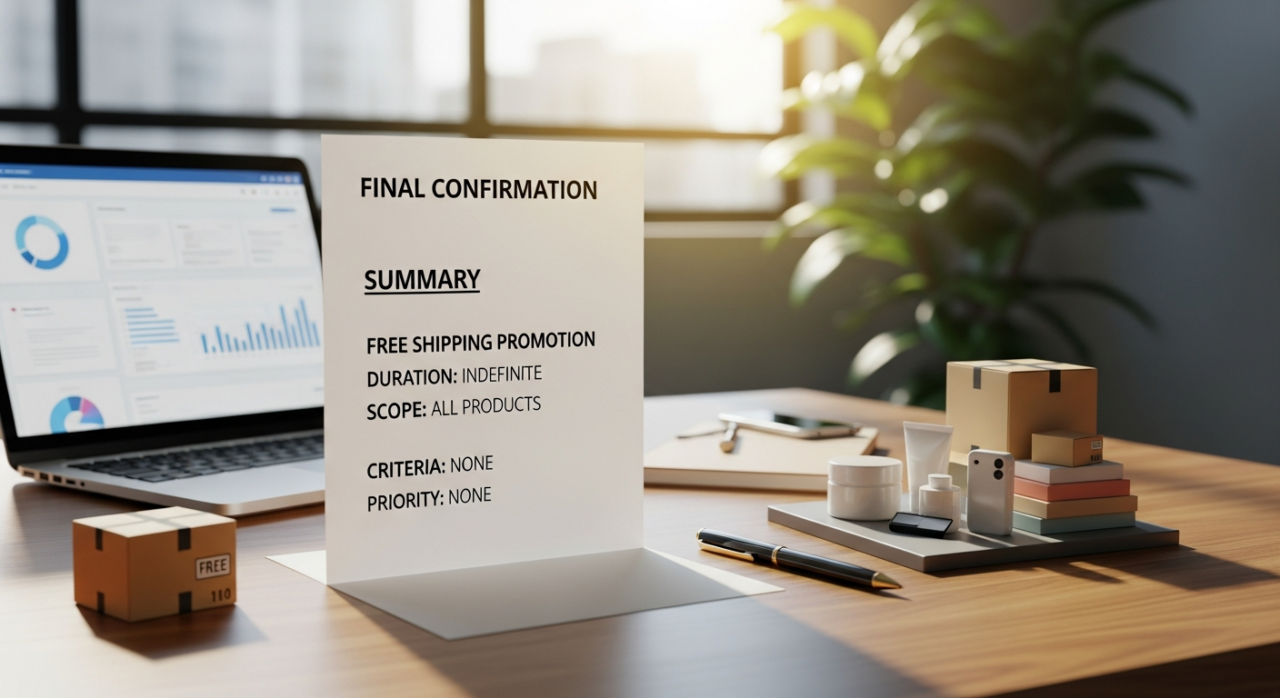
After you’ve configured all the settings—Indefinite duration, all products, all areas, and no criteria—give everything a final review. If it all looks correct, hit the “Publish” or “Submit” button. Your store-wide free shipping promotion will now be live, instantly making your products more attractive to every potential customer who lands on your page.
Mastering these settings is a powerful step. For a deeper dive into optimizing your entire store, from product listings to overall growth, exploring professional services can provide a competitive edge. If you have specific questions or need personalized guidance, don’t hesitate to contact us.
Need Help Growing Your Sales?
We are here to help you scale.
YouTube Channel Link: EHP Consulting Group on YouTube
TikTok Profile Link: EHP Consulting Group on TikTok
Written By: Ahzel P. Miral
Email: [email protected]
Website: http://www.ehpconsultinggroup.com
Number: 925-293-3313
Date Written: May 7, 2026