 (925) 293-3313
Selling on Amazon’s global marketplaces unlocks a world of opportunity, but it also introduces new complexities—especially when it comes to getting paid. Managing international currencies, understanding conversion fees, and tracking profitability can feel overwhelming. Fortunately, by understanding the tools at your disposal, you can take control of your international finances and build a more profitable global business.
Let’s break down how Amazon’s currency conversion works and explore the powerful reporting tools within Seller Central that can help you master your unit economics.
1. Demystify the Amazon Currency Converter for Sellers (ACCS)
When you sell on an international Amazon marketplace, you’re earning in a foreign currency. The Amazon Currency Converter for Sellers (ACCS) is an optional service that automatically converts those earnings into your home currency and deposits them into your local bank account. While convenient, it’s crucial to understand the costs involved.
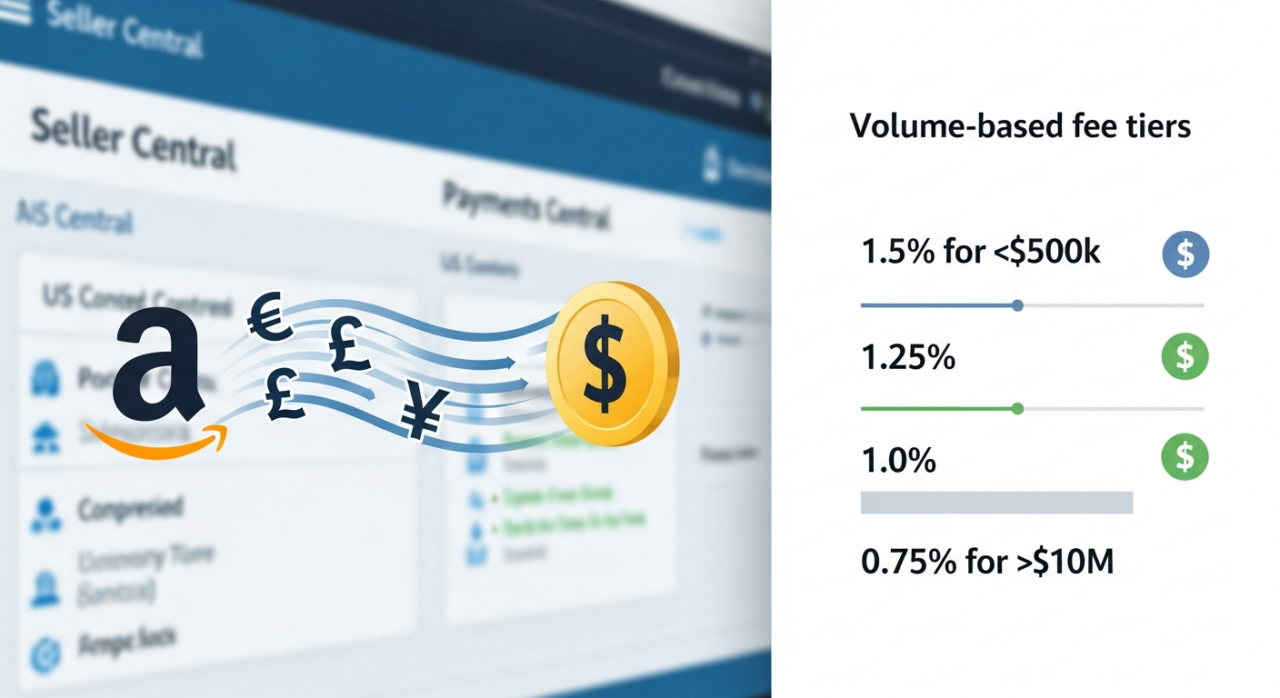
Amazon charges a volume-based fee, calculated as a percentage of your net proceeds from all linked global accounts over the past 12 months. As your sales grow, your fee percentage drops. The tiers are:
- 1.5% for net proceeds under $500,000
- 1.25% for proceeds between $500,000 and $1,000,000
- 1.0% for proceeds between $1,000,000 and $10,000,000
- 0.75% for proceeds over $10,000,000
It’s important to note that this tiered structure applies globally, and some currencies have a fixed rate. For instance, payments in Japanese Yen (JPY) have a flat 2.0% fee, while currencies like the UAE Dirham (AED), Swiss Franc (CHF), and Mexican Peso (MXN) have a flat 1.5% fee, regardless of your sales volume.
2. Explore Your Payment and Conversion Alternatives
Using ACCS isn’t your only option. Depending on your business structure and sales volume, an alternative might be more cost-effective. You can opt out of ACCS by exploring a few different paths.
First, you can open a bank account in the same country as the marketplace you’re selling in. This allows you to receive payments in the local currency without any conversion, giving you full control over when and how you convert your funds.
Second, you can leverage a third-party currency conversion service. These services often provide you with virtual local bank account details, which you can add to Seller Central. They receive the funds in the local currency and then allow you to convert and transfer them, sometimes at more competitive rates than ACCS. Services like Hyperwallet are designed for this purpose.
Finally, Amazon has also introduced the Amazon Seller Wallet. This tool allows you to hold your earnings in a digital wallet, giving you the flexibility to manage, convert, and transfer funds to your bank accounts across more than 20 currencies.
3. Leverage Seller Central’s Economics Reports
Beyond currency conversion, true financial mastery comes from understanding your profitability on a per-product basis. Amazon provides powerful tools within Seller Central to help you do just that.

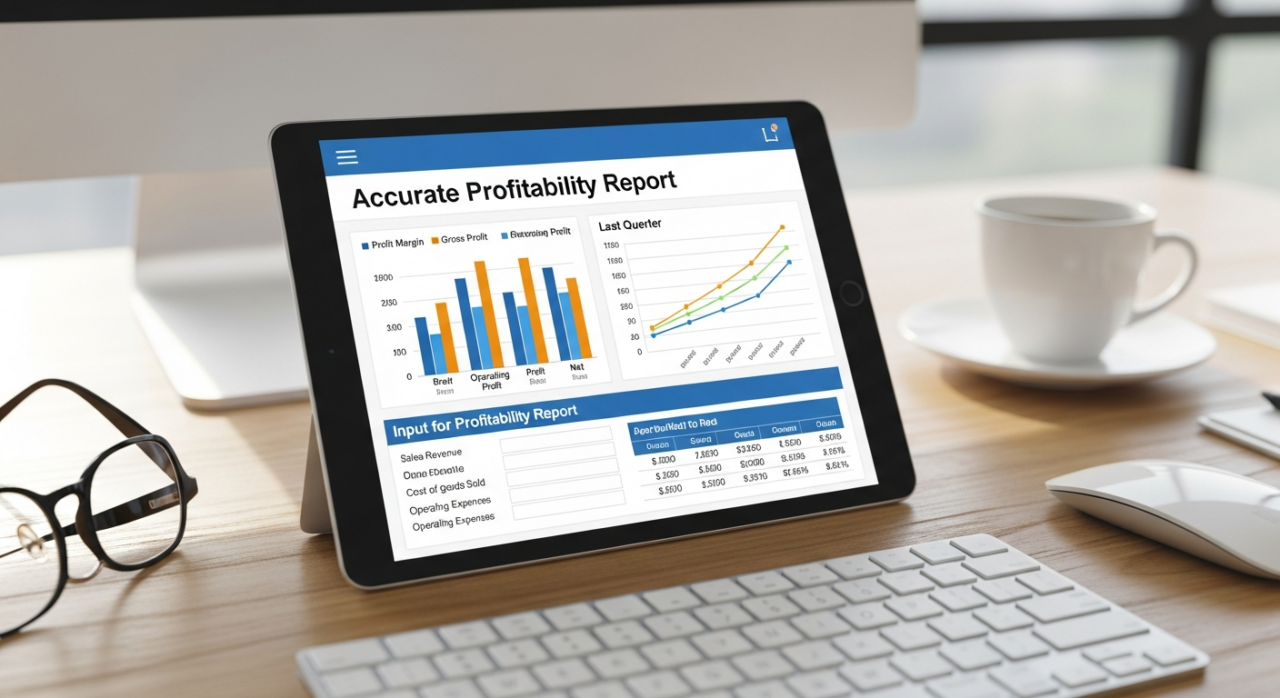
Start with the SKU Economics tool. This is your command center for understanding product-level profitability. The accompanying downloadable SKU Economics report provides a granular breakdown of your sales, fees, advertising costs, and net proceeds for every single ASIN. Use this report regularly to identify your most profitable products, spot items with shrinking margins, and make data-driven decisions about pricing, advertising spend, and inventory.

To get an even more accurate picture, use the additional financial inputs page. Here, you can upload your own cost data, most importantly, your cost of goods sold (COGS). By adding this crucial piece of the puzzle, the SKU Economics tool can calculate a much truer representation of your unit economics and net profit.
4. Forecast and Plan with the Fee Preview Report
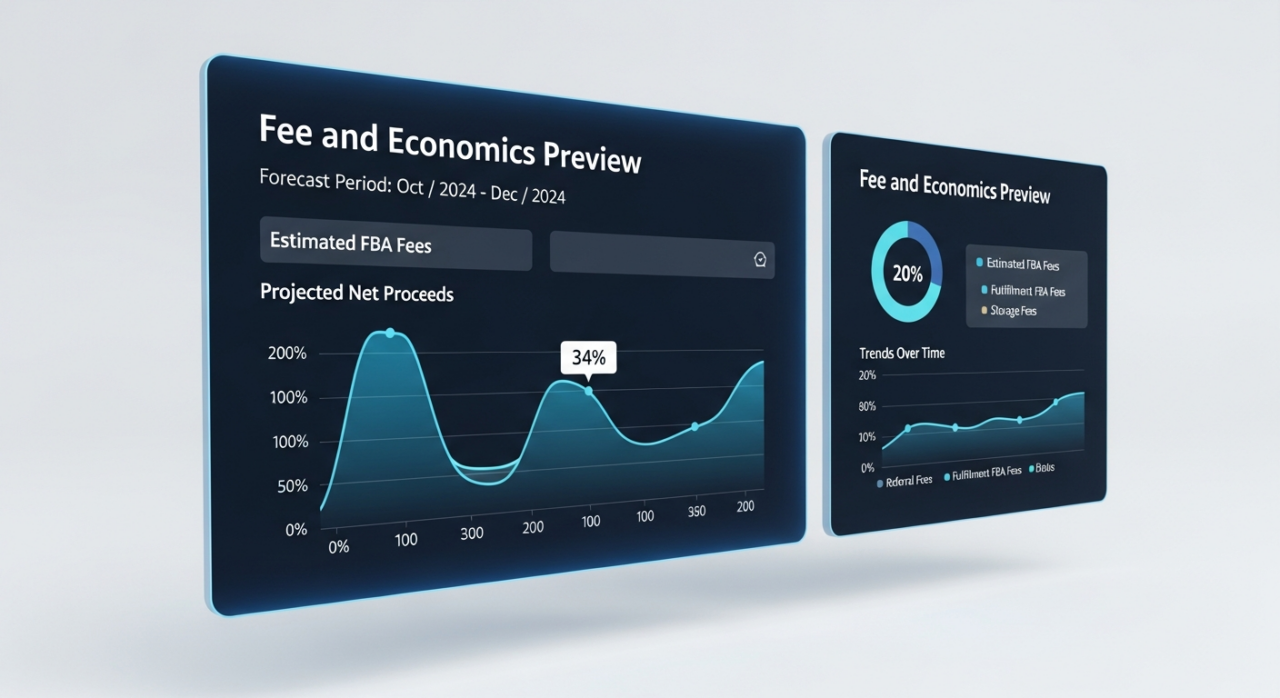
Don’t wait until after a sale to find out what your fees will be. Be proactive by using the Fee and Economics Preview report. This tool helps you estimate future fees based on your historical sales data and forecasts. It’s an invaluable resource for financial planning, allowing you to anticipate costs and adjust your strategy before they impact your bottom line. By reviewing this report, you can model how changes in pricing or fulfillment methods might affect your profitability down the road.
YouTube Channel Link: EHP Consulting Group on YouTube
TikTok Profile Link: EHP Consulting Group on TikTok
Written By: Jhan Rose Magbanua
Email: [email protected]
Website: http://www.ehpconsultinggroup.com
Number: 925-293-3313
Date Written: May 10, 2026