
 (925) 293-3313
Staying on top of your Amazon business requires real-time information, especially when you are away from your desk. While the Amazon Seller app provides push notifications, many sellers often weigh the benefits of Seller Central vs notification apps to find the most reliable method. Setting up text notifications in Amazon Seller Central is a straightforward process that can significantly improve your response time for merchant-fulfilled orders and inbound shipments.
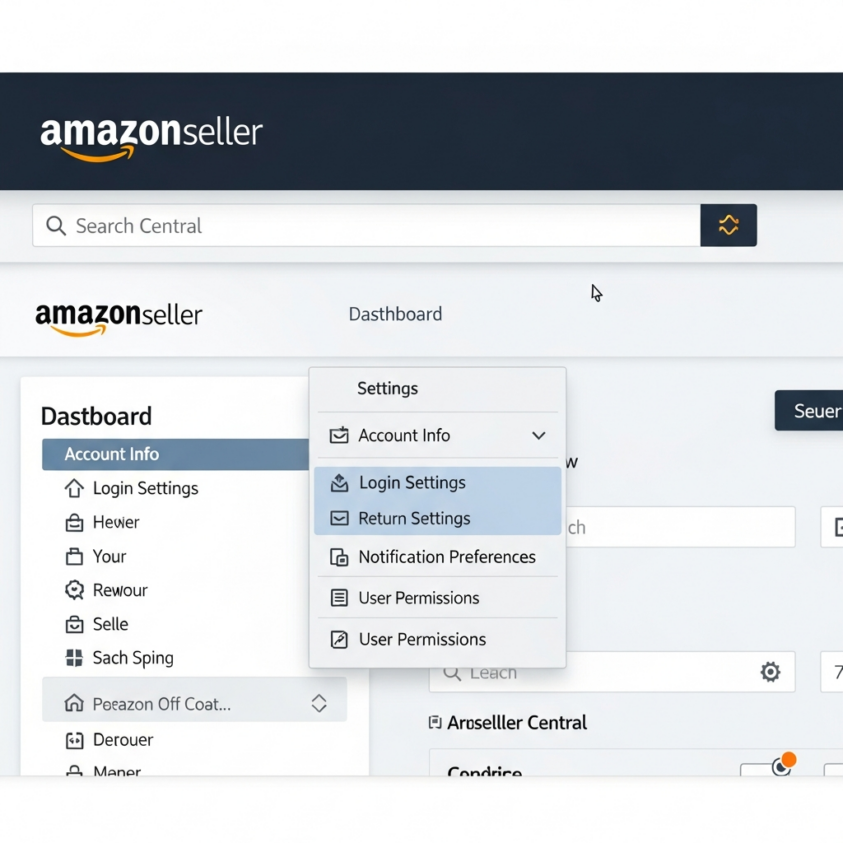
Access Your Notification Preferences
The first step to streamlining your communication is knowing exactly where to find the controls. You can learn more about how to locate seller notifications in Seller Central on Amazon by logging into your account and navigating to the gear icon in the top-right corner. From the dropdown list, select “Notification Preferences.” This dashboard is the central hub for managing how Amazon communicates with you across email, mobile app push notifications, and SMS.
Add and Verify Your Mobile Number
Before you can receive alerts, you must register your device within the “Mobile Messaging (SMS)” section. Look for the option to add a mobile phone number and enter the primary contact number for your business. For those who need more comprehensive account management, professional Amazon services can help ensure your account configuration is optimized for growth.
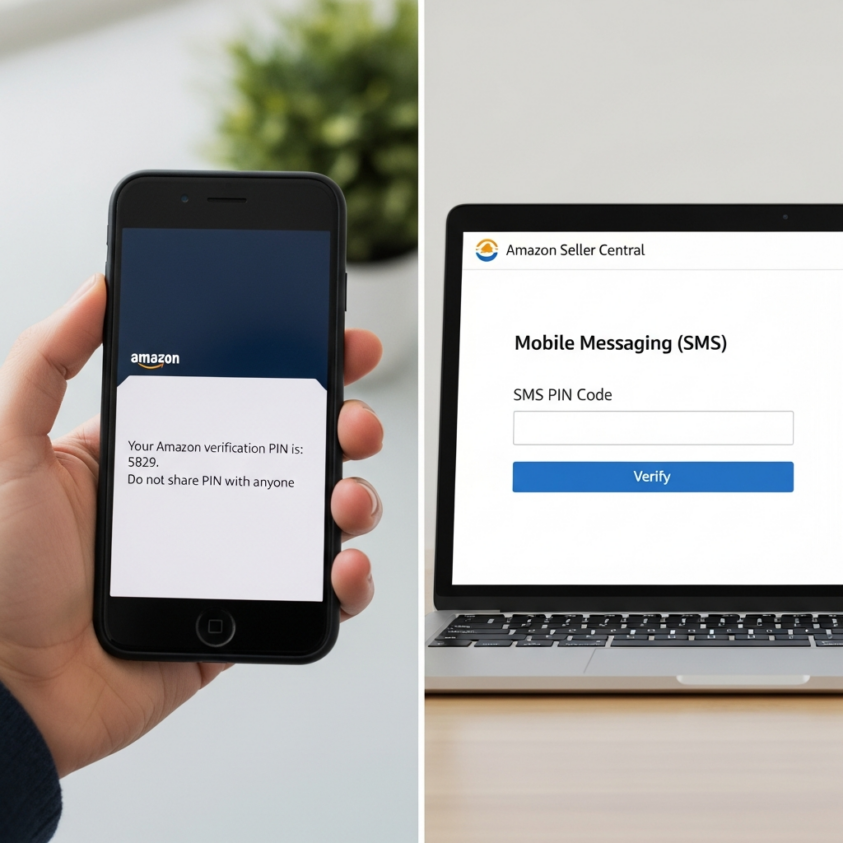
To ensure security, Amazon will not activate the service until the device is verified. They will send a 4-digit PIN code to your phone; once you receive it, enter it back into the Seller Central interface to finalize the connection. Keep in mind that while Amazon does not charge for this service, your standard carrier messaging and data rates will still apply.
Select Your SMS-Enabled Notification Types
Amazon does not send a text for every single minor update, as that would quickly become overwhelming. Instead, they focus on high-priority categories. Once your number is verified, click the “Edit” button next to specific notification categories like “Order Notifications” or “Inbound Shipment Notifications.” While you are updating your settings, it is a great time to also request a free listing audit to see where else your store can be improved.
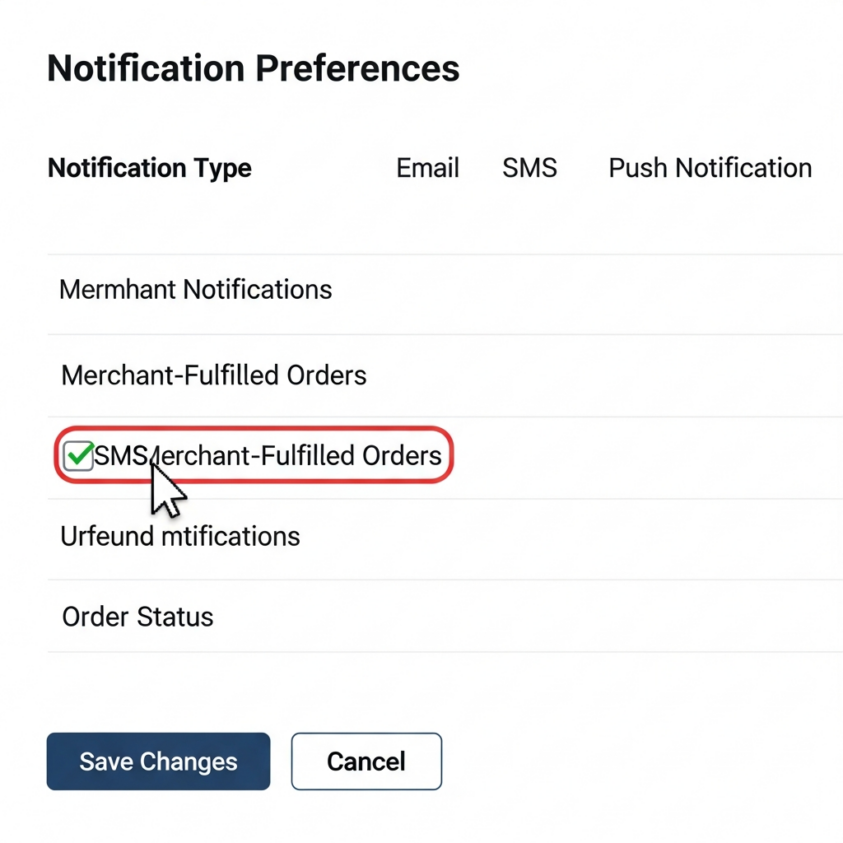
You will see checkboxes for Email and SMS. Check the SMS box for Merchant-Fulfilled (FBM) orders to get “Ready to Ship” alerts instantly. You can also enable alerts for FBA inbound shipments, so you know exactly when the warehouse begins receiving your inventory.
Utilize SMS-on-Demand Features
Beyond receiving passive alerts, Amazon offers “SMS-on-Demand” features that allow you to pull information from the system. If you are on the go, you can text Amazon to request a summary of your currently unshipped orders. For sellers looking to master these tools, specialized e-commerce courses can provide deeper insights into platform automation.
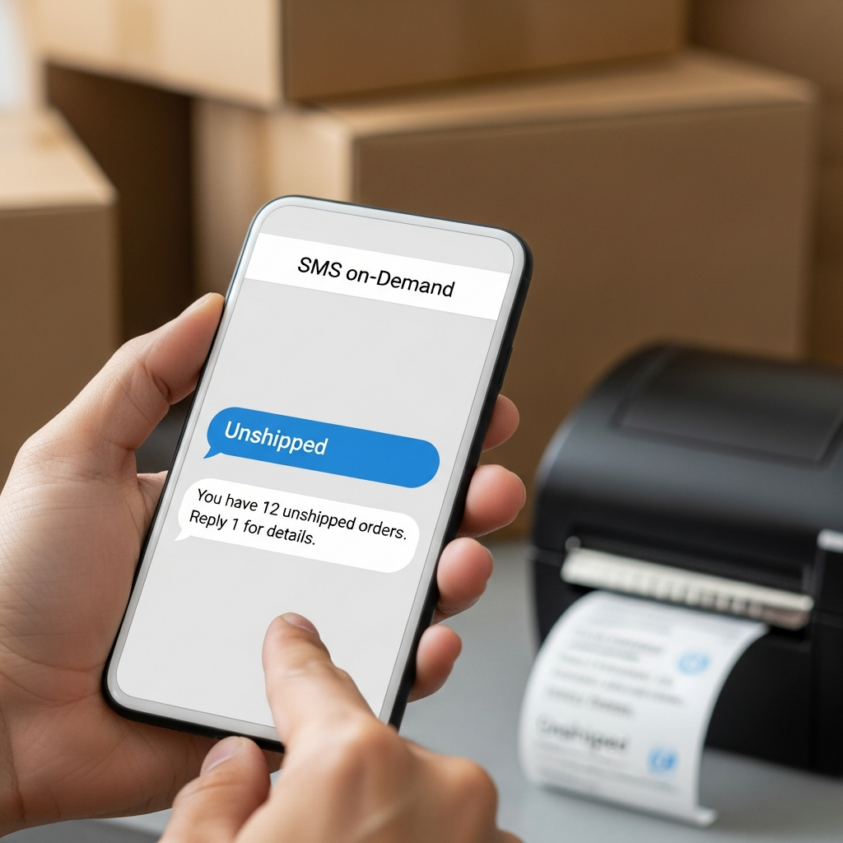
You can even request specific details regarding a particular order via text. This turns your messaging app into a lightweight management tool, allowing you to check your workload without needing to log into the full Seller Central portal or the mobile app.
Monitor Critical Emergency Alerts
One of the most valuable aspects of enabling SMS is the “Emergency Notifications” feature. Amazon uses this channel to alert sellers about critical account issues or large-scale events that could impact your ability to sell. Sellers often share their experiences with these alerts in the Amazon Seller Forums to stay updated on platform-wide changes.
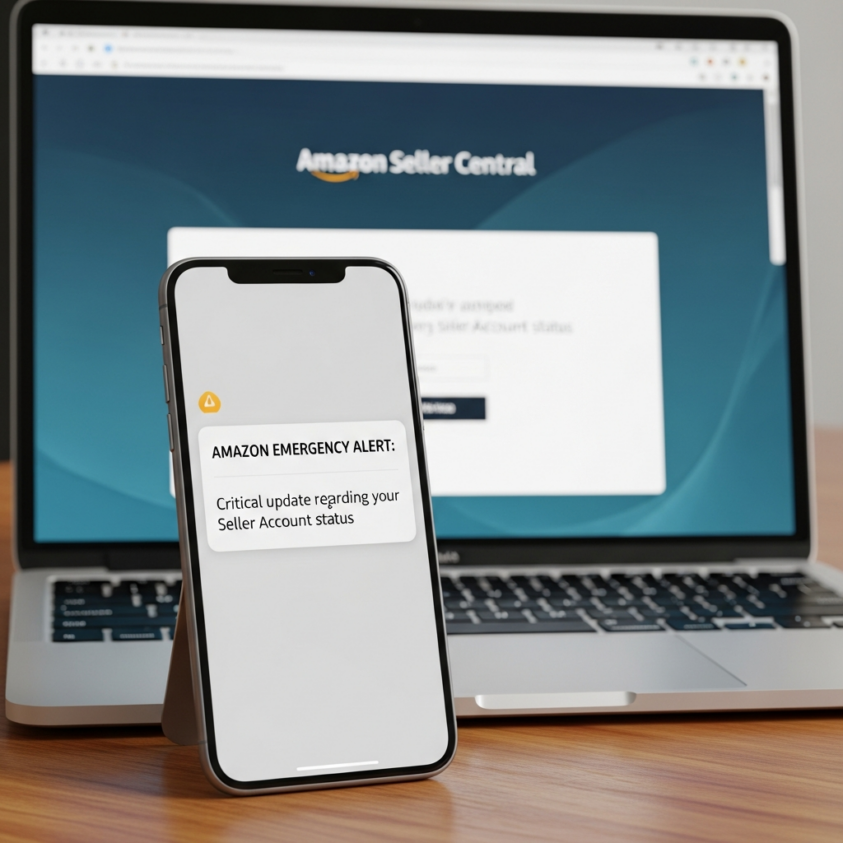
Because these alerts bypass the clutter of a standard email inbox, they provide an essential safety net for your business. By keeping your mobile number updated and verified in the system, you ensure that you are always in the loop when it matters most. If you ever face critical account issues, don’t hesitate to contact us for expert guidance.
Need Help Growing Your Sales?
We are here to help you scale.
Stay ahead with the latest tips and trends in online selling:
🎥 YouTube – EHP Consulting Group
📱 EHP Consulting Group
Written By: Janine Alaban
Email: info@ehpconsultinggroup.com
Website: http://www.ehpconsultinggroup.com
Number: 925-293-3313
Date Written: July 15, 2026