 (925) 293-3313
Navigating Amazon’s vast logistics network can feel like a game-changer for your e-commerce business. Services like Amazon Warehousing & Distribution (AWD) promise low-cost bulk storage and seamless, automatic replenishment to FBA fulfillment centers. It’s a powerful tool for scaling your operations. But what happens when your inventory, the lifeblood of your business, vanishes somewhere between your supplier and the customer?
For many sellers, the nightmare of missing inventory is all too real. Whether it’s a discrepancy in an inbound shipment to an AWD facility or units lost during a transfer to an FBA center, the result is the same: lost sales and lost revenue. The dispute process can seem opaque and frustrating, but with the right knowledge and a methodical approach, you can successfully reclaim your assets. This guide will walk you through the exact steps to dispute missing inventory with AWD and fight for the reimbursement you deserve.

Before diving into the process, it’s critical to understand the rules of the game. Amazon’s policy states they will either replace a lost unit or reimburse you for it. However, there’s a crucial catch: Amazon will only accept one claim per shipment. This isn’t a negotiation; it’s a one-shot opportunity. If you submit a claim for 10 missing units and later discover 5 more are missing from that same shipment, you cannot open a second case. Your first claim must be comprehensive and final. Getting it right the first time is everything.
1. Disputing Missing Units in Shipments TO AWD
This is the first potential black hole for your inventory—the journey from your supplier or prep center to the Amazon AWD warehouse. If you notice the number of units received doesn’t match what you sent, it’s time to act.
First, navigate to the AWD dashboard in Seller Central by going to Inventory > AWD. From there, select “Track your shipments to AWD.” This is your command center for all inbound shipments.
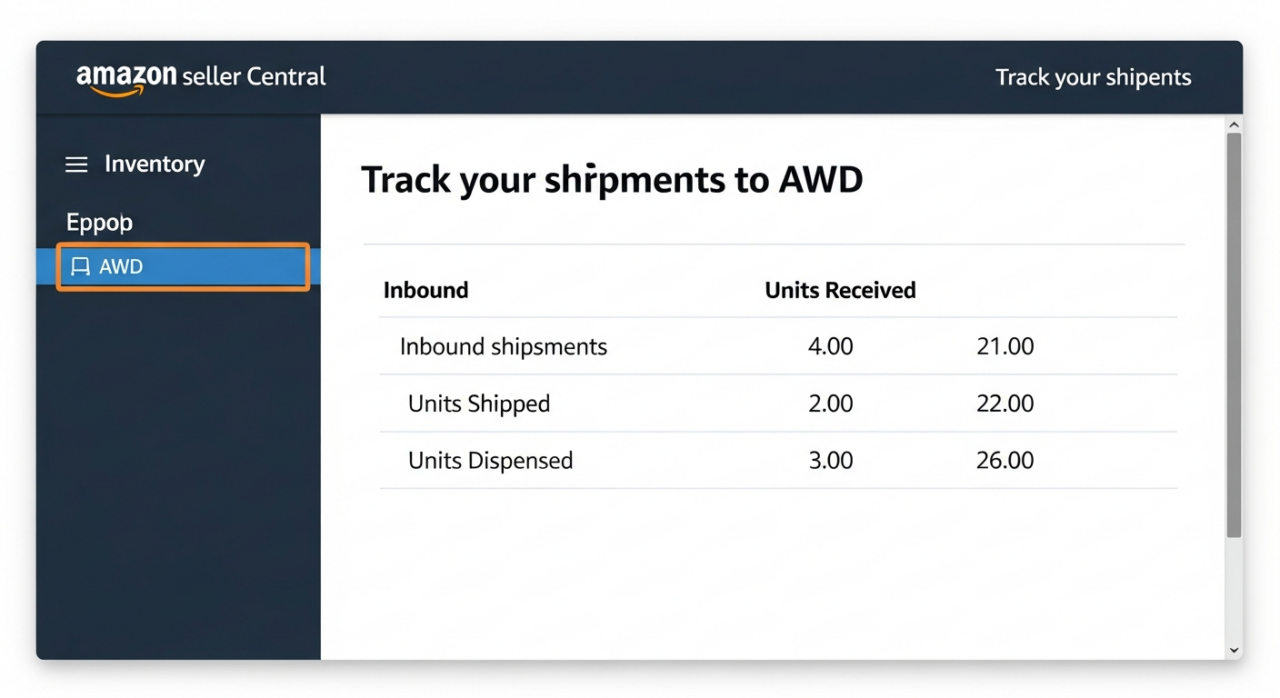
Carefully review each shipment. Does the “Units Received” column match the “Units Shipped” column? If not, you’ve found a discrepancy. Immediately take a clear screenshot of the entire shipment page showing this shortage. This is your primary piece of evidence.
Next, it’s time to open a case. Go to “Help” in the top right corner of Seller Central and click “Get help and resources.” You may see a dedicated “AWD” button; if not, click “My issue is not listed” to proceed. When prompted, select the case type for “Inventory discrepancy in shipment to AWD.”
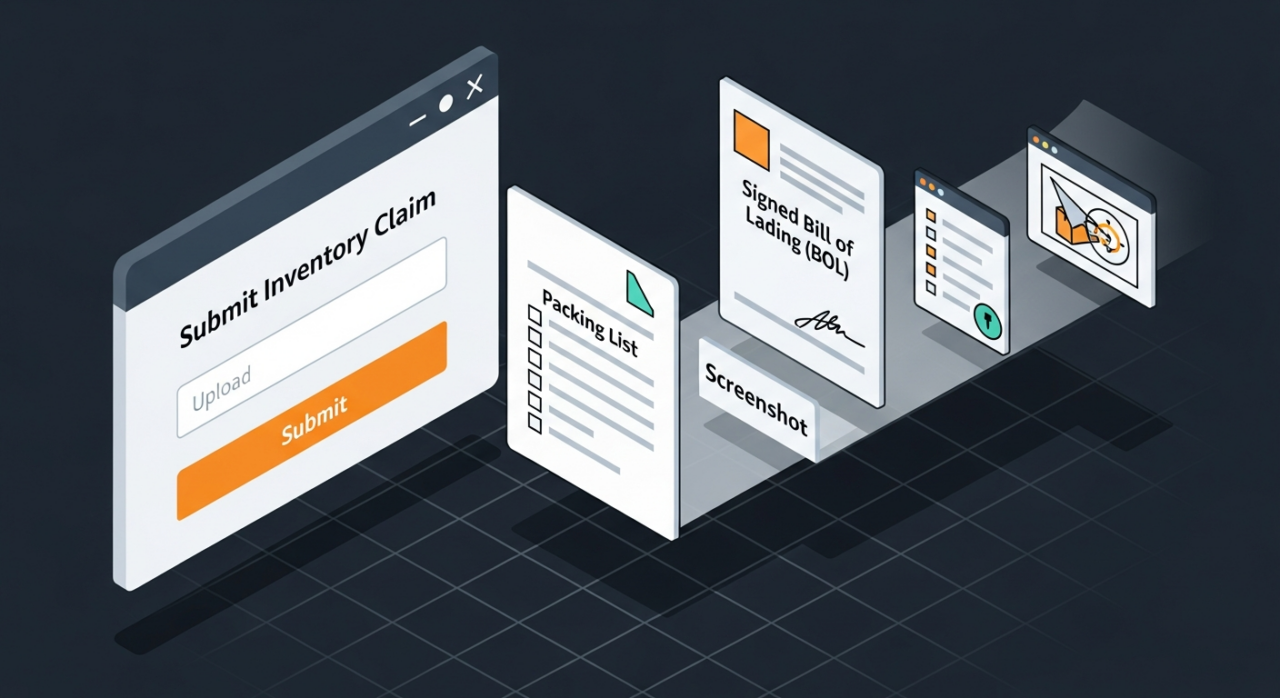
This is where your documentation becomes critical. Amazon will require you to upload several files to prove your claim. The single most important document is the signed Bill of Lading (BOL). This legal document, provided by your carrier, proves that Amazon’s facility accepted the shipment. Without a signed BOL, your chances of winning the dispute drop significantly. Gather your BOL, the Shipment ID, your screenshot, and any other requested files, and submit them with your case. Remember, you only get one chance, so ensure everything is accurate and complete.
2. Disputing Missing Units in Transfers FROM AWD to FBA
The second place your inventory can disappear is during the automated transfer from the AWD storage facility to an FBA fulfillment center. These are the units that were successfully checked into AWD but never made it to their final, sellable destination.
To investigate this, go to your AWD dashboard and select the option to “Track your shipments from AWD to Amazon,” which may also be labeled “Track distributions.” This page lists all the individual replenishment shipments sent to various FBA centers.

Unlike inbound shipments, you can’t see discrepancies at a glance. You must click into each individual shipment ID to verify the numbers. Compare the units sent from AWD to the units received by the FBA center. If you find a shortage, take a screenshot of that specific shipment page. Critically, you also need to copy down the Replenishment Order ID and the FBA Order ID.
With your evidence in hand, open a new case with Amazon Support. This time, when you select the case type, choose “Inventory discrepancy and replenishment to FBA.” You will be prompted to provide the relevant IDs and upload your screenshot as proof of the discrepancy. This process confirms that while AWD successfully received your goods, they were lost during the Amazon-managed transfer process.
3. Best Practices for a Successful Dispute
Filing a successful dispute is only half the battle; seeing it through to a successful reimbursement requires diligence and strategy. Keep these best practices in mind to maximize your chances of success.
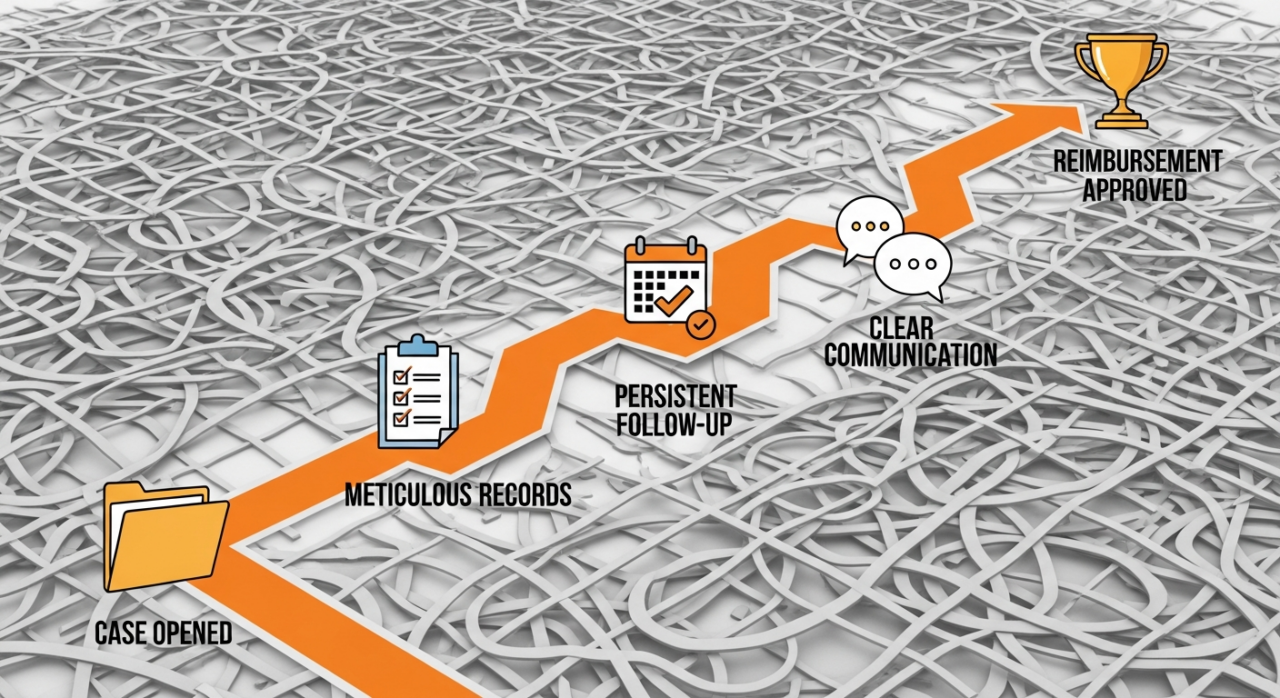
- Be Meticulously Thorough: The “one claim per shipment” rule is non-negotiable. Before submitting your case, triple-check your numbers to ensure you are accounting for every single missing unit. An incomplete claim is a permanent loss.
- Maintain Flawless Records: Don’t wait for a problem to arise to get organized. Keep a dedicated folder for every shipment containing the commercial invoice, packing list, signed BOL or proof of delivery, and any communication related to that shipment. When Amazon asks for a document, you should be able to produce it immediately.
- Follow Up Relentlessly: Do not let your case go cold. Monitor your case log daily. If Amazon requests more information, respond promptly and precisely. If a case is closed without a satisfactory resolution, reopen it with a request for escalation. Be polite but persistent.
- Use Clear and Concise Language: When communicating with support, state the facts clearly. Provide the shipment ID, the number of units shipped, the number of units received, and the total number of missing units. Avoid emotional language and stick to the data. The easier you make it for the support agent to understand the issue, the faster you’ll get a resolution.
Need Help Growing Your Sales?
Written By: Liezel Felisilda
📺 YouTube: EHP Consulting Group on YouTube
🎵 TikTok: EHP Consulting Group on TikTok
Email: info@ehpconsultinggroup.com
Website: www.ehpconsultinggroup.com
Number: 925-293-3313
Date Written: September 18, 2026