 (925) 293-3313
Amazon FBA sellers are facing a new cost factor: the returns processing fee. This isn’t a blanket charge on every return, but a targeted fee aimed at products with return rates that are significantly higher than their category average. Understanding how this fee works is the first step to mitigating its impact on your bottom line. Let’s break down exactly what you need to know and how you can stay ahead of it.
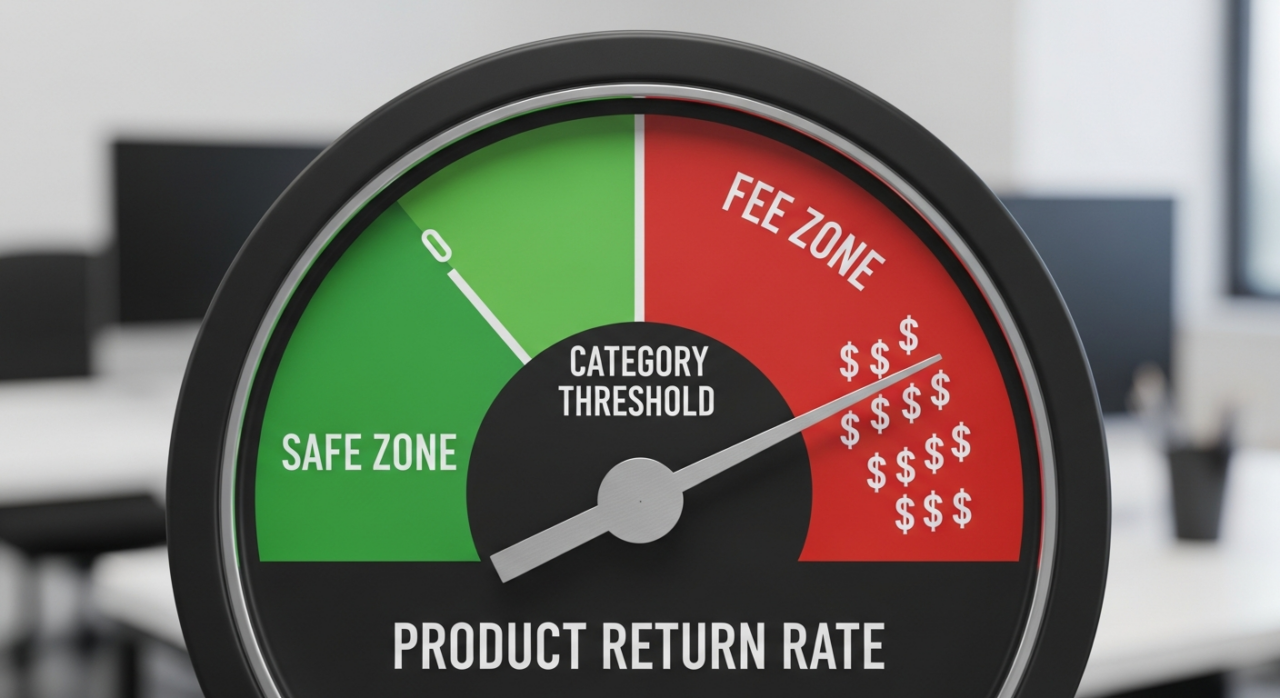
1. Understand the Core Mechanic: It’s All About Thresholds
The most important thing to grasp is that this fee only applies when a product’s return rate exceeds a specific threshold for its category. You are not charged for every return. Instead, you are only charged for the units returned above that predetermined limit.
Amazon calculates a product’s return rate by looking at the units shipped in a given month and tracking how many are returned over that same month plus the following two months. For example, for products you ship in June, Amazon will track returns through June, July, and August. If the return rate exceeds the category threshold during that period, the fee for the excess units will be charged to your account between the 7th and 15th of September.
2. Know Your Category’s Return Rate Threshold
Every product category on Amazon has a different return rate threshold. This reflects the reality that customers are more likely to return a computer than a bag of coffee. It is essential to know the specific threshold for the categories you sell in. Staying below this number is your primary goal.
Here are a few examples of the category thresholds:
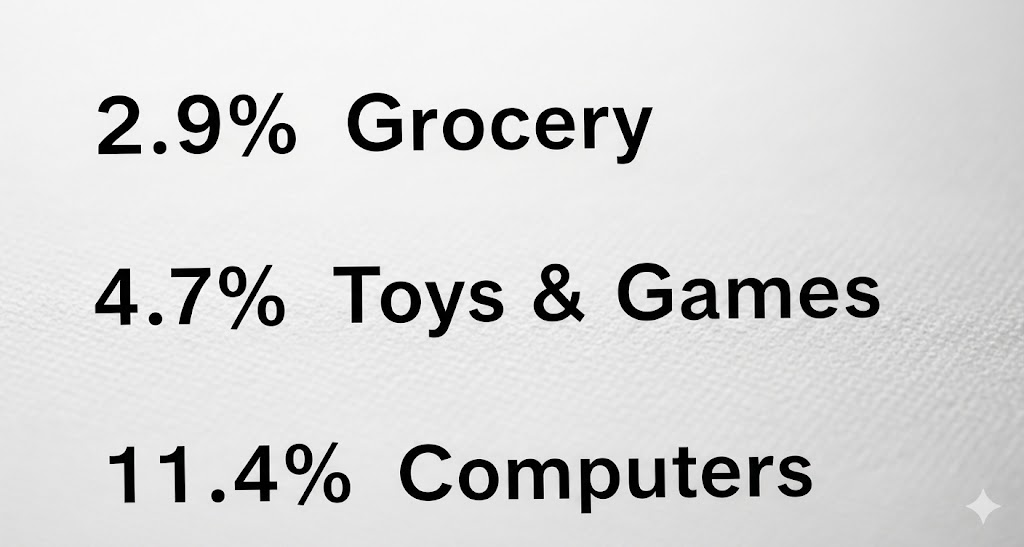
- Grocery & Gourmet: 2.9%
- Toys & Games: 4.7%
- Computers: 11.4%
To find the specific threshold for your products, you’ll need to check your FBA Returns dashboard in Seller Central.
3. See the Financial Impact: How the Fee is Calculated
If one of your products surpasses its return rate threshold, the fee is calculated for each excess returned unit. The exact cost per unit depends on the item’s size tier and shipping weight. Amazon provides a detailed rate card for this.
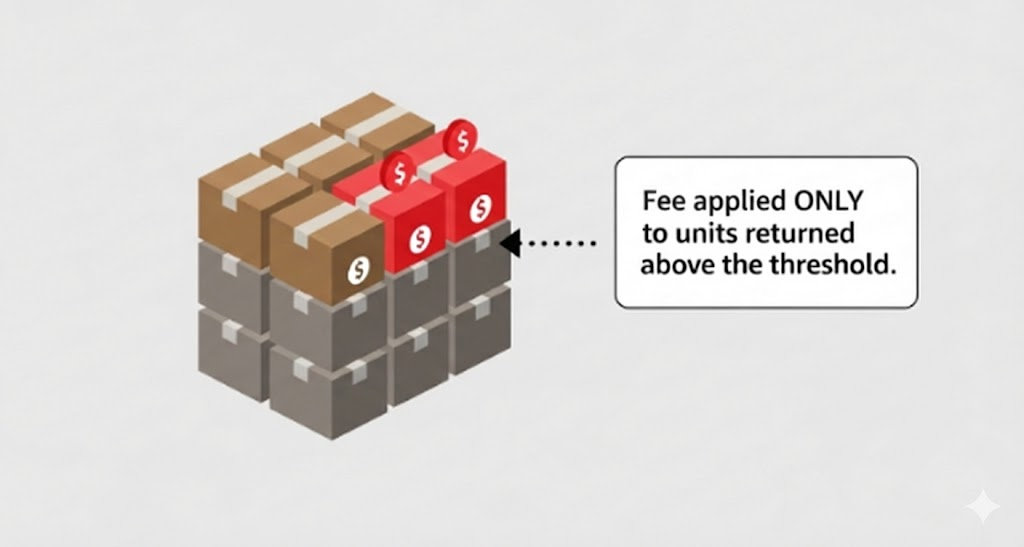
For instance, a small standard-size item that weighs between 2 and 4 ounces would incur a fee of $1.84 for each individual return that pushes the product over its category threshold. These small amounts can add up quickly, especially for high-volume products.
4. Identify Crucial Exemptions
Not every product or seller is subject to this new fee. There are several key exemptions you need to be aware of, as they could save you from unnecessary charges.
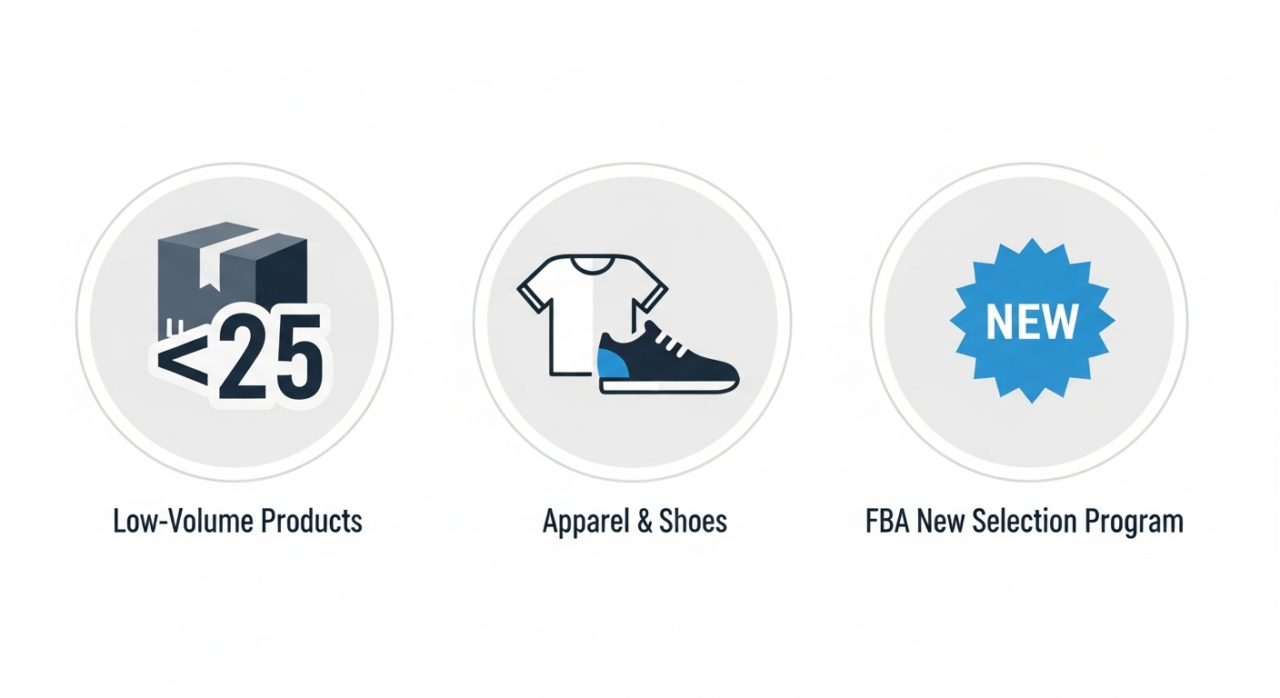
- Low-Volume Products: Any product that ships fewer than 25 units in a given month is completely exempt from the fee for that month.
- Apparel and Shoes: These two categories are exempt from this specific threshold-based fee. However, be aware that they have their own, separate returns processing fee that is applied to each returned unit, regardless of a threshold.
- FBA New Selection Program: If you are enrolled in this program, the fee is waived for up to 20 units of each eligible new parent ASIN, giving you a buffer as you launch new products.
5. Proactively Monitor Your FBA Returns Dashboard
The single most powerful tool at your disposal is the FBA Returns dashboard within Seller Central. This is your command center for tracking return rates, identifying problem products, and understanding why customers are sending items back. Make checking this dashboard a regular part of your business routine.
Here’s how to find it:
- Log in to Amazon Seller Central.
- Hover over the Inventory tab and click on the FBA dashboard.
- On the FBA dashboard page, find and click the Inventory tab, then select FBA Returns.
On this page, you can see your products’ return rates alongside their specific category thresholds. This allows you to see which ASINs are approaching the limit.
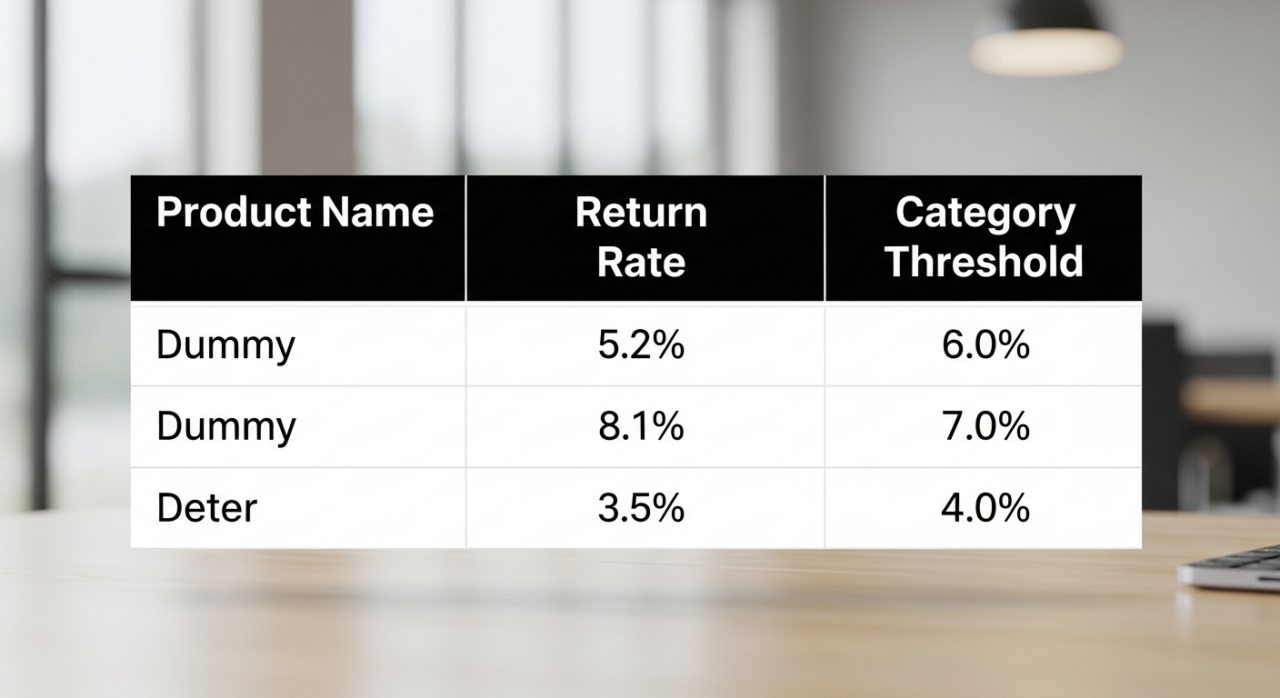
More importantly, you can analyze customer return reasons, giving you the direct feedback needed to improve your listings, enhance product quality, or adjust your packaging to reduce returns and avoid the fee altogether.
Need Help Growing Your Sales?
We are here to help you scale.
YouTube Channel Link: EHP Consulting Group on YouTube
TikTok Profile Link: EHP Consulting Group on TikTok
Written By: Ahzel P. Miral
Email: [email protected]
Website: http://www.ehpconsultinggroup.com
Number: 925-293-3313
Date Written: January 6, 2026