
 (925) 293-3313
Navigating the world of Amazon selling can feel like a high-stakes game, and your Account Health Rating (AHR) is the scoreboard. This crucial metric is the pulse of your business, telling you and Amazon how well you’re adhering to the platform’s extensive policies. A sudden drop in your score, often triggered by an intellectual property (IP) complaint, can send even the most seasoned seller into a panic.
But it doesn’t have to be that way. Understanding how your AHR works and knowing exactly how to respond to violations are the keys to not only protecting your account but also building a resilient and successful Amazon business. Let’s break down everything you need to know to keep your account in the green.
Understanding Your Account Health Rating (AHR)
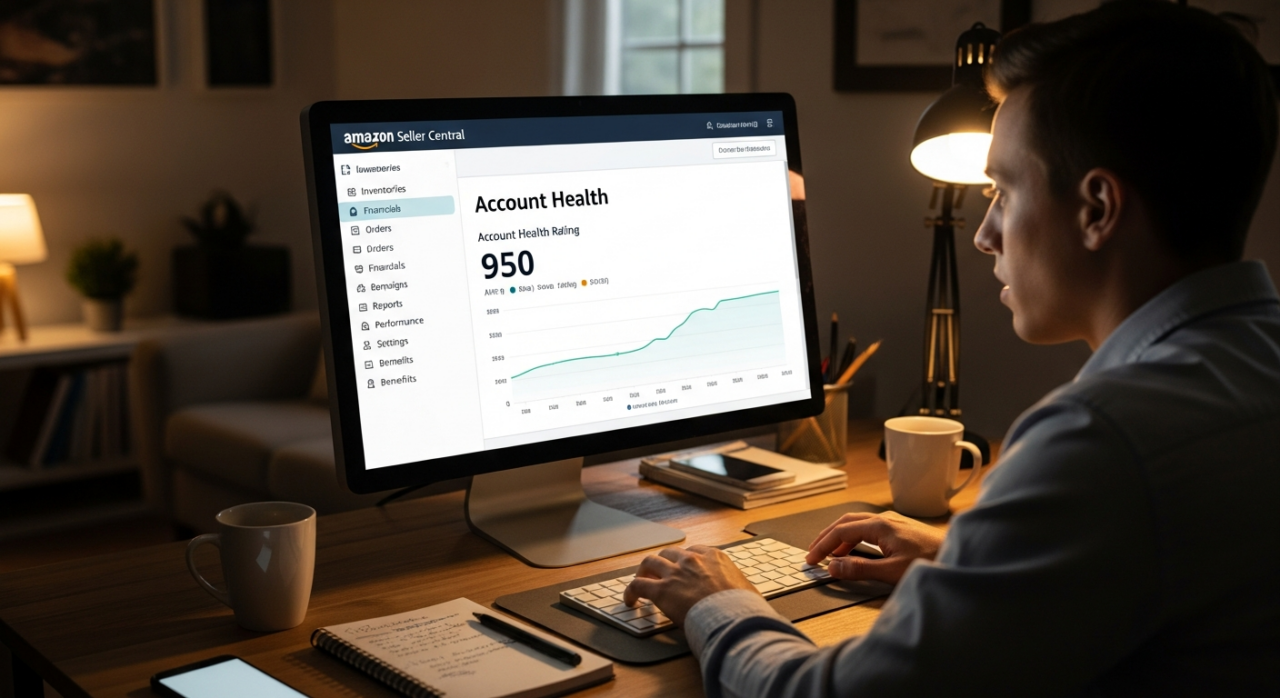
Think of your AHR as a credit score for your Amazon selling practices. It’s a number between 0 and 1,000 that gives you a near real-time snapshot of your account’s standing. All new sellers start with a score of 200, and from there, your actions determine whether it rises or falls.
Here’s what the numbers mean:
- Healthy (Green | 200–1,000): Your account is in good standing and not at risk of deactivation. This is your target zone.
- At Risk (Yellow | 100–199): This is a warning sign. Your account has unresolved policy violations and is at risk of being deactivated if you don’t take action.
- Unhealthy (Red | 0–99): Your account is either eligible for deactivation or has already been suspended. Immediate and effective action is required.
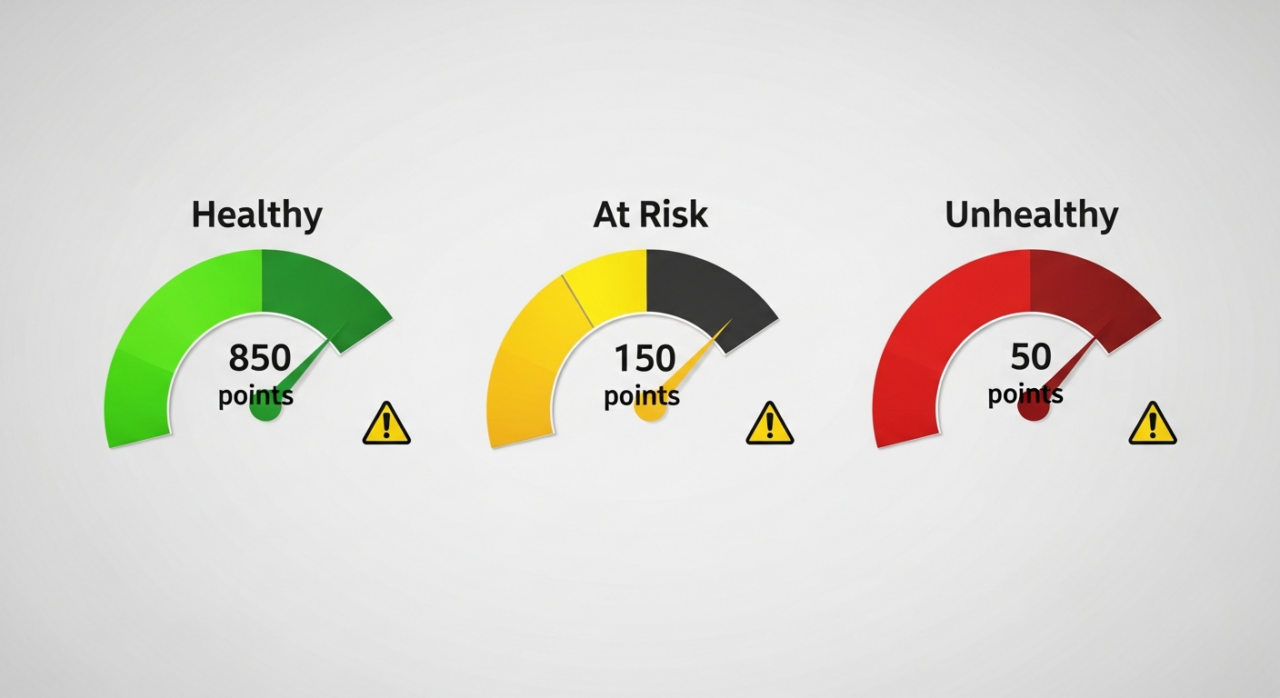
Policy violations cause your score to drop, with the number of points deducted depending on the severity of the issue. The good news? You can earn those points back. Successfully appealing and resolving violations will add points back to your score. Furthermore, Amazon rewards consistent performance; as you fulfill more orders, you gain points, which helps buffer your account against the impact of any single violation.
What is an Intellectual Property (IP) Complaint?
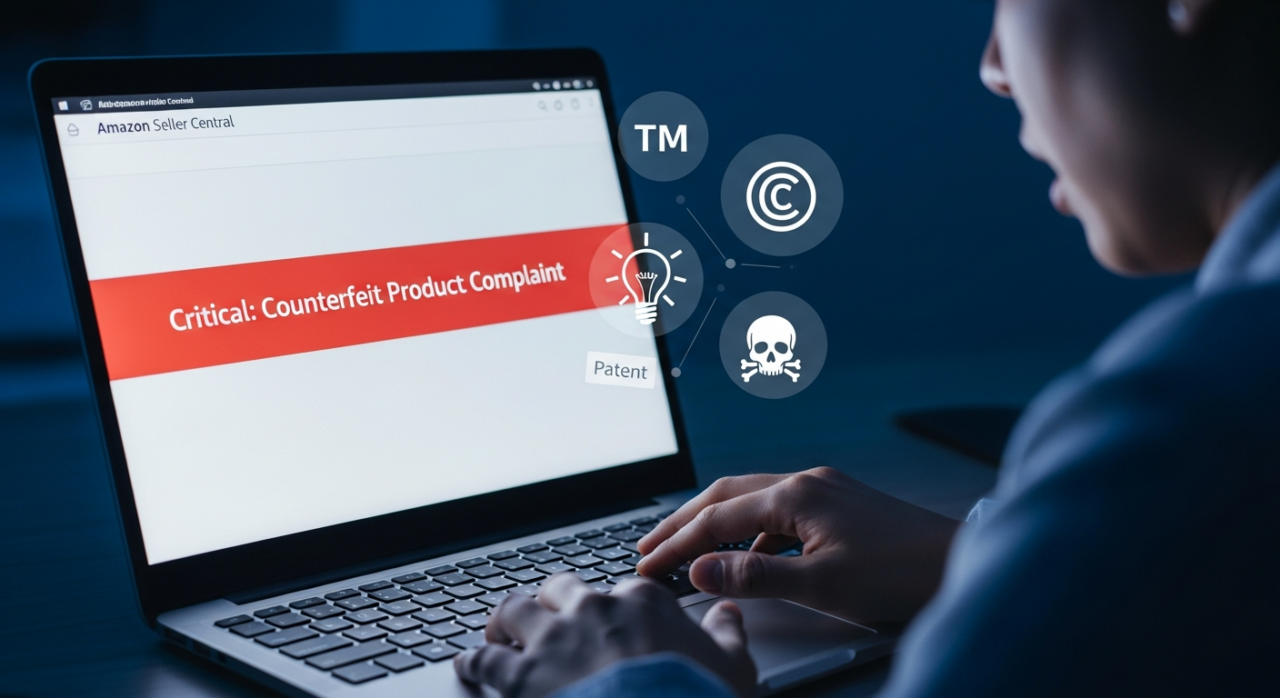
An IP complaint is a formal notice from a rights owner alleging that your listing or product infringes on their intellectual property. Amazon takes these claims extremely seriously to protect both brands and customers. An unresolved IP complaint can lead to listing removals, fund holds, and even permanent account deactivation.
These complaints generally fall into four main categories:
- Trademark Infringement: Using a registered brand name, logo, or slogan without permission. This is common in listing titles, descriptions, or even on the product itself if it’s not an authentic item from that brand.
- Copyright Infringement: Using someone else’s original creative work without authorization. This typically involves lifting product photos or copying marketing text directly from another brand’s website or listing.
- Patent Infringement: Selling a product that uses a patented invention (utility patent) or mimics a patented design (design patent) without the rights owner’s consent.
- Counterfeit Claims: The most severe allegation, this is a claim that you are selling fake or inauthentic products.
How to Systematically Respond to an IP Complaint

Receiving that performance notification can be jarring, but your response in the next 48 hours is critical. Violations are ranked by severity (low, medium, high, and critical), and a critical violation, like a counterfeit claim, can have an immediate, devastating impact. Follow these steps to navigate the process effectively.
1. Do Not Ignore It
This is the most important rule. Ignoring an IP complaint will not make it go away. Amazon sees inaction as an admission of guilt, which will escalate the situation and lead to account suspension. Act quickly and deliberately.
2. Review the Complaint and Gather Your Documents
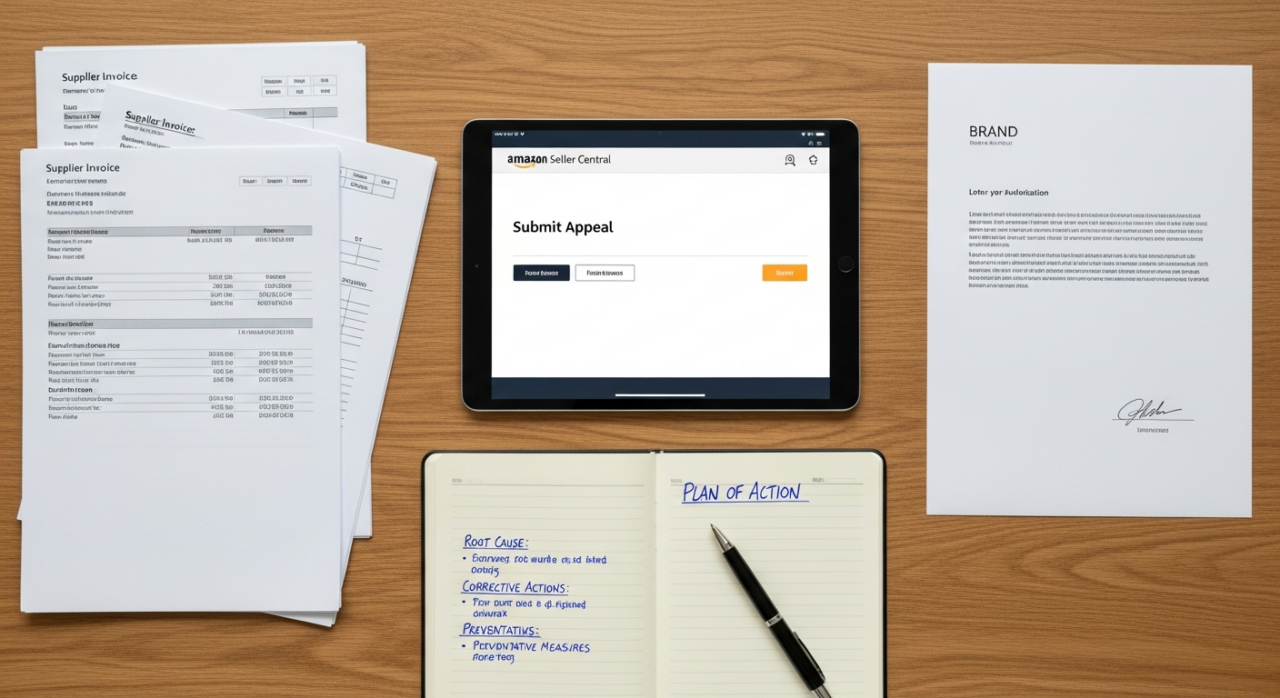
Navigate to your Account Health dashboard to understand the specifics. Who filed the complaint? What ASIN is affected? What type of infringement is being claimed? Once you have the details, gather all relevant documentation. This includes invoices from your supplier to prove authenticity, letters of authorization (LOA) from the brand owner, or any other licensing agreements you may have.
3. Submit a Strong Appeal
If you have the documentation to prove the complaint is invalid, file an appeal through your Account Health dashboard. Provide clear, concise evidence that you have the right to sell the product. A common mistake is to simply delete the offending listing. Deleting a listing does not resolve the IP complaint. The violation will remain on your account health record until you successfully appeal it or get the rights owner to retract it.
4. Craft a Plan of Action (POA) if Suspended
If your account is suspended, you’ll need to submit a formal Plan of Action. A successful POA is not an apology; it’s a business document that demonstrates you understand the problem and have fixed it permanently. It must include three key sections:
- Root Cause: What was the fundamental reason the infringement occurred? (e.g., “We failed to verify our supplier was an authorized distributor.”)
- Corrective Actions: What immediate steps did you take to fix the issue? (e.g., “We have removed the ASIN in question and reviewed our entire inventory for similar issues.”)
- Preventative Measures: What new processes will you implement to ensure this never happens again? (e.g., “We will now require a letter of authorization from every supplier before listing a branded product.”)
5. Contact the Rights Owner Directly
In some cases, especially if the complaint was filed in error, it can be effective to contact the rights owner directly. Politely explain the situation, provide your evidence of authenticity or authorization, and request that they submit a retraction to Amazon. This is often the fastest way to get a violation removed.
Proactive Strategies for a Healthier Account
Reacting to problems is necessary, but the best strategy is to prevent them from happening in the first place. Here’s how to proactively improve and maintain your AHR.
1. Increase Your Sales Velocity
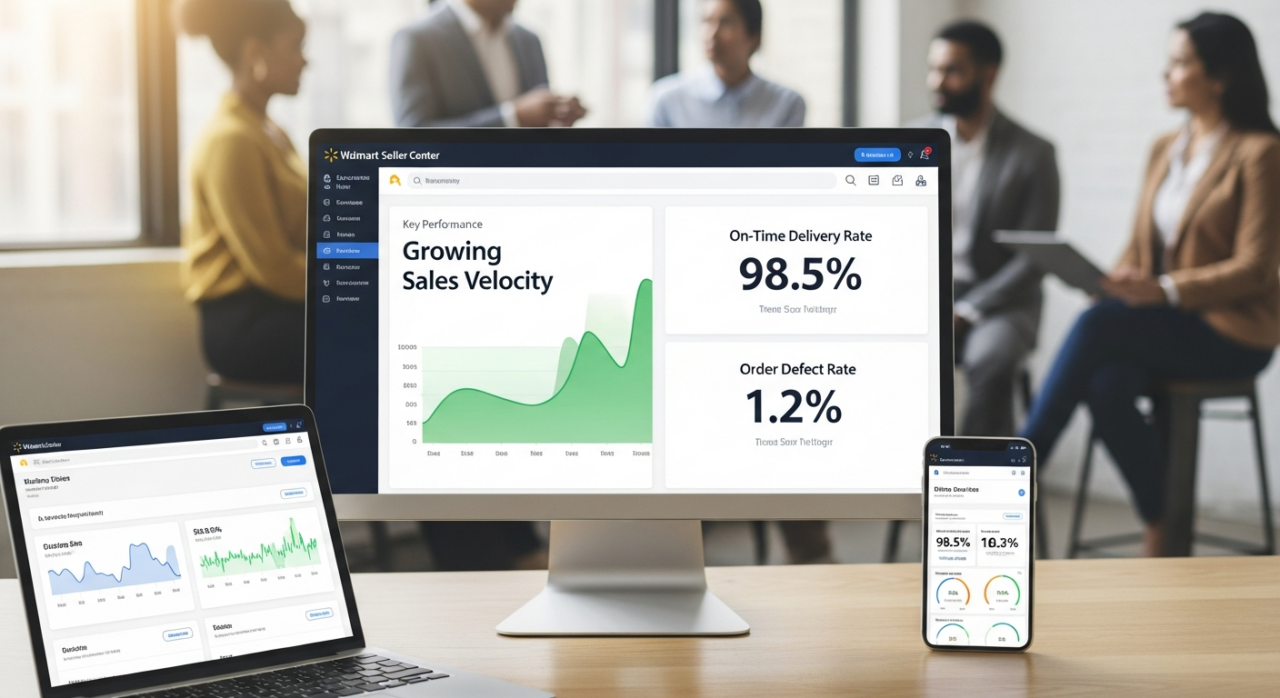
Amazon’s AHR system is designed to be relative to your business size. The more orders you successfully fulfill, the more points you are granted. This creates a “health” buffer. A single violation will have a much smaller percentage impact on an account that fulfills 1,000 orders a month compared to one that fulfills 50. Focusing on growing your sales is a direct way to strengthen your account’s resilience.
2. Obsess Over Core Performance Metrics
Beyond policy violations, your AHR is influenced by your day-to-day operational performance. Keep a close eye on these three metrics:
- Order Defect Rate (ODR): A combination of negative feedback, A-to-Z claims, and chargebacks. Keep this below 1%.
- Late Shipment Rate: All orders must be shipped by the expected ship date. Keep this below 4%.
- Pre-fulfillment Cancel Rate: The number of orders you cancel before shipping. Keep this below 2.5%.
3. Monitor Your Dashboard Daily
Make checking your Account Health dashboard a daily habit. Proactively addressing issues when they are small, before they become formal violations, is the key to staying out of the “At Risk” zone. This dashboard is your early warning system; use it.
4. Avoid Prohibited Seller Activities
Finally, always play by the rules. Engaging in activities like review manipulation, attempting to divert customers off-platform, or trying to damage another seller’s listings will result in severe penalties that can quickly tank your account health score and lead to a permanent ban.
Your Amazon account health isn’t just a number; it’s the foundation of your livelihood on the platform. By understanding the rules, responding to issues methodically, and proactively managing your performance, you can turn anxiety into confidence and build a business that thrives in the long term.
Need Help Growing Your Sales?
We are here to help you scale.
HTML Code:
<div style=”display:flex;gap:15px;justify-content:center;margin:20px 0;”>
<a href=”https://ehpconsultinggroup.com/contact-us/” style=”background:#1f2937;color:white;padding:12px 24px;border-radius:8px;text-decoration:none;font-weight:bold;”>Contact Us</a>
<a href=”https://calendly.com/salesteam-ehpconsultinggroup/30min” style=”background:#2563eb;color:white;padding:12px 24px;border-radius:8px;text-decoration:none;font-weight:bold;”>Schedule Call</a>
</div>
Stay ahead with the latest tips and trends in online selling:
🎥 YouTube – EHP Consulting Group
📱 EHP Consulting Group
Written By: Janine Alaban
Website: http://www.ehpconsultinggroup.com
Email: info@ehpconsultinggroup.com
Number: 925-293-3313
Date Written: June 24, 2026