 (925) 293-3313
Your Walmart Seller Display Name is one of the first things a potential customer sees. It’s your brand identity on the marketplace, a key piece of information that builds trust and recognition. Whether you’re rebranding, correcting a typo, or just getting started, ensuring your display name is accurate and professional is a simple yet powerful step. Fortunately, Walmart makes this update process straightforward. Here’s a step-by-step guide to changing your seller display name and polishing your public profile.
Log In and Navigate to Your Settings
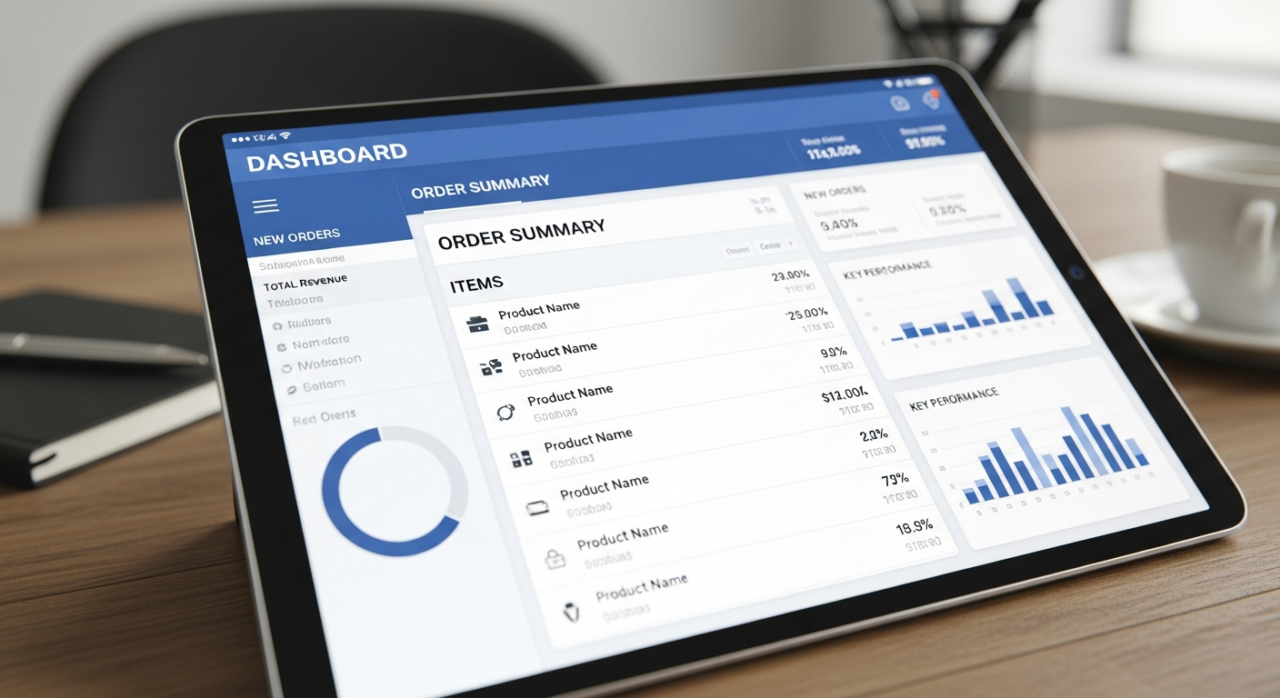
The journey begins in your Walmart Seller Center dashboard. Start by logging into your account. Once you’re on the main page, direct your attention to the top right-hand corner. You will see a settings icon, which typically looks like a gear. Click on this icon to open the main settings menu, which is the control panel for your entire seller account.
Access Your Company Information
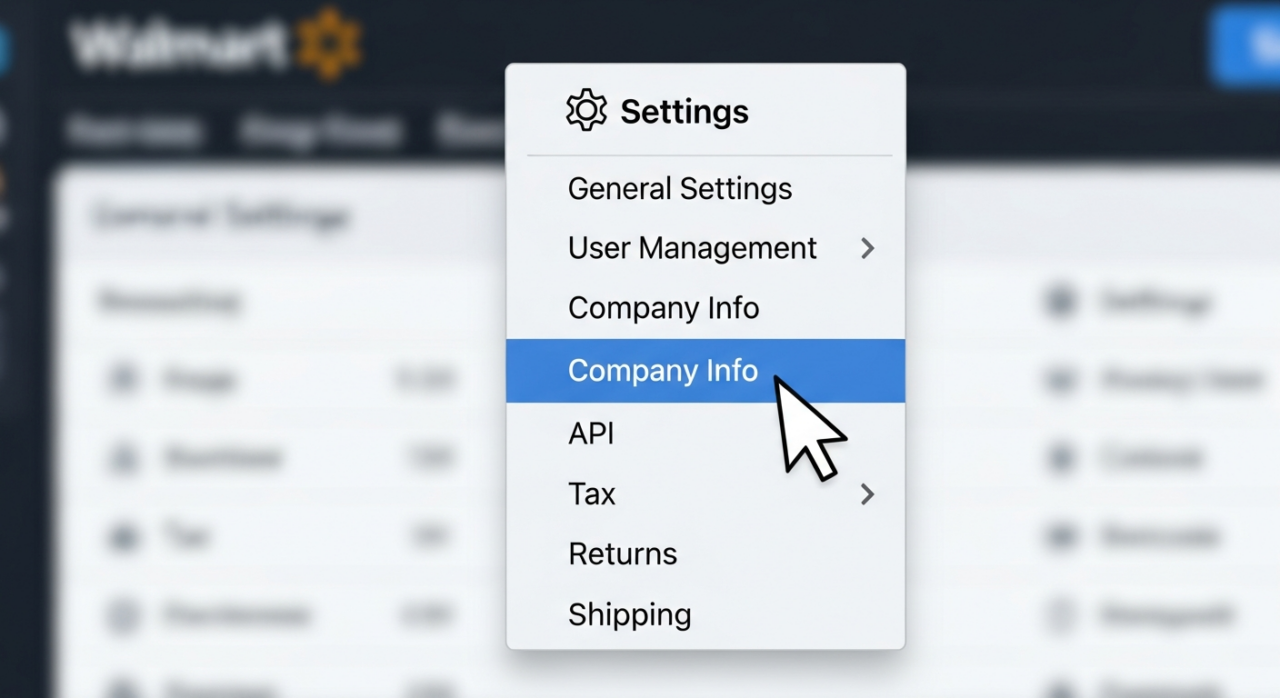
From the settings drop-down menu, you’ll need to locate and select the “Company Info” option. This section acts as the central hub for all the business details that are visible to customers on Walmart.com. It’s where you manage your public-facing identity, so it’s important to keep the information here current and accurate.
Manage Your Marketplace Profile
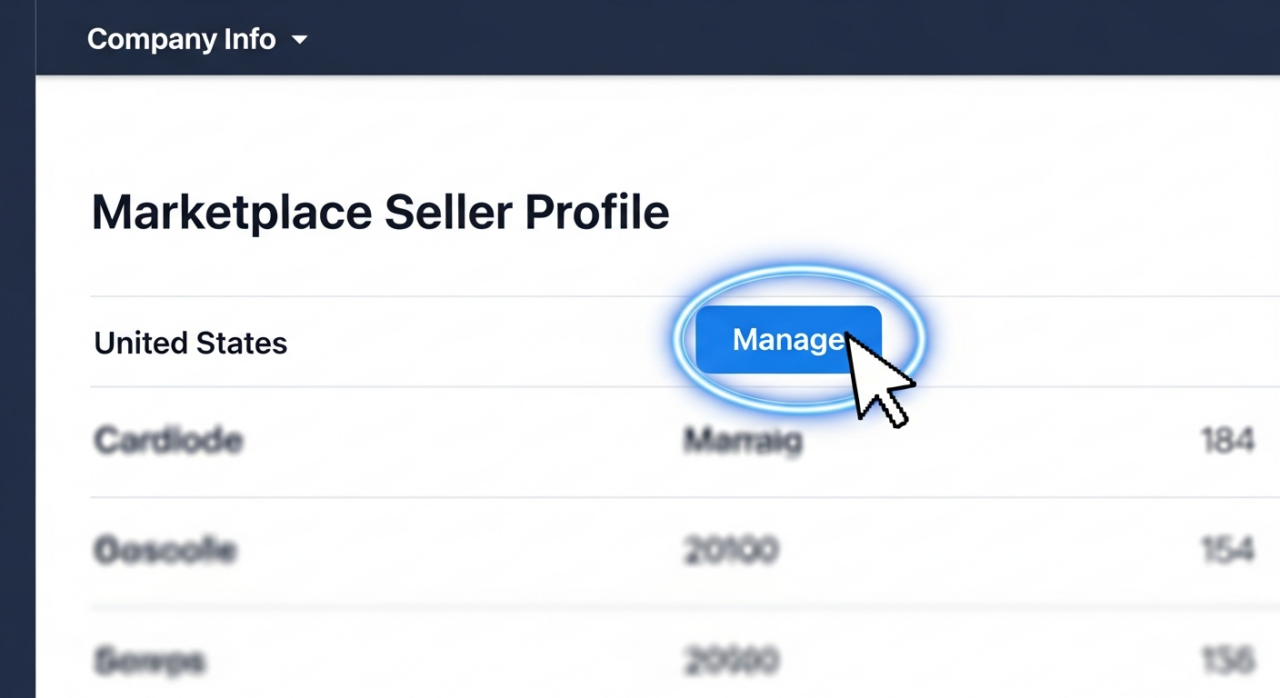
Inside the “Company Info” section, you will see a list of the marketplaces where you are an active seller (for example, the United States). Next to your primary marketplace, click the “Manage” button. This will take you to the specific profile page where you can edit the details customers see on your product listings and dedicated seller page.
Update Your Display Name and Profile Details
This is where you make the magic happen. You will now see several fields that you can edit to customize your public-facing seller profile.
The most important field here is the “Display Name.” Click into the text box and type your new desired company name. Remember, this name must comply with Walmart’s Marketplace Seller Code of Conduct, so ensure it is professional and does not infringe on any trademarks.
While you’re here, consider updating the other elements to strengthen your brand presence:
- Company Logo: A professional logo helps customers recognize your store instantly. You can upload a logo file here. To ensure it looks great, make sure your image is a .png or .jpg file with dimensions of either 504×504 pixels or 400×50 pixels.
- Company Description: This is your chance to connect with customers. Write a brief, compelling summary of your business, what you sell, or what makes your company special.
Save Your Changes
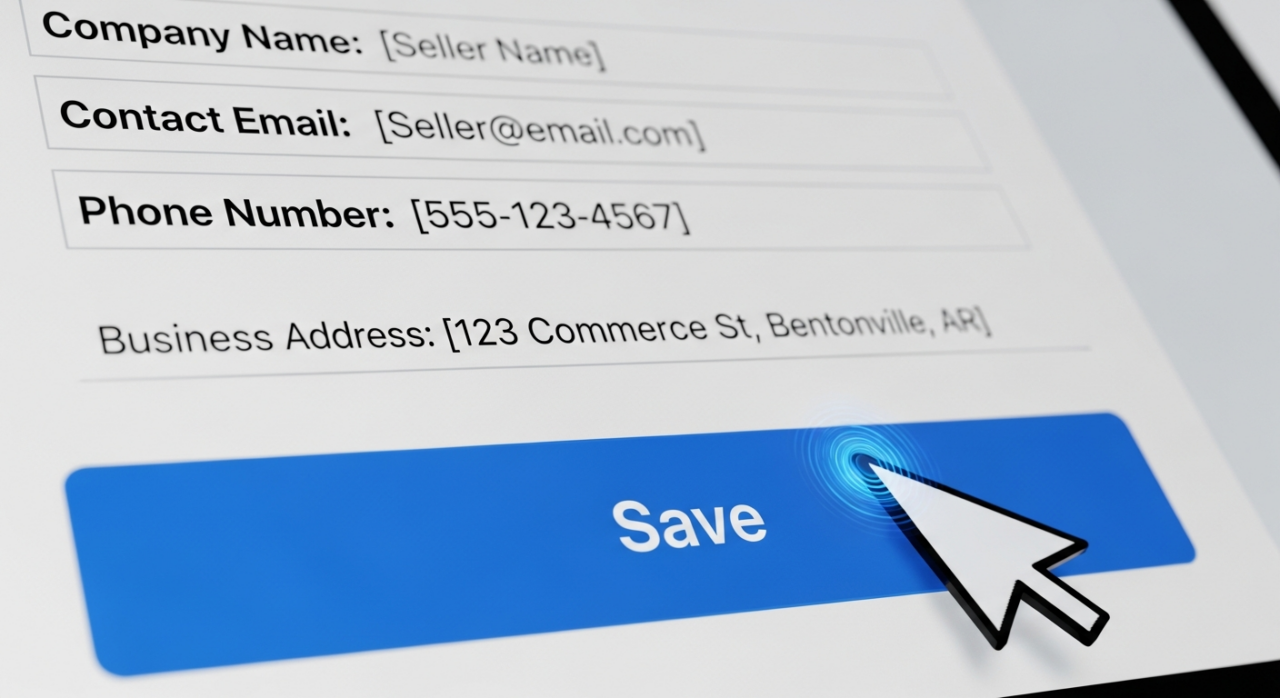
Once you’ve entered your new display name and updated any other profile details, the final step is to save your work. Scroll down and click the “Save” button. Walmart’s system is typically quite fast, and you can expect to see your new display name and profile information updated on the live site, often within an hour. Taking a few moments to check your live listings is a great way to confirm the change was successful.
While updating your display name is a foundational step, it’s part of a larger strategy for success on the marketplace. Optimizing your entire presence, from listings to advertising, is crucial for growth. For sellers looking to gain a competitive edge, leveraging powerful tools like Jungle Scout can provide invaluable data and insights.
If you’re aiming for significant expansion and want expert guidance navigating the complexities of the platform, partnering with a specialized agency can be a game-changer. EHP Consulting Group is a full-service eCommerce agency with a proven track record of scaling brands on Walmart. Their team of experts offers a wide range of services, from account management to PPC advertising, helping sellers maximize their potential. You can see the results for yourself in their case studies and read what other sellers have to say in their testimonials. To learn how they can help elevate your brand, feel free to contact us for a consultation.

Need Help Growing Your Sales?
We are here to help you scale.
YouTube Channel Link: EHP Consulting Group on YouTube
TikTok Profile Link: EHP Consulting Group on TikTok
Written By: Ahzel P. Miral
Email: [email protected]
Website: http://www.ehpconsultinggroup.com
Number: 925-293-3313
Date Written: January 27, 2026