 (925) 293-3313
1. Claim and Fully Verify Your Profile
This is the foundational step. Before you can optimize anything, you must have full control over your listing. Search for your business on Google or Google Maps. If a profile already exists, you will see an option to “Own this business?” or “Claim this business.” Follow the prompts, which typically involve a verification process to prove you are the legitimate owner.

This is most often done via a postcard with a code sent to your physical address, but phone or email verification may be available for some businesses. Gaining verified control is non-negotiable as it unlocks all management features and prevents others from making malicious edits.
2. Complete Every Section with Precision
An incomplete profile is a missed opportunity. Google prioritizes complete and accurate listings because they provide a better user experience. Go through every field on your dashboard and fill it out with detailed, accurate information. Pay special attention to the following:
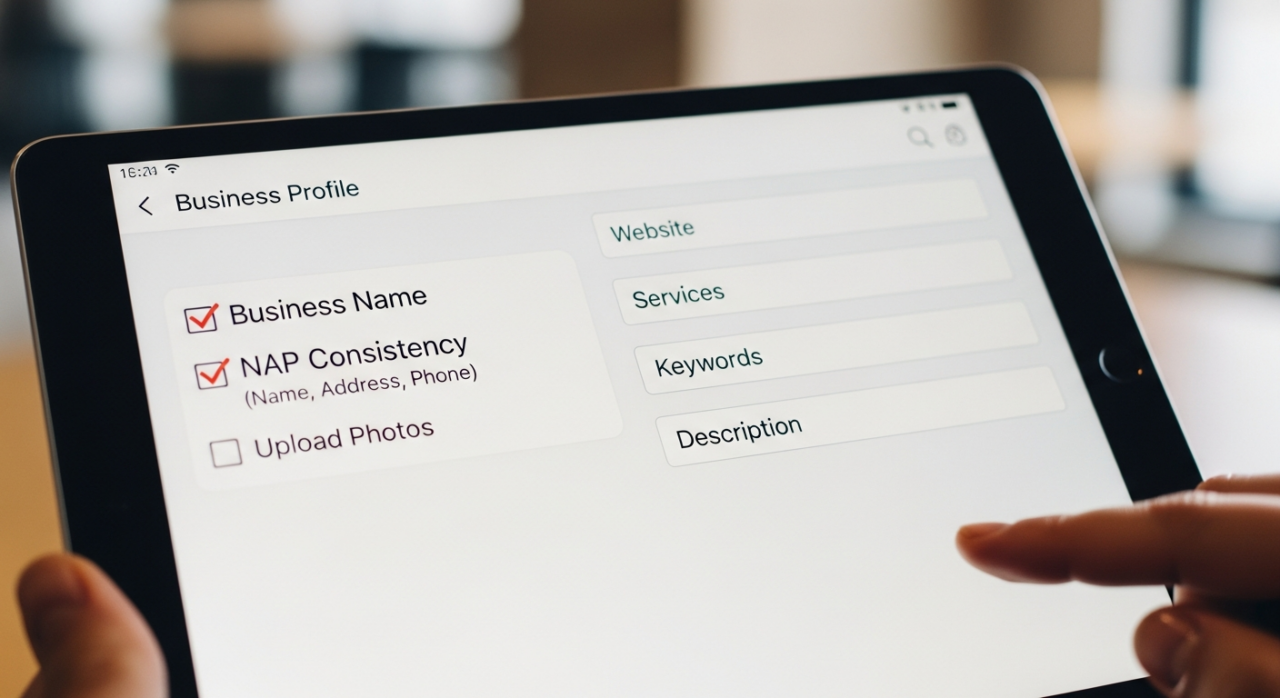
- Business Name: Use your actual, real-world business name. Do not add keywords or locations here, as it violates Google’s guidelines and can lead to suspension.
- NAP (Name, Address, Phone Number): Ensure this information is 100% consistent with the details on your website and other major online directories. Consistency is a key trust signal for search engines.
- Categories: Choose the most specific and accurate primary category for your business. This is one of the most significant factors in local ranking. Then, add relevant secondary categories to capture other facets of your business. For example, a restaurant’s primary category might be “Italian Restaurant,” with secondary categories like “Pizza Restaurant” and “Caterer.”
- Hours of Operation: Be meticulous. List your regular hours and always update your special hours for holidays or events. This simple step prevents customer frustration and signals to Google that your profile is actively managed.
- Attributes: These provide specific details that help customers make decisions. Select all relevant attributes, such as “Wheelchair accessible entrance,” “Free Wi-Fi,” “Outdoor seating,” or “Woman-owned.”
3. Leverage High-Quality Photos and Videos
Search is becoming increasingly visual. A profile rich with high-quality media not only looks more professional but also significantly increases customer engagement. Users are more likely to trust and visit a business they can see. Upload a variety of images, including:
- A high-resolution logo and cover photo.
- Exterior shots from different angles and times of day.
- Interior photos that showcase the ambiance and layout.
- Photos of your products or services in action.
- Pictures of your team to humanize your brand.
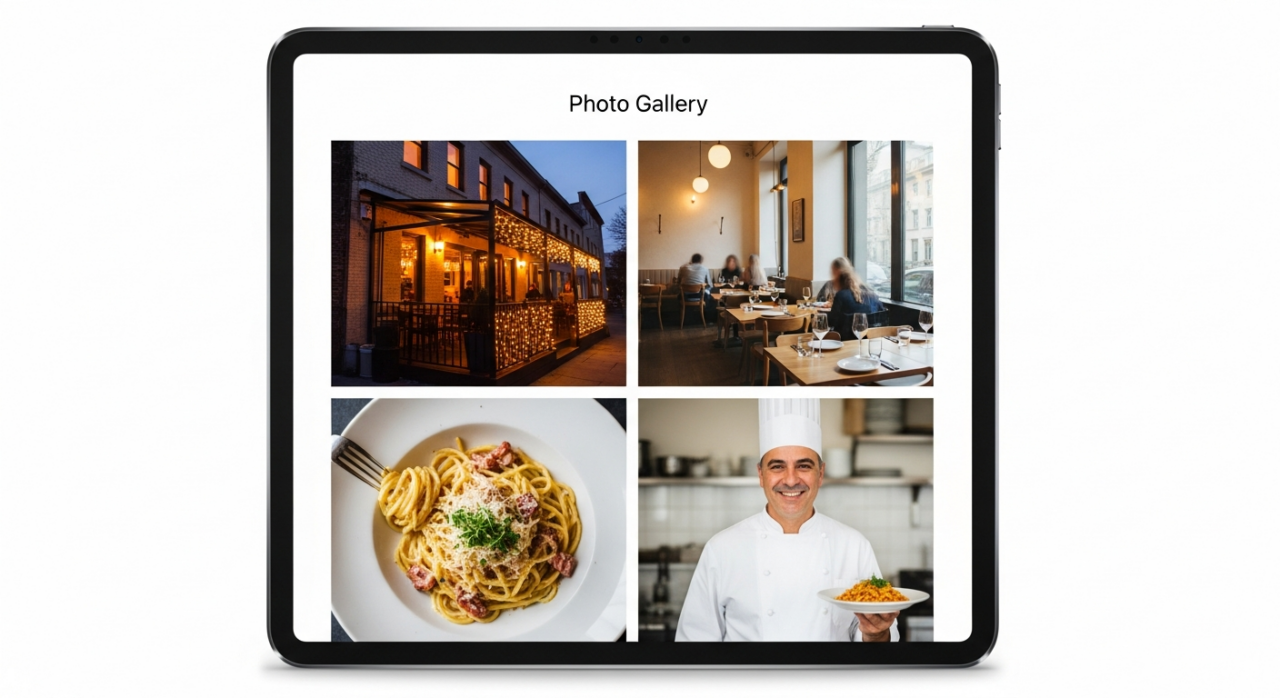
Aim to add new photos regularly to keep the profile fresh. Short videos (under 30 seconds) showcasing a tour, a product demonstration, or a customer testimonial can also be highly effective.
4. Cultivate and Respond to Customer Reviews
Reviews are the lifeblood of local SEO. They provide powerful social proof to potential customers and are a known ranking factor for Google. Actively encourage satisfied customers to leave a review. More importantly, make it a policy to respond to every single review—both positive and negative.
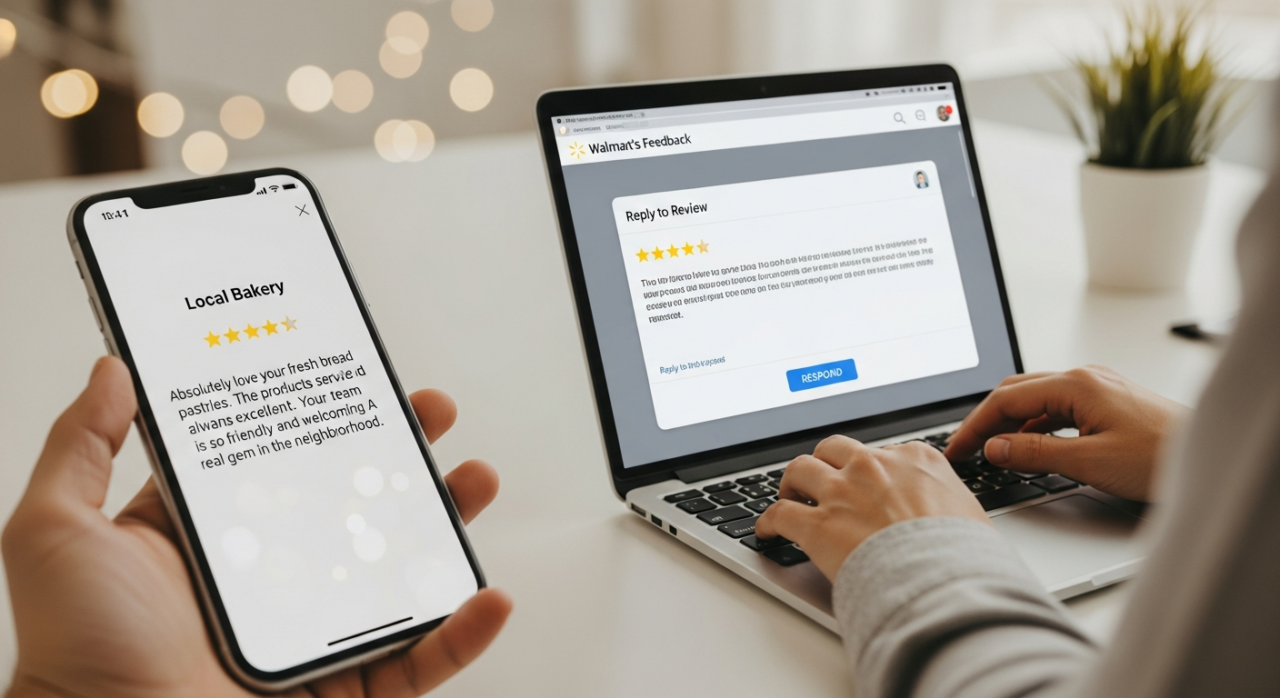
- For positive reviews: Thank the customer personally. Mentioning the specific product or service they enjoyed reinforces the positive experience for other readers.
- For negative reviews: Respond promptly and professionally. Acknowledge their issue, apologize for their poor experience, and offer to take the conversation offline to resolve it. This demonstrates to the public that you value customer service and are committed to making things right.
5. Publish Regularly with Google Posts
Google Posts are like mini-blog posts or social media updates that appear directly on your Business Profile. This is a powerful tool for communicating timely information and promoting offers. Use Posts to announce new products, share news, promote special events, or highlight a limited-time offer. Each post should include a compelling image or video, concise text, and a clear call to action (CTA) such as “Learn More,” “Call Now,” or “Buy.” Consistently creating Posts signals to Google that your business is active and engaged.

6. Utilize the Questions & Answers Feature
The Q&A section on your profile allows anyone to ask a question about your business—and anyone to answer it. It is critical that you monitor this section closely to ensure accuracy and control the narrative.

Be proactive by seeding this section yourself. Compile a list of your most frequently asked questions and post them, then answer them immediately from your owner account. This creates a valuable, self-serve FAQ resource for customers and prevents misinformation from being posted by well-meaning but potentially incorrect users.
7. Detail Your Products and Services
Don’t just tell customers what kind of business you are; show them exactly what you offer. Use the “Products” and “Services” tabs to build out a detailed catalog.

- For Products: Add high-quality photos, product names, detailed descriptions, and pricing for each item you sell. This is essential for retail and e-commerce businesses.
- For Services: Create a comprehensive list of your services. For each service, write a clear description of what it includes and, if applicable, a starting price. This helps Google understand the full scope of your offerings and match your business to more specific, long-tail search queries.
8. Enable Messaging and Monitor Insights
Customer engagement is a key goal. By enabling the messaging feature, you allow potential customers to contact you directly from your listing with a simple tap. Ensure you have the Google Maps app on your phone and respond to these messages quickly, as Google tracks and sometimes displays your average response time.
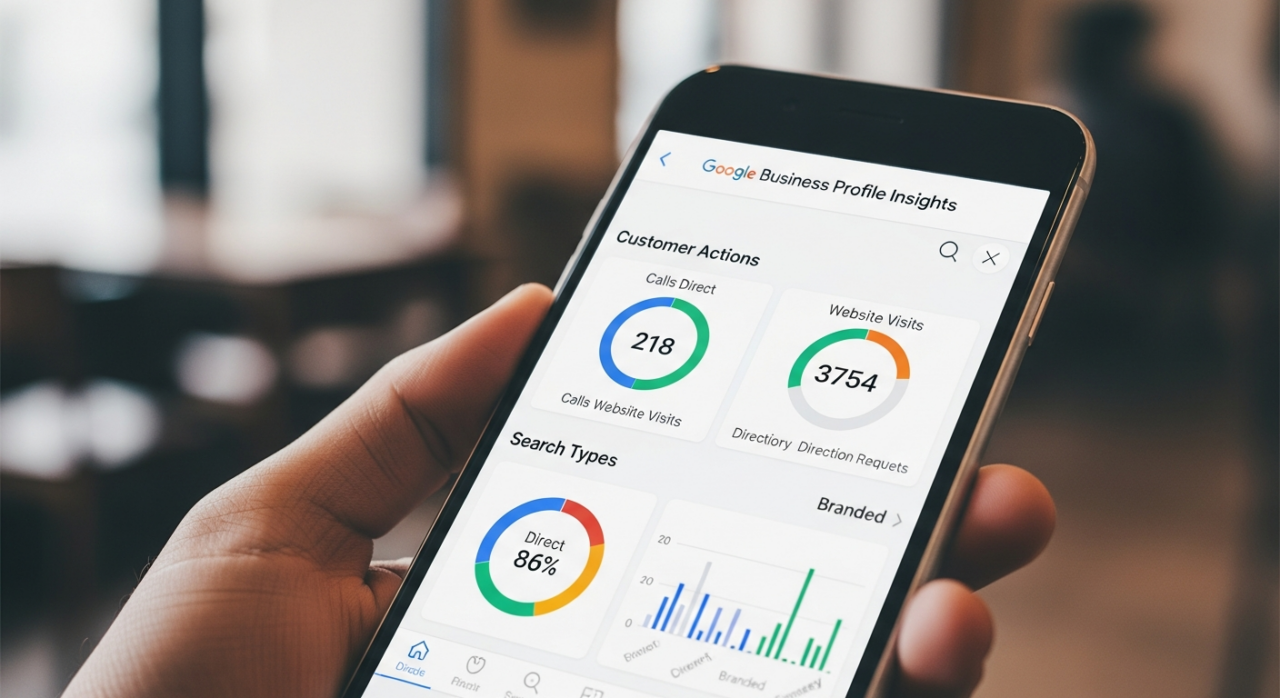
Finally, make a habit of regularly checking your Google Business Profile Insights. This dashboard provides valuable data on how customers find you (direct vs. discovery searches), where they view you (Search vs. Maps), and what actions they take (website clicks, directions requests, phone calls). Use this data to understand customer behavior and refine your optimization strategy over time.
Need Help Growing Your Sales?
We are here to help you scale.
Stay ahead with the latest tips and trends in online selling:
🎥 YouTube – EHP Consulting Group
📱 EHP Consulting Group
Written By: Janine Alaban
Email: info@ehpconsultinggroup.com
Website: http://www.ehpconsultinggroup.com
Number: 925-293-3313
Date Written: June 10, 2026