 (925) 293-3313
Amazon hijackers are one of the biggest threats to legitimate Amazon Sellers—especially those trying to make money on Amazon the right way. These hijackers jump onto your listing, duplicate your ASIN, sell counterfeit items, and steal your Buy Box.
If you want to protect your brand, your revenue, and your customers, knowing how to detect hijackers directly on the Amazon website is the first step. In this guide, we’ll walk through exactly how to spot hijackers, what to do next, and how experts like EHP Consulting Group can help you remove counterfeit products fast.
What Exactly Is an Amazon Hijacker?

A “hijacker” is someone who lists on YOUR product listing—usually selling fake, low‑quality, or unauthorized products at a lower price just to steal your sales.
This leads to:
- Lost Buy Box control
- Negative reviews
- Listing suppression
- Brand damage
- Angry customers
Learn more definitions on Amazon’s glossary here:
https://sell.amazon.com/learn/selling-glossary
How to Check for Hijackers on Amazon (Desktop)
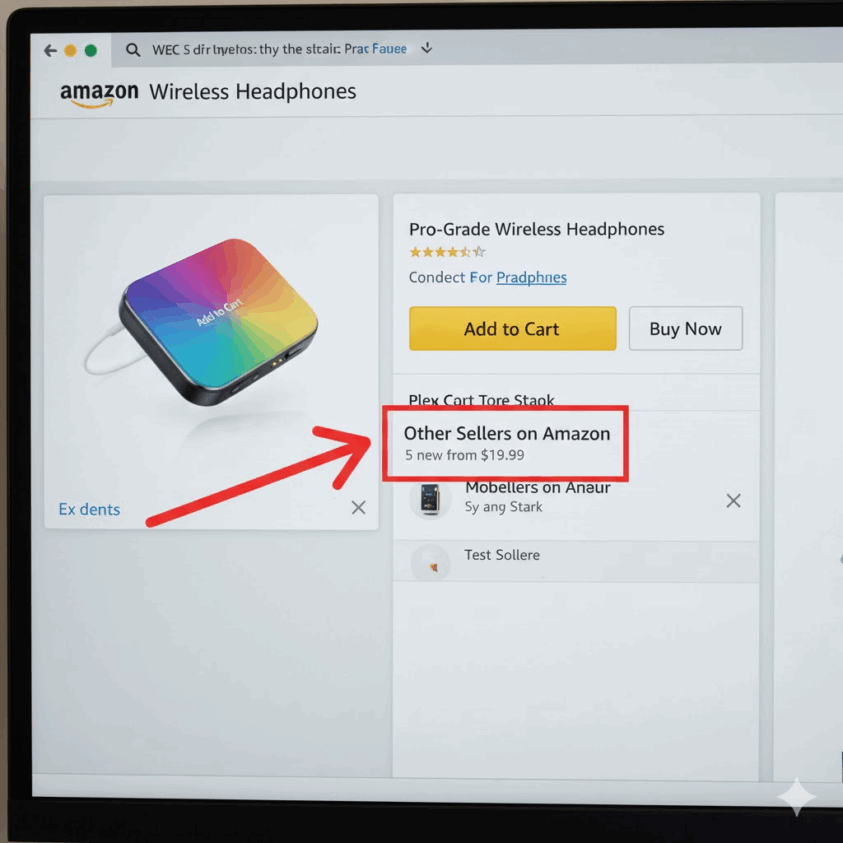
You don’t need any software. You don’t need Seller Central.
You can identify hijackers directly on the Amazon product page:
1. Open your product listing on Amazon
Go to the live detail page of your ASIN.
2. Look for the “Other Sellers on Amazon” box
Scroll below the Buy Box.
If you see additional sellers offering your exact product—and you did not authorize them—you have hijackers.
3. Click “New (X) from $XX.XX”
This expands the full list of sellers.
Look for:
- Unknown store names
- Extremely low prices
- No branding
- “Just Launched” seller accounts
These are the biggest red flags.
4. Check the shipping (FBA, FBM, Prime)
Hijackers often use:
- FBM (Fulfilled by Merchant)
- Generic Prime shipping
- No branding
5. Compare seller names to your authorized list
If you are brand registered, your listing should only show YOU or approved resellers.
How to Check Hijackers Inside Seller Central
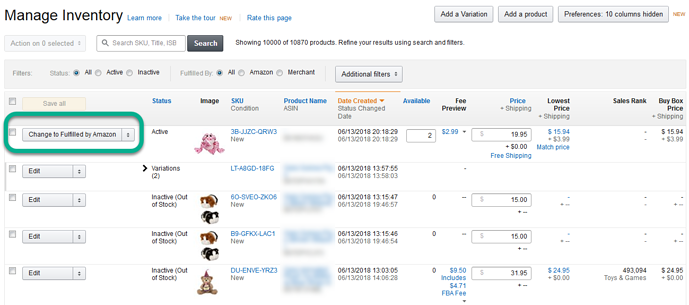
For deeper confirmation:
- Log in → https://sellercentral.amazon.com
- Go to Inventory → Manage Inventory
- Find the ASIN
- Click “Offers” or “See competing sellers”
This area verifies whether unknown sellers are attaching themselves to your listing.
Why Hijackers Must Be Removed Immediately
Waiting too long can cause:
- ASIN suspension
- Listing deletion
- Bad reviews from counterfeit buyers
- Account health violations
- Permanent Buy Box loss
Amazon will not “fix it for you” unless you submit evidence and formal documentation.
This is why brands hire an Amazon counterfeit removal expert like EHP Consulting Group.
👉 Need help removing hijackers fast?
https://ehpconsultinggroup.com/brand-protection
Steps to Remove Amazon Hijackers
1. Send a polite cease‑and‑desist message
Sometimes sellers unknowingly attach to the wrong listing.
2. File an IP complaint
If you own:
- Trademark
- Copyright
- Patent
You can report through the Amazon Brand Registry portal.
3. Order a test buy
Prove the product is fake or not matching your brand.
4. Submit evidence to Amazon
Provide photos, packaging, branding, and comparison.
5. Hire professionals if the hijacker persists
Some counterfeiters use VPNs, new accounts, or rotate identities.
Professionals can escalate through Amazon’s legal and IP channels.
How EHP Consulting Group Helps Amazon Sellers
As Amazon Experts, we help sellers:
✔ Remove hijackers
✔ Remove counterfeit duplicates
✔ Protect branded listings
✔ File Brand Registry documents
✔ Restore Buy Box
✔ Improve Amazon sales
✔ Boost listing rankings
✔ Manage compliance cases
Explore full Amazon services here:
https://ehpconsultinggroup.com/services
Why Hijackers Increase During Q4 (Christmas Season)
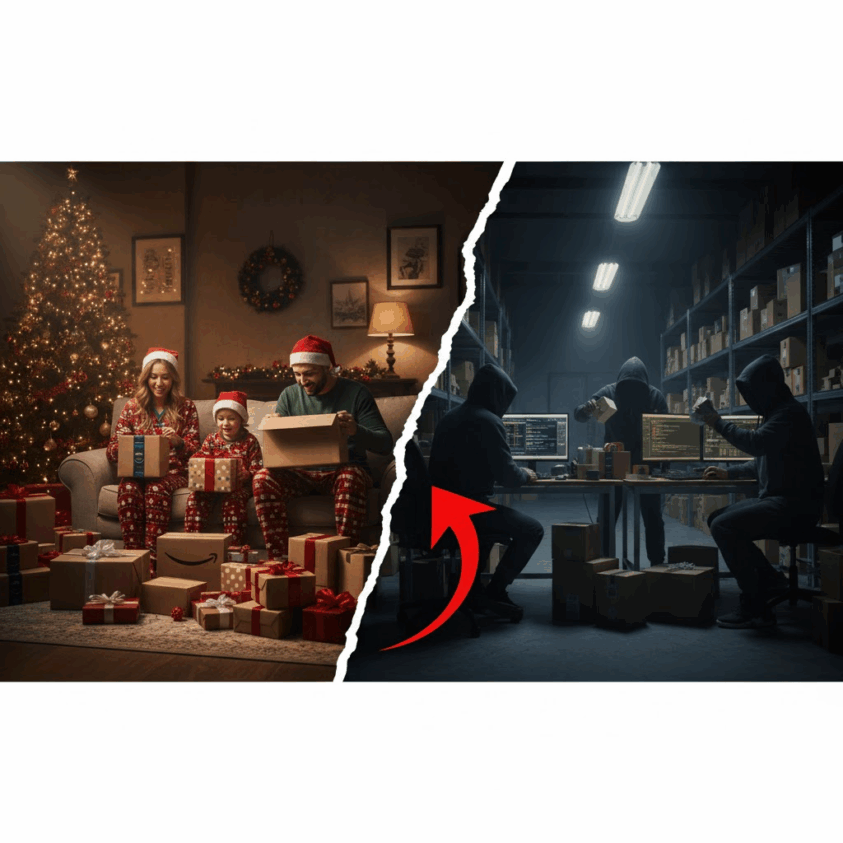
During peak shopping months, hijackers jump onto top‑selling listings hoping to steal fast traffic.
If your product is trending—especially gifts—expect more attacks.
This is the perfect time to tighten brand protection, update trademark documentation, and monitor listings daily.
Checklist: Daily Tasks to Detect Amazon Hijackers Early
You can place an image here. Ideal visual: a checklist graphic.
DAILY HIJACKER MONITORING CHECKLIST
- Check your Buy Box percentage
- Review “Other Sellers on Amazon”
- Check price changes
- Track reviews for sudden complaints
- Monitor Seller Central notifications
- Use keyword alerts
- Validate FBA stock movement
- Keep a list of authorized resellers
- Store trademark certificates
- Review your brand store for duplicates
FAQ: Hijackers on Amazon
✔ Can I remove a hijacker if I’m not brand registered?
Yes, but it’s harder. You may need invoice proof, product proof, or expert support.
✔ Will Amazon automatically remove counterfeit sellers?
No. Amazon relies on YOU to report them.
✔ Can hijackers damage my account health?
Yes. Wrong orders = bad reviews = suspended listing.
✔ How fast can hijackers be removed?
Anywhere from 24 hours to 2 weeks depending on case complexity.
YouTube Channel Link: EHP Consulting Group on YouTube
TikTok Profile Link: EHP Consulting Group on TikTok
Written By: Ahzel P. Miral
Email: [email protected]
Website: http://www.ehpconsultinggroup.com
Number: 925-293-3313
Date Written: December 16, 2025