 (925) 293-3313
As an Amazon seller, you juggle countless metrics, but one number holds the keys to your FBA storage capacity and profitability: the Inventory Performance Index (IPI) score. This single metric, ranging from 0 to 1,000, is Amazon’s way of grading how efficiently you manage your inventory. Ignoring it can lead to crippling storage limits and costly overage fees, while mastering it can unlock virtually unlimited storage and a healthier bottom line.
If you’ve ever been frustrated by storage restrictions or confused about how to improve your inventory health, you’re in the right place. This guide will demystify the IPI score, break down the factors that influence it, and provide actionable strategies you can implement today to take control of your FBA business.
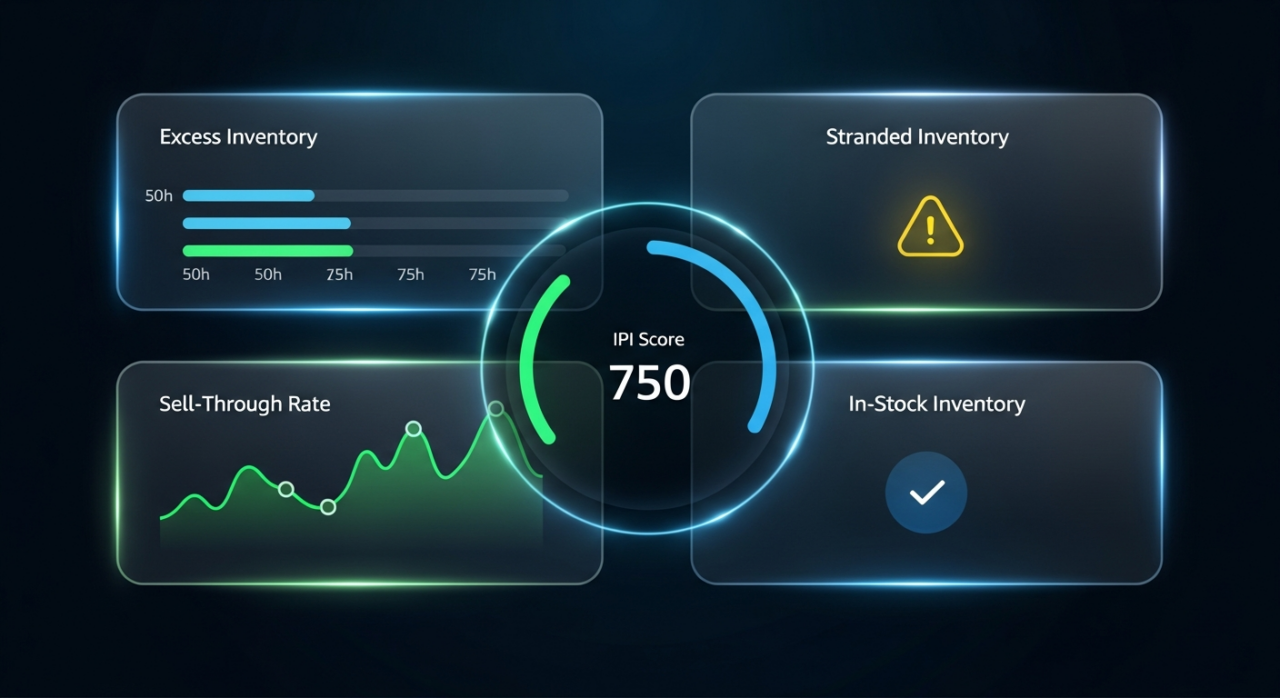
First, let’s understand what Amazon is looking at. Your IPI score is calculated weekly based on four key performance indicators:
- Excess Inventory: This is the percentage of your FBA inventory that Amazon considers overstocked, typically items with more than 90 days of supply. Think of these as your slow-moving products that are tying up capital and racking up storage fees.
- Sell-Through Rate (STR): A crucial metric that measures how quickly you sell through your inventory over the past 90 days. Amazon considers a rate of 3 to 7 to be “Good,” while anything above 7 is “Excellent.” A low STR signals to Amazon that your products aren’t moving fast enough.
- Stranded Inventory: This is inventory sitting in a fulfillment center that can’t be sold because of a listing issue. It’s the worst-case scenario: you pay for storage on a product that has zero chance of being purchased until you fix the problem.
- In-Stock Inventory: This metric reflects your ability to keep your popular, replenishable items in stock. While running out of stock doesn’t directly penalize your score, consistently failing to replenish high-demand ASINs can negatively impact it over time by affecting your sales history and sell-through rate.
Maintaining an IPI score above the minimum threshold (currently 400) is non-negotiable for serious FBA sellers. Falling below this number can result in storage volume limits for the next quarter, forcing you to make tough decisions about what to send to FBA and potentially pay expensive fees for exceeding your new, lower limit.
Ready to boost your score and secure your storage? Let’s dive into the proven strategies.
1. Eliminate Excess Inventory
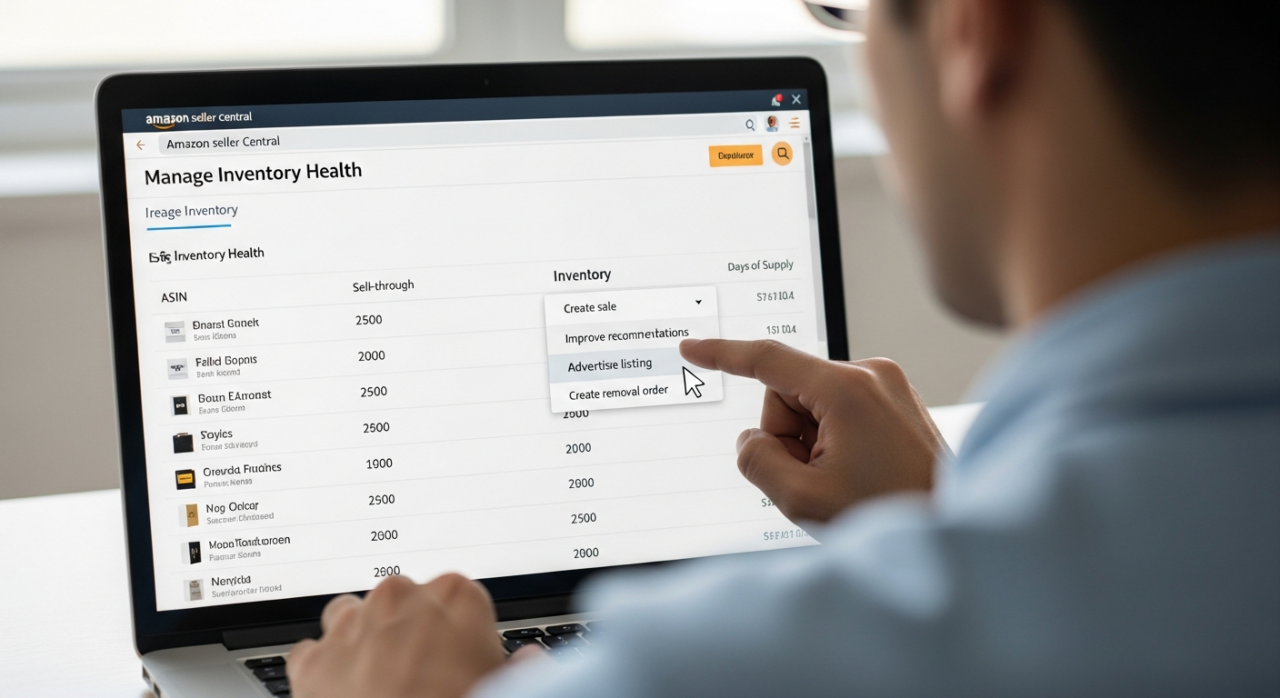
Holding onto slow-moving stock is one of the quickest ways to drag down your IPI score. Be ruthless in identifying and dealing with products that aren’t selling. Start by visiting the “Manage Inventory Health” page in Seller Central. Amazon will flag any ASINs it deems “excess.” From there, take decisive action. Consider running a targeted ad campaign, creating a deal, or using promotions to spark sales. If a product still won’t move, don’t let it linger. Create a removal order to have the inventory returned to you or liquidated. It’s often better to cut your losses on a poor-performing product than to let it harm your entire FBA operation.
2. Supercharge Your Sell-Through Rate
A healthy sell-through rate tells Amazon that you’re sending in products that customers actually want. The best way to improve this is to increase your sales velocity. Start by optimizing your product listings. Are you using high-quality images and video? Is your copy persuasive and keyword-rich? A fully optimized listing attracts more buyers and converts them at a higher rate. Next, leverage Amazon’s advertising tools. Sponsored Products campaigns can give your items the visibility they need to get in front of the right customers. Finally, ensure your pricing is competitive. Consistently winning the Buy Box is a surefire way to increase sales and, consequently, your sell-through rate.
3. Resolve Stranded Inventory Immediately
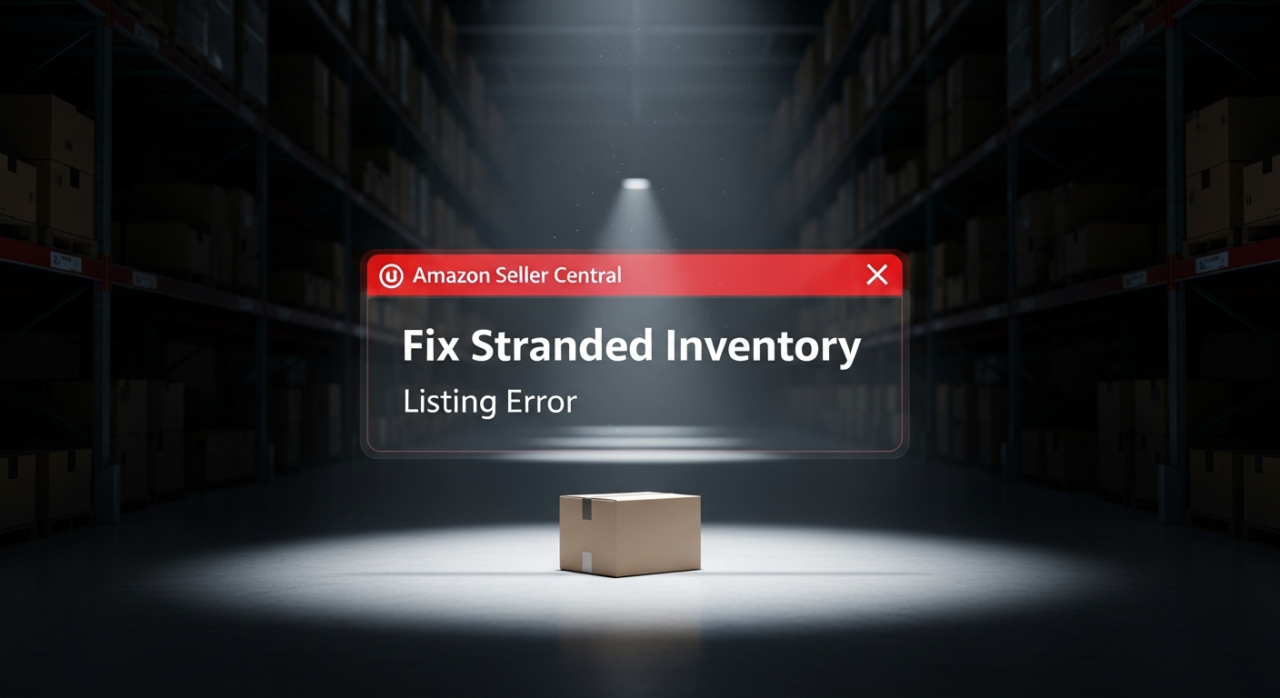
Stranded inventory is a silent killer for your IPI score. It contributes nothing to sales while actively counting against your performance and costing you storage fees. Make it a weekly habit to check the “Fix Stranded Inventory” page in Seller Central. The causes are often simple to fix, such as a pricing error, a suppressed listing, or incomplete product information. Whatever the reason, act fast. Relist the item, update the necessary information, or—if it can’t be fixed—create a removal order. The longer an item stays stranded, the more damage it does.
4. Master Your In-Stock Rate
While it might seem counterintuitive after discussing excess inventory, keeping your bestsellers in stock is critical. Amazon rewards sellers who can reliably meet customer demand for popular products. Running out of stock on a high-velocity ASIN not only means lost sales but also hurts your product’s ranking and sales momentum, which can negatively affect your sell-through rate in the long run. Use the inventory management tools in Seller Central to set replenishment alerts and forecast demand for your top-performing products. The goal is not to stock everything, but to be a reliable source for the products that drive your business.
5. Use Amazon’s Built-in Tools
Amazon provides the tools you need to succeed—you just have to use them. Your primary resource is the Inventory Performance dashboard, found under the “Inventory” tab in Seller Central. This is your command center for monitoring your IPI score and diagnosing issues with each of the four influencing factors. For sellers managing larger volumes, consider looking into programs like Amazon Warehousing & Distribution (AWD). This service offers low-cost bulk storage that can automatically replenish your FBA inventory. This helps you avoid sending too much stock to FBA at once (which hurts your excess inventory metric) while also preventing stockouts on popular items (which helps your in-stock rate).
Ultimately, your IPI score is a reflection of your overall inventory discipline. By proactively managing excess stock, improving your sales velocity, fixing listing issues promptly, and keeping your winners in stock, you can transform this metric from a source of stress into a competitive advantage..

YouTube Channel Link: EHP Consulting Group on YouTube
TikTok Profile Link: EHP Consulting Group on TikTok
Written By: Ahzel P. Miral
Email: [email protected]
Website: http://www.ehpconsultinggroup.com
Number: 925-293-3313
Date Written: March 17, 2026