
 (925) 293-3313
1. Understand the Real Cause of Conversion Delays
It’s a frustrating scenario for any Walmart seller: you’ve done your research, prepped your product, and you’re ready to leverage the power of Walmart Fulfillment Services (WFS). You click to convert your listing, but 24 hours later, it’s still stuck as seller-fulfilled. While it’s tempting to blame a mysterious “internal Walmart error,” the reality is often more straightforward. The most common culprits behind conversion delays are issues within your item setup.

Incomplete data, incorrect attributes, or missing compliance information are far more likely to cause a stall than a random system glitch. Before looking for complex workarounds, the first step is always to audit your own listing for accuracy and completeness. For expert help, consider a free listing audit to identify potential issues before they cause delays.
2. Avoid Ineffective and Unverified Workarounds
When faced with a delay, some sellers turn to unconventional methods circulating online. Two popular but unverified tactics include repeatedly clicking the “Convert to WFS” button and using screenshots of a competitor’s WFS listing as leverage with Seller Support. There is no official documentation to support that either of these methods works.
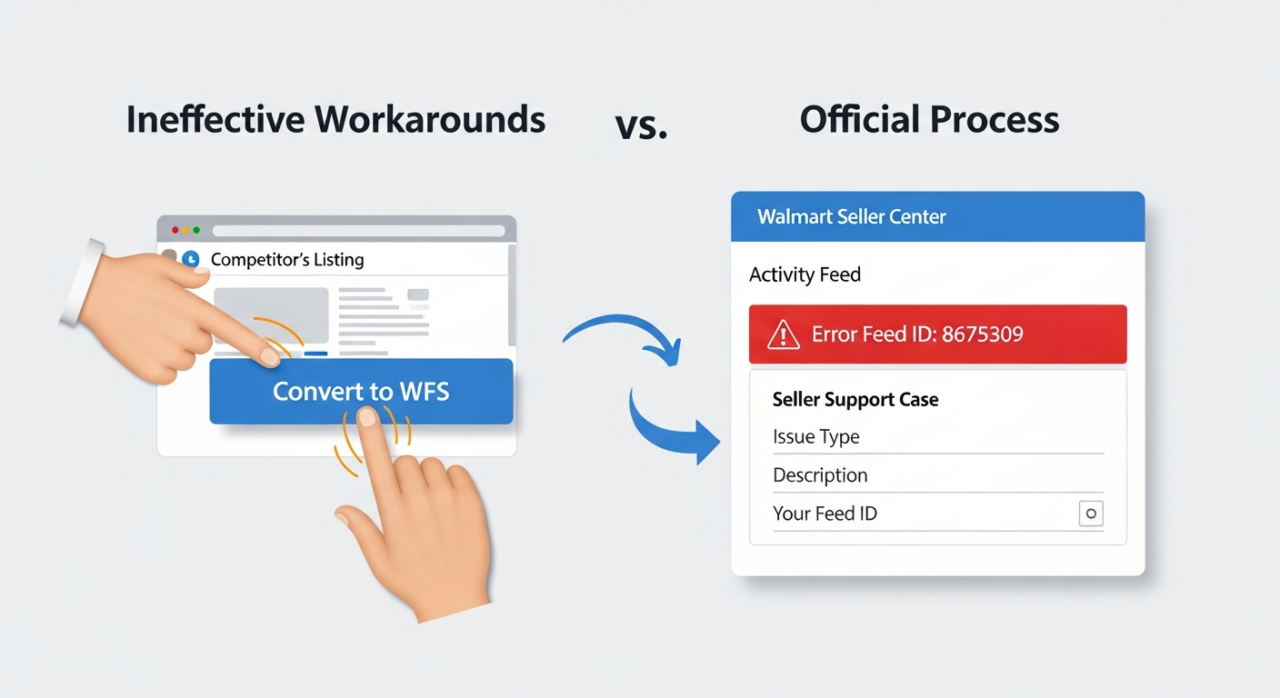
Instead of rapid-fire clicking, your time is better spent checking the Activity Feed for specific error messages. Similarly, while contacting support is the correct escalation path, arguing based on a competitor’s status is not a recognized strategy. The most effective way to get help is to provide support with the specific Feed ID of your failed conversion attempt.
3. Prepare for the Hazmat Compliance Review
One of the most common and legitimate reasons for a conversion delay is the Hazmat review. If your product falls into a category that could be considered hazardous for storage or shipping, it will be automatically flagged by Walmart’s system for a compliance check. This is a standard safety procedure, not an error. This review can take up to three business days to complete. Be proactive by knowing if your product is likely to be flagged. Common examples include:
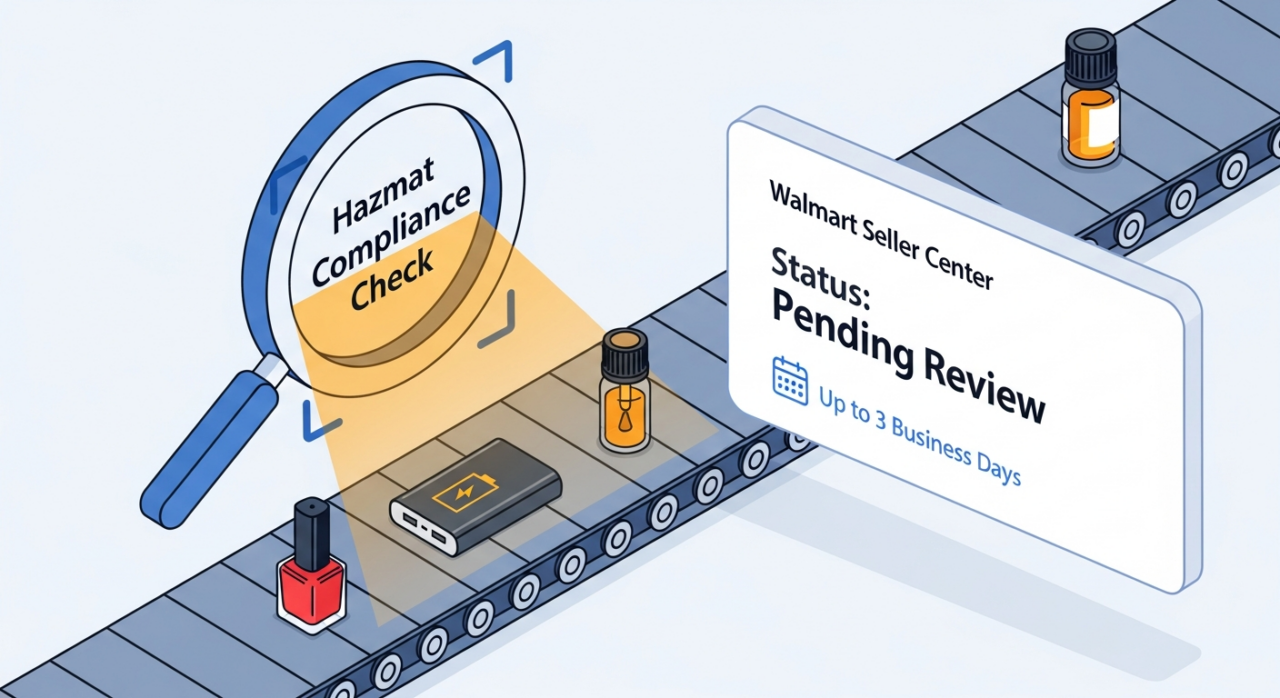
- Cosmetics like nail polish, perfumes, and some makeup
- Health products such as essential oils and shampoos
- Electronics containing batteries, like laptops and power banks
- Household items like air purifiers, water filters, and some cleaning agents
To ensure a smooth review, make sure you provide all necessary compliance details during item setup, including a Safety Data Sheet (SDS) if applicable.
4. Steer Clear of the Risky “Blank Listing” Tactic
A particularly dangerous workaround being suggested is the “blank listing” strategy. This involves creating a new item with minimal information, converting that bare-bones listing to WFS, shipping your inventory to Walmart, and only then updating the listing with the correct product details, images, and keywords.
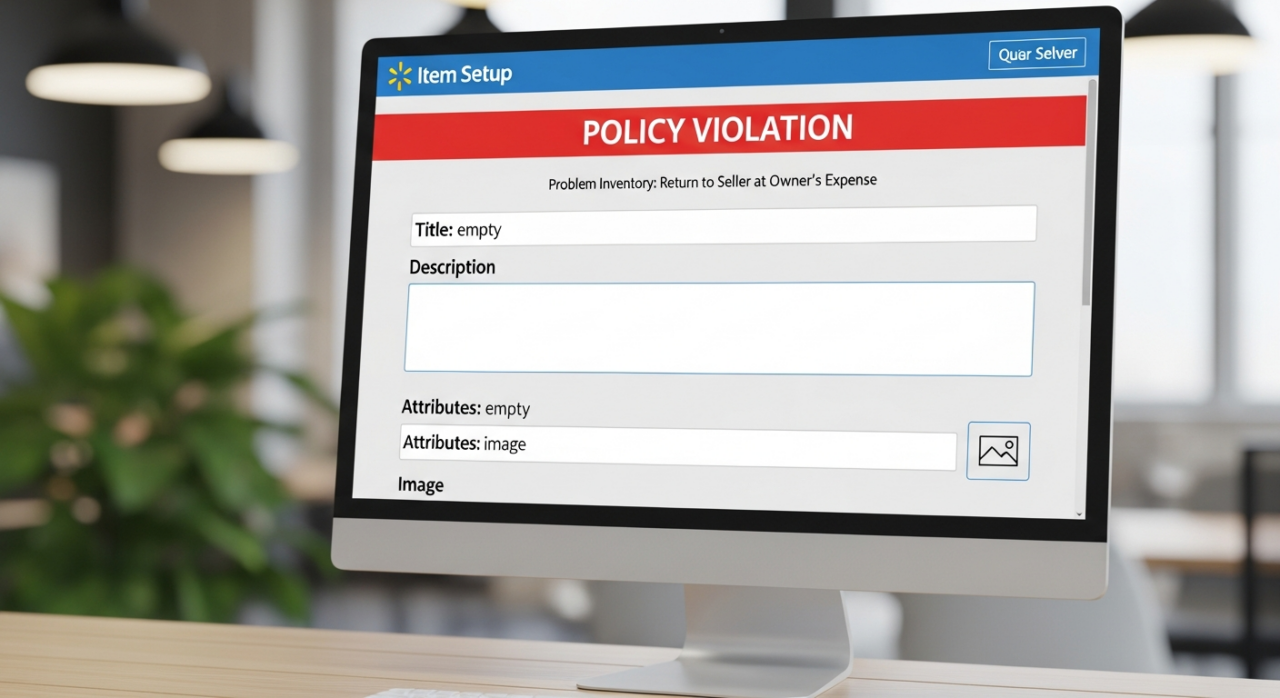
This tactic is a direct violation of Walmart’s policies. Attempting to bypass compliance checks by providing inaccurate or incomplete information can lead to severe consequences, including having your products flagged as “problem inventory” and returned at your expense, or even complete removal from the WFS program. The short-term gain is not worth the long-term risk to your seller account, a fact supported by many seller case studies.
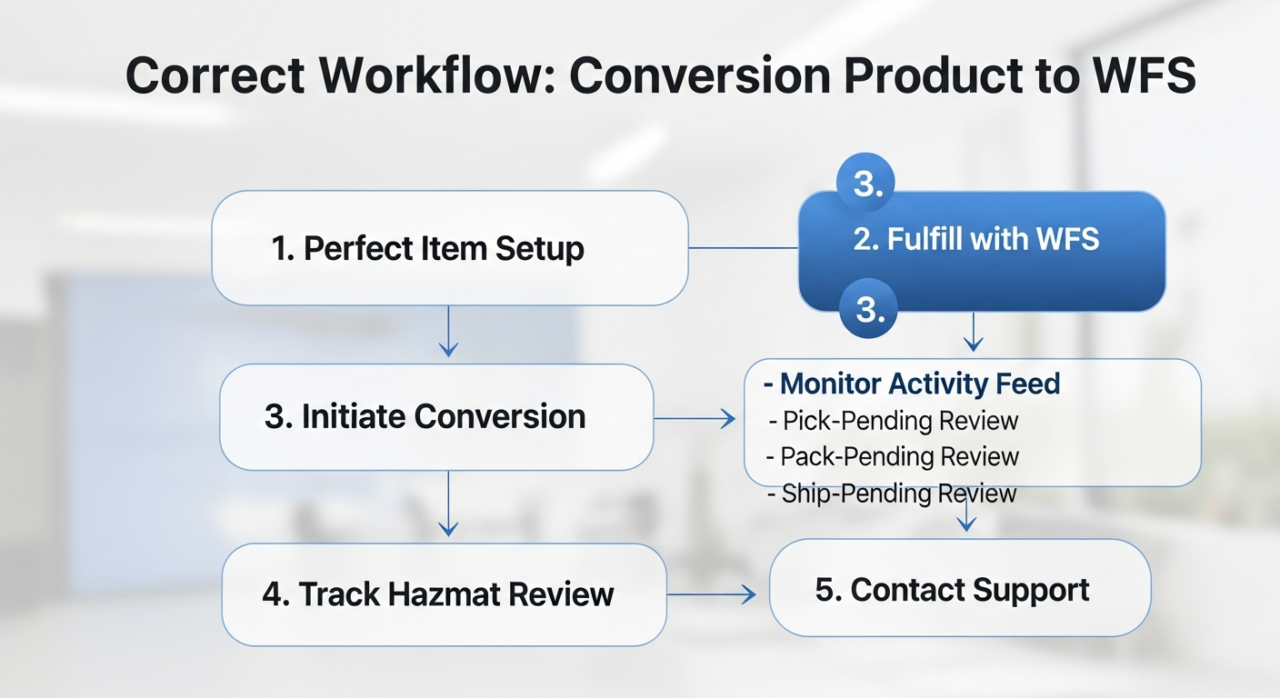
5. Step 1: Perfect Your Item Setup First
The foundation of a successful WFS conversion happens before you ever click the button. Proactive preparation is your best defense against delays. Thoroughly review every field in your item setup using powerful tools like Helium 10. Ensure your product titles, descriptions, categories, and attributes are all accurate and complete. If your product requires any compliance documentation, such as an SDS, have it ready and submit it correctly from the start. A clean, comprehensive listing is far less likely to get flagged or stuck in the system.
6. Step 2: Follow the Official Conversion Process
Once your item setup is flawless, initiating the conversion is simple. Navigate to the “Catalog” section within the Seller Center. Find the item you wish to convert and select the “Fulfill with WFS” option. This is the single, official method for starting the process. Following this standard procedure, as outlined in this helpful video guide, ensures your request is logged correctly in Walmart’s system.
7. Step 3: Monitor the Activity Feed for Status Updates
The Activity Feed is your command center for tracking the conversion. After submitting your item, go to the feed to monitor its status. This is the first place you will see if the conversion was successful or if it encountered an error. If there is a problem, the feed will often provide a specific error message and a Feed ID. This information is critical for diagnosing and fixing the issue yourself or for providing to Seller Support.
8. Step 4: Track the Hazmat Review Status
If your product was flagged for a potential hazard, don’t just wait and wonder. You can actively monitor its progress. In the Seller Center, navigate to the “Pending Review” page. Here, you can see the status of your item as it moves through the compliance check. This provides transparency and helps you manage your expectations regarding the timeline, which can be up to three business days.
9. Step 5: Contact Seller Support with the Right Information
If your conversion fails and the Activity Feed doesn’t provide a clear solution, it’s time to contact Walmart Seller Support. To get the fastest and most effective help, open a case and include the specific Feed ID associated with your failed conversion attempt. This ID allows the support team to look directly at the technical data of your submission and identify the precise point of failure. This is infinitely more effective than generic complaints or unverified tactics. For complex issues that require professional intervention, you can explore expert consulting services to resolve them efficiently.
Need Help Growing Your Sales?
Written By: Liezel Felisilda
📺 YouTube: EHP Consulting Group on YouTube
🎵 TikTok: EHP Consulting Group on TikTok
Email: info@ehpconsultinggroup.com
Website: www.ehpconsultinggroup.com
Number: 925-293-3313
Date Written: September 25, 2026