 (925) 293-3313
Navigating the world of Amazon FBA can feel like learning a new language, complete with its own set of acronyms and rules. Two of the most important terms you’ll encounter are UPC and FNSKU. While they might both look like simple barcodes, understanding their distinct roles is fundamental to managing your inventory, protecting your brand, and succeeding on the platform. Let’s break down what each code does and why the difference is more critical now than ever.
1. The Foundation: Understanding the UPC
Think of the Universal Product Code (UPC) as a product’s universal passport. It’s the standard 12-digit number and scannable barcode you see on nearly every retail item, from a can of soup to a new pair of headphones. A UPC is a Global Trade Item Number (GTIN) that identifies a specific product, regardless of who is selling it.
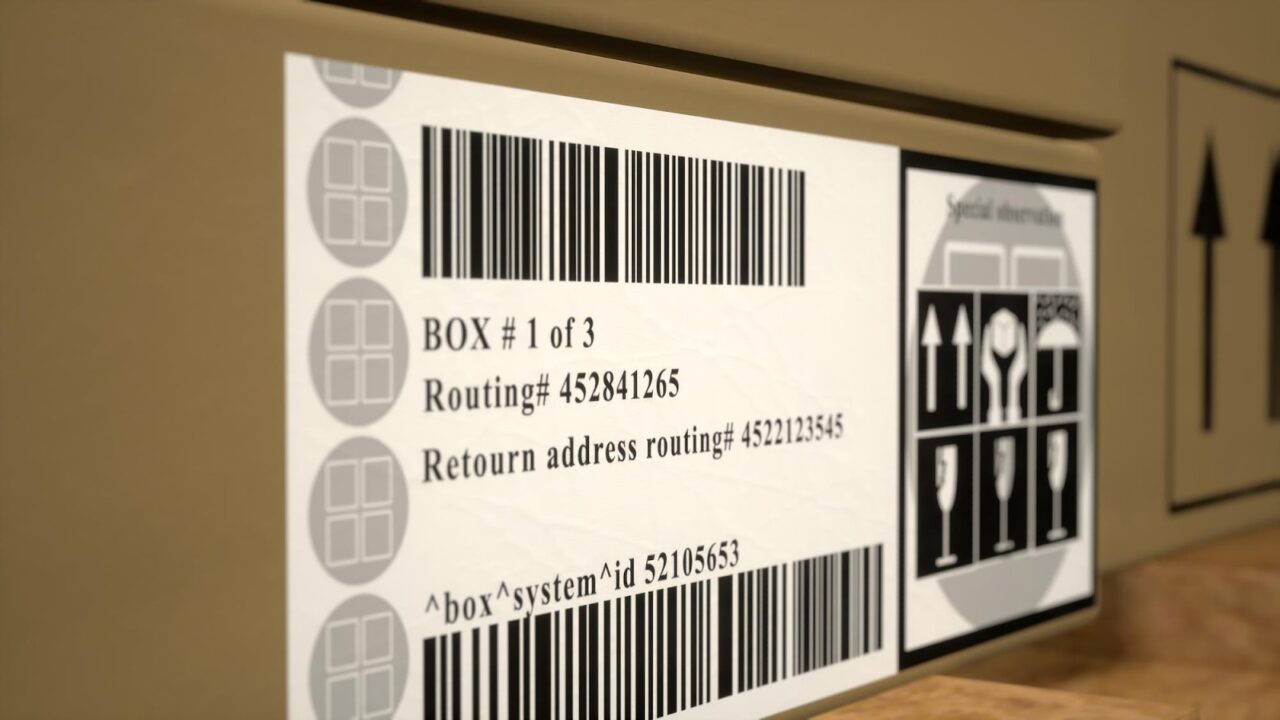
When you want to create a brand-new product listing on Amazon, you typically need to provide a unique UPC. This code tells Amazon, “This is a specific model of a product from a specific brand.” To get a legitimate UPC that will be accepted by Amazon and other major retailers, you must license it from GS1, the global organization that manages these standards.
2. The Amazon Identifier: What is an FNSKU?
While a UPC identifies the product, a Fulfillment Network Stock Keeping Unit (FNSKU) identifies the product as belonging to you within Amazon’s fulfillment centers. This Amazon-exclusive barcode is the key to tracking your specific units through the FBA system.
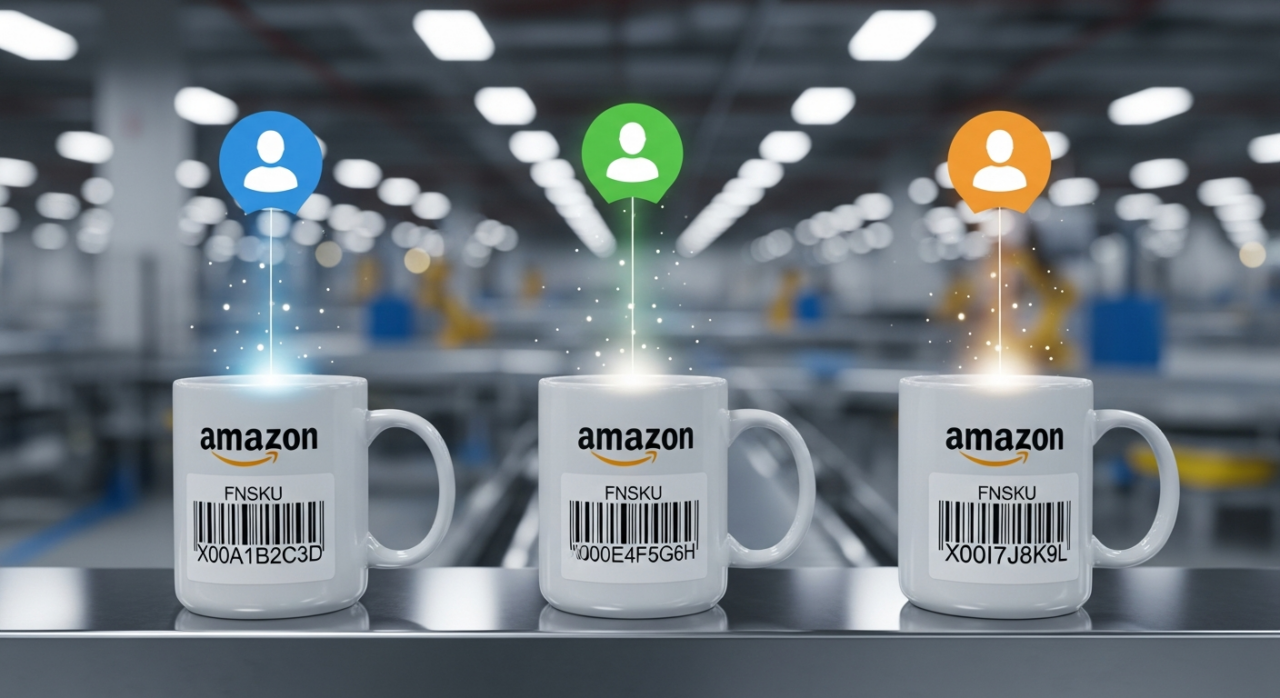
Imagine you and ten other sellers all offer the exact same brand of coffee mug. All of those mugs share the same UPC. Without a unique identifier, how would Amazon know which mug is yours when a customer makes a purchase from your store? The FNSKU solves this. It links that specific physical mug back to your seller account, ensuring that when a sale is made, an item from your inventory is picked, packed, and shipped, and you get credited for the sale.
3. The End of an Era: Commingled Inventory is Over
For a long time, Amazon had a program for “commingled” inventory. Sellers could opt-in to have their products, identified only by their UPCs, stored together with identical products from other sellers. The idea was to increase shipping speed; Amazon could just grab the product closest to the customer, regardless of which seller it originally belonged to.
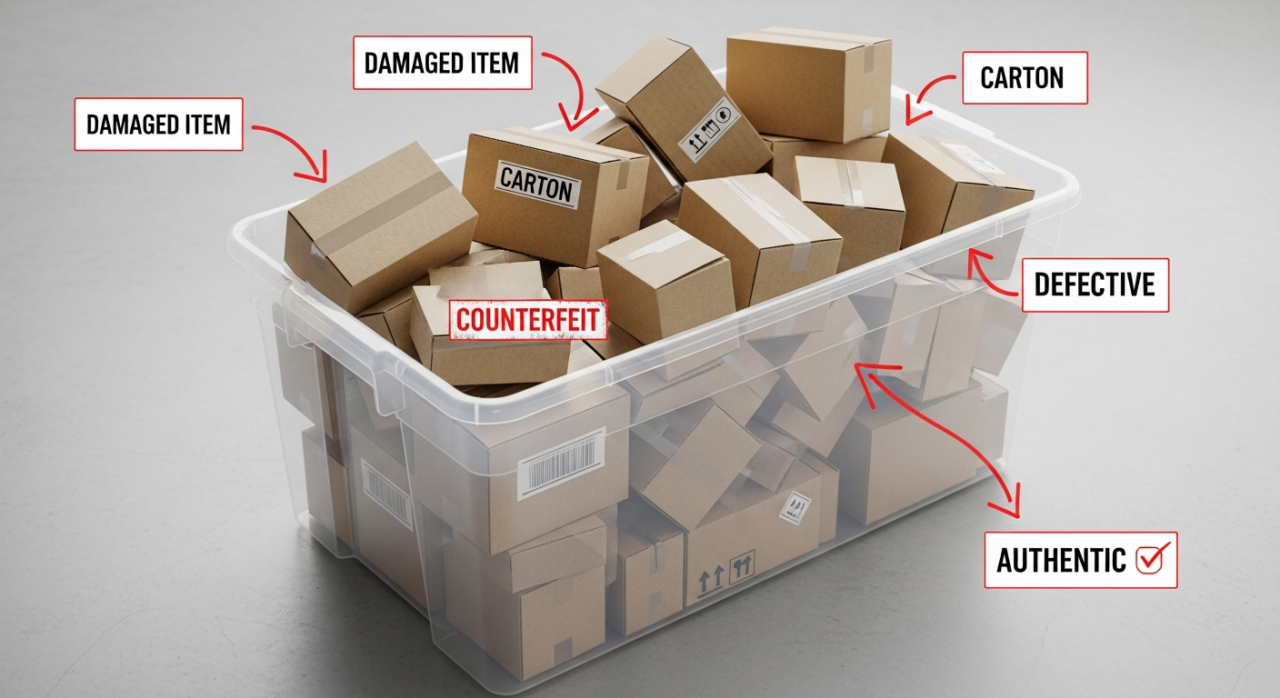
However, this created massive problems. If a less reputable seller sent in counterfeit, damaged, or expired goods, their products could be mixed in with your authentic, high-quality inventory. A customer buying from your store could receive a faulty item from this commingled pool, leading to bad reviews, returns, and even a negative Amazon seller performance notification that unfairly damaged your reputation.
Recognizing these risks, Amazon made a major policy shift. As of March 31, 2026, the commingled inventory program will be officially discontinued. This move is a direct response to brand owner concerns and is enabled by Amazon’s improved logistics network.
4. Why the FNSKU is Now Non-Negotiable
With the end of commingling, the FNSKU has become the standard for most FBA sellers, especially resellers. By requiring individual sellers to label their products with a unique FNSKU, Amazon ensures that every seller’s inventory remains separate and distinct within the fulfillment centers. This is a huge win for sellers who prioritize quality, authenticity, and their overall seller account health.
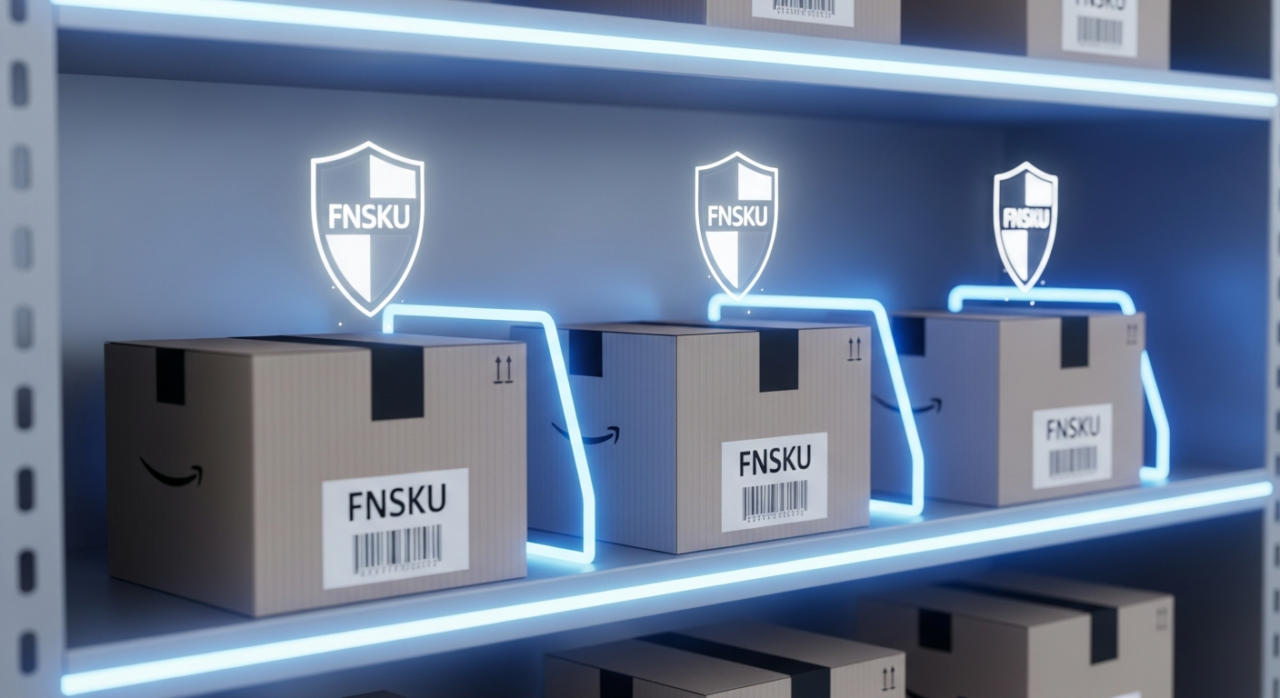
This system guarantees that the product you sourced, inspected, and sent to Amazon is the exact one a customer receives when they buy from you. While brand owners enrolled in the Brand Registry program have some flexibility and may use a manufacturer barcode (such as a UPC), for the vast majority of sellers, using an FNSKU is now a mandatory best practice.
5. Getting and Applying Your Codes Correctly
So, how do you get these essential barcodes? The process is straightforward.
First, you must obtain a GS1-licensed UPC for your product to create the initial listing in Amazon’s catalog. If you need help optimizing your product pages, consider a free listing audit to get started.
Once your listing is created in Seller Central, you’ll convert it to “Fulfilled by Amazon.” During the process of creating your FBA shipment plan, Amazon will generate a unique FNSKU for your product. You can then download and print these FNSKU labels directly from your seller account.
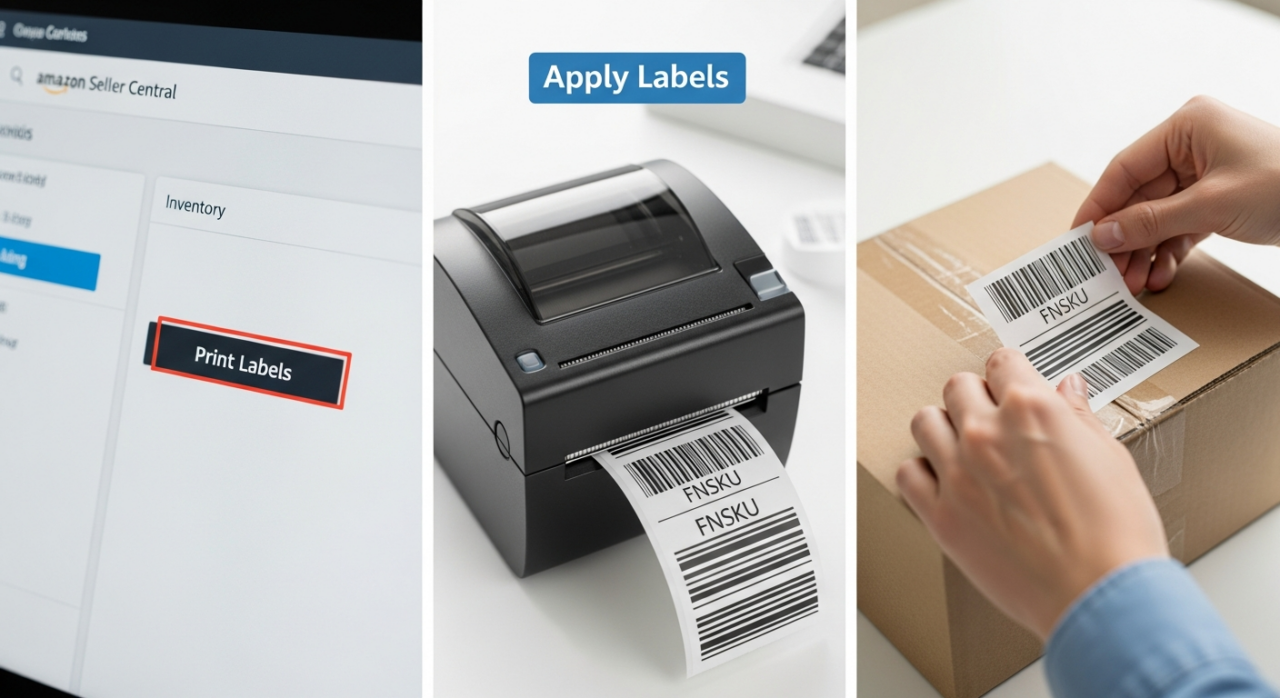
Here’s the most critical step: The FNSKU label must be applied over any existing UPC or other scannable barcode on the product’s packaging. This ensures that when your inventory arrives at the fulfillment center, Amazon’s scanners read only the FNSKU, correctly assigning the unit to your specific seller inventory and preventing any confusion. For expert guidance on navigating these and other Amazon complexities, the team at EHP Consulting Group offers a range of services to help sellers thrive.
Need Help Growing Your Sales?
We are here to help you scale.