 (925) 293-3313
In the fast-paced world of TikTok Shop, every advantage counts. One of the most powerful tools in a seller’s arsenal is offering free shipping. It’s a proven way to capture attention, reduce cart abandonment, and turn casual browsers into loyal customers. While it might sound complicated or expensive, setting up a free shipping promotion is surprisingly straightforward.
Whether you want to offer it on every single item forever or take a more strategic approach, here’s your guide to mastering free shipping in the TikTok Shop Seller Center.
1. Set Up Store-Wide, Indefinite Free Shipping
This is the “set it and forget it” method for sellers who want to make free shipping a core part of their brand identity on the platform. By creating a continuous promotion, you ensure all your products are instantly more appealing to potential buyers.
Here’s the typical process:
First, log in to your TikTok Shop Seller Center. The exact location can vary as TikTok updates its interface, but you’ll generally find the option under a main tab like “Marketing,” “Promotions,” or sometimes under “Orders” in a dedicated “Free Shipping” section.
Once there, look for an option to create a new promotion. This might be labeled “Shipping Fee Discount” or “Free Shipping Promotion.”
Next, you’ll configure the details. Give your promotion an internal name you’ll remember. For the “Promotion Period,” select the “Indefinite” option. This keeps the offer live until you decide to manually turn it off. Under “Applicable Products,” choose the option for your “Entire Shop.” Finally, when setting the conditions, you can opt for no minimum purchase requirement. This makes free shipping truly apply to every order, big or small.
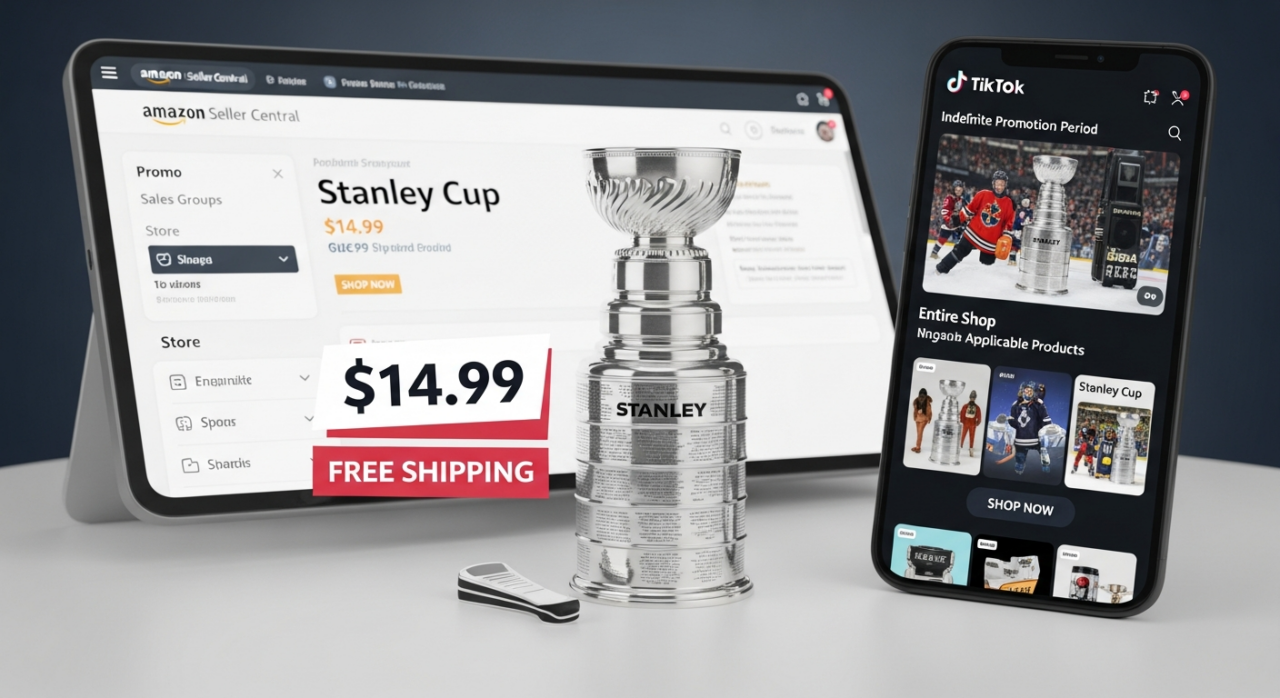
After you publish the promotion, your products will display a “Free Shipping” tag, a powerful visual cue that encourages shoppers to click “Add to Cart.”
2. Offer Product-Specific Free Shipping
A store-wide promotion isn’t always the right fit for every business. You might want to be more selective, and TikTok Shop allows for that. Offering free shipping on specific products is an excellent strategy for promoting new items, highlighting high-margin bestsellers, or clearing out old inventory.

The setup process is nearly identical to the store-wide method. When you get to the “Applicable Products” step in the promotion setup, instead of choosing “Entire Shop,” you will select the option to choose specific products. You can then hand-pick the items from your catalog that you want to include in the free shipping offer.
3. Implement Threshold-Based Free Shipping
One of the most popular e-commerce strategies is offering free shipping once a customer’s cart reaches a certain value, like “Free shipping on all orders over $50.” This is a fantastic way to increase your average order value (AOV) by incentivizing customers to add more items to their cart to qualify.
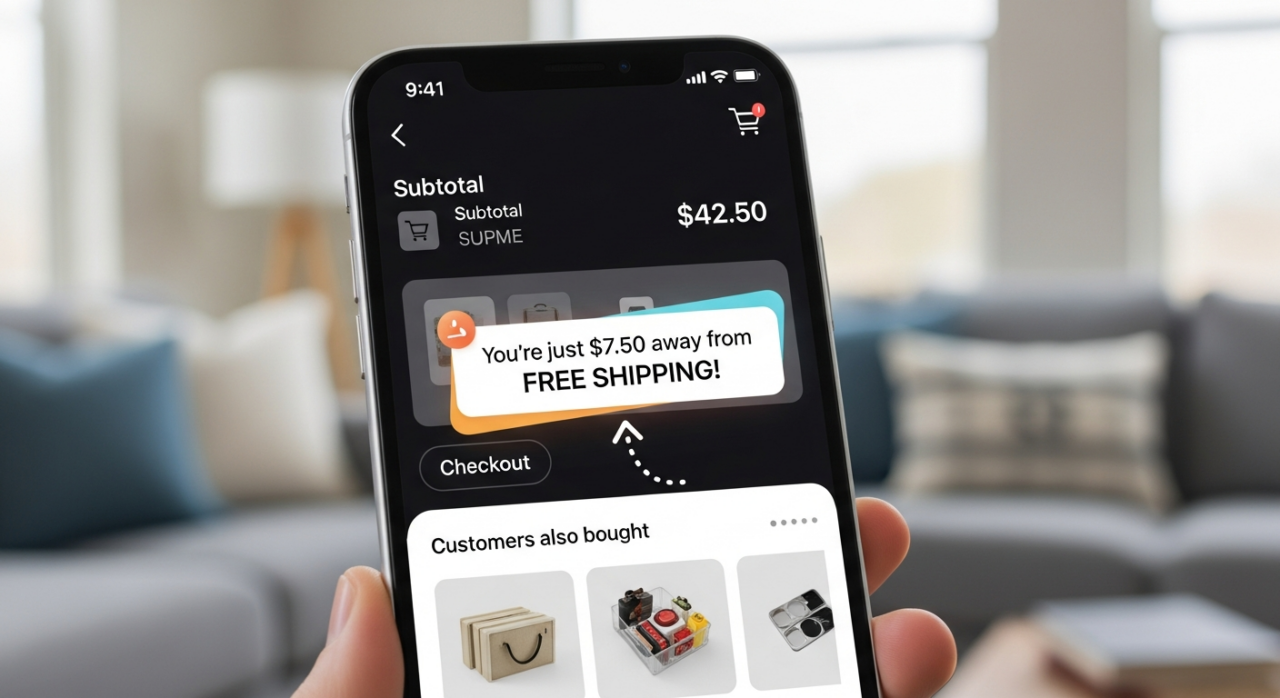
To set this up, you’ll follow the same initial steps to create a “Shipping Fee Discount.” When you reach the “Conditions” section, instead of choosing no minimum, you will set a minimum order value. This tells the system to only apply the free shipping discount once a customer’s subtotal meets or exceeds the amount you specified.
4. Participate in TikTok’s Co-Funded Program
Keep an eye out for programs offered directly by TikTok Shop. The platform sometimes runs a co-funded free shipping program where they share the shipping costs with sellers. This is a great way to offer the perk of free shipping to your customers while minimizing the impact on your bottom line.
Participation details and eligibility can vary, but these programs typically apply to orders above a certain threshold. Check the promotions or announcements sections in your Seller Center to see if a program like this is currently available. It’s a win-win: your customers save money, and you share the cost with the platform.
“`
YouTube Channel Link: EHP Consulting Group on YouTube
TikTok Profile Link: EHP Consulting Group on TikTok
Written By: Ahzel P. Miral
Email: info@ehpconsultinggroup.com
Website: http://www.ehpconsultinggroup.com
Number: 925-293-3313
Date Written: March 26, 2026