 (925) 293-3313
You’ve done the hard work of building your brand and enrolling in Amazon’s Brand Registry. You have access to powerful tools to protect your intellectual property and control your product listings. But with great power comes great responsibility—and a crucial question: who else gets access? Handing out permissions without a clear strategy is like giving away keys to your kingdom without knowing who has them.

Understanding the specific roles within Brand Registry isn’t just an administrative task; it’s a fundamental part of your brand protection strategy. Assigning the wrong role can lead to a loss of control, while using them correctly empowers your team and partners to work efficiently and securely.
1. Establish the Rights Owner
The Rights Owner is the foundation of your brand protection on Amazon. This role is designated for the actual trademark owner or a trusted, authorized employee. Their primary function is having access to the powerful “Report a Violation” tool, allowing them to directly combat intellectual property infringements and counterfeit listings.
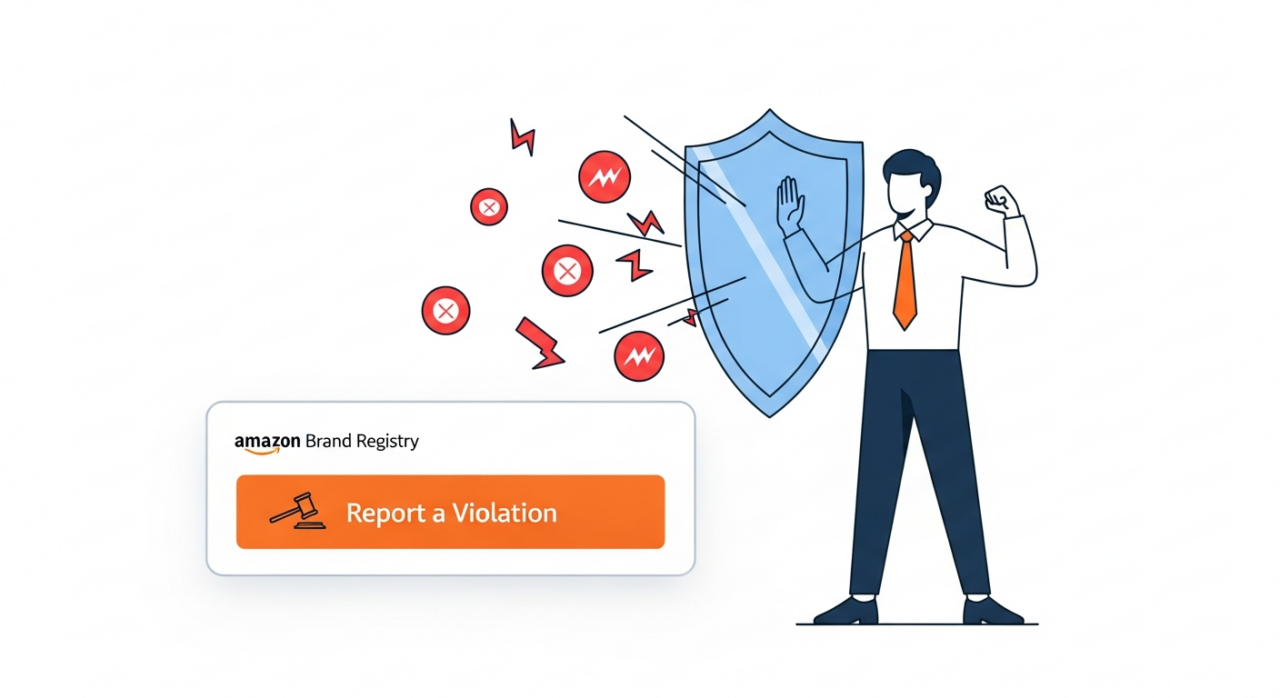
Think of the Rights Owner as your brand’s designated enforcer. When you first enroll your brand, the person who completes the application is automatically assigned this role. It’s vital to ensure this initial user is the appropriate individual, as they hold the authority to formally report violations on behalf of your entire brand.
2. Designate the Administrator with Care
If the Rights Owner is the enforcer, the Administrator is the gatekeeper. This is the most powerful administrative role within Brand Registry. An Administrator has the exclusive ability to manage all other users. They can add, remove, and change the roles for everyone associated with your brand, including other Administrators, Rights Owners, and Registered Agents.
When you first enroll, the initial user is also assigned the Administrator role by default. This means one person starts with complete control. It is critical to guard this role closely. Only grant Administrator access to highly trusted individuals within your organization, as this role holds the master keys to your brand’s entire presence and protection setup on Amazon. Giving this level of access to an external party is rarely advisable, as you can see in our client testimonials.
3. Leverage the Registered Agent for Delegation
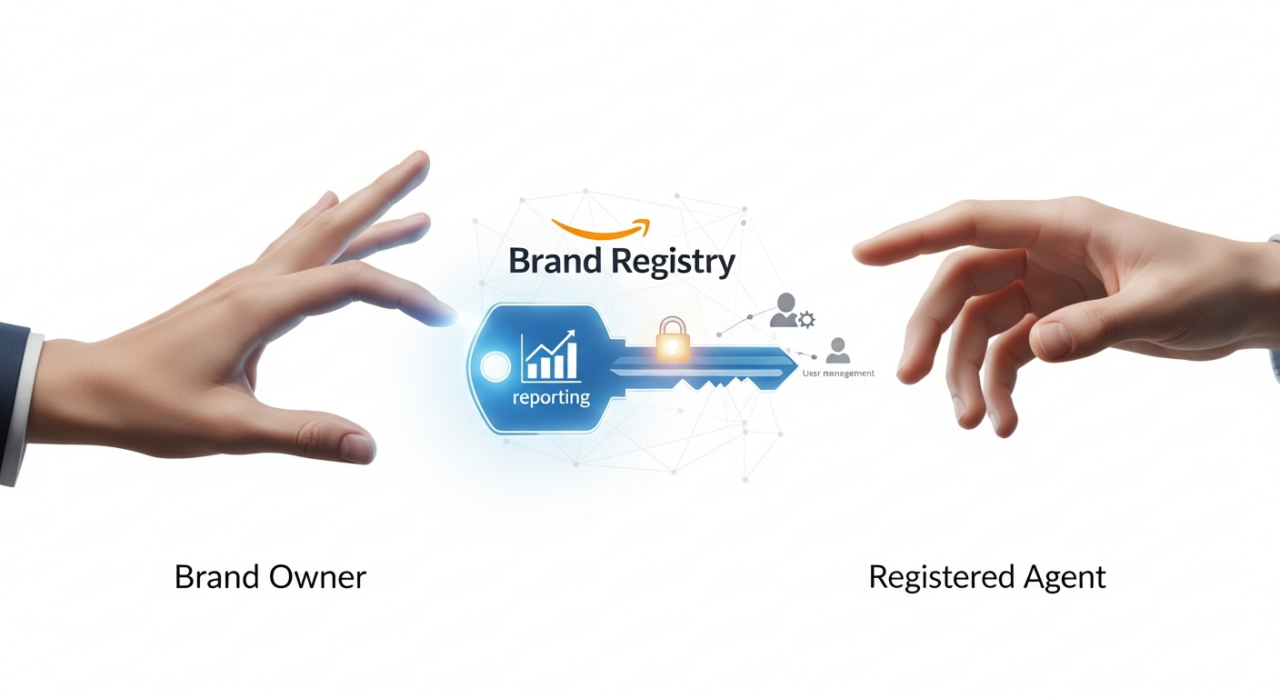
How do you safely give an agency, a consultant, or a virtual assistant the ability to help protect your brand without handing over the master keys? The answer is the Registered Agent role. This role was specifically designed for third parties you authorize to act on your behalf.

A Registered Agent can access the “Report a Violation” tool and other brand protection features, just like a Rights Owner. However, they have one critical limitation: they cannot manage other users. They can’t add or remove people or change permissions. This makes it the perfect, secure option for delegating brand protection tasks to a trusted partner like EHP Consulting Group. It’s important to note that a single user account cannot be both a Rights Owner and a Registered Agent for the same brand, reinforcing the distinction between internal leadership and external partners.
4. Master the Steps to Manage User Permissions
Once you understand the roles, managing them is straightforward. The brand’s Administrator is the only one who can perform these actions. Here’s how to add or modify user permissions in your account:
- Log in to your Amazon Brand Registry account.
- Navigate to the “Settings” menu in the top navigation bar.
- From the dropdown, select “User Permissions.”
- Here, you can invite new users by providing their name and the email address associated with their Brand Registry account.
- After the invitation is sent and accepted by the new user, you can then assign them the appropriate role: Administrator, Rights Owner, or Registered Agent.
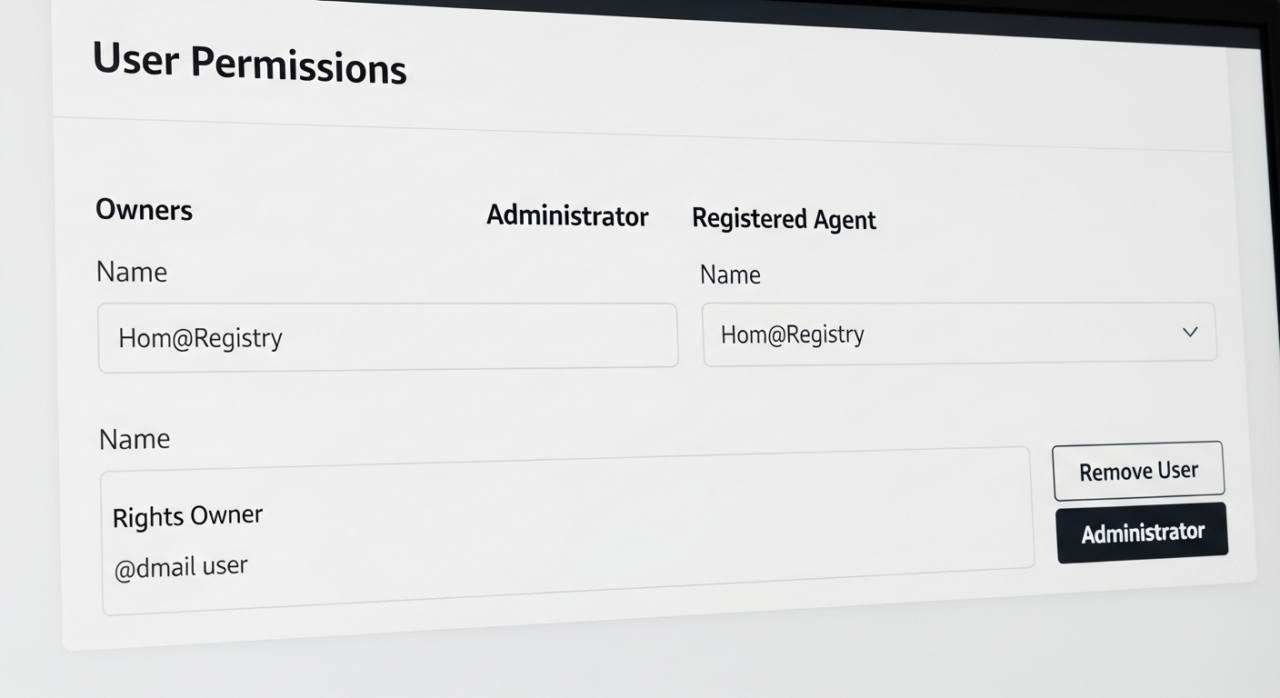
Regularly reviewing this page is a smart security practice. It allows you to ensure that only the correct people have access and that former employees or agencies have been removed promptly.
Ultimately, managing your Brand Registry permissions is about creating a secure and efficient ecosystem for your brand. By clearly defining who gets which role, you empower your team and partners while protecting your most valuable asset. Always limit Administrator access to a small number of key internal stakeholders, use the Registered Agent role for all external help, and conduct regular audits of your user permissions. A free listing audit can be a great place to start. This strategic approach, combined with powerful tools like Helium 10, ensures you maintain full control over your brand’s destiny on Amazon.
Need Help Growing Your Sales?
We are here to help you scale.
Note: Include the buttons at the bottom by using “Custom HTML”(Here)
Written By: Liezel Felisilda
📺 YouTube: EHP Consulting Group on YouTube
🎵 TikTok: EHP Consulting Group on TikTok
Email: info@ehpconsultinggroup.com
Website: www.ehpconsultinggroup.com
Number: 925-293-3313
Date Written: May 29, 2026