
 (925) 293-3313
Every Amazon seller knows the grind. The constant cycle of listing, packing, and shipping is demanding, and the thought of taking a break can be more stressful than relaxing. What happens to incoming orders? How do you protect your account health and hard-earned metrics? Thankfully, Amazon provides a crucial tool specifically for these moments: Vacation Mode.
Using this feature correctly allows you to step away—for a planned holiday, a family emergency, or even an unexpected weather event—without jeopardizing your seller standing. Here’s your step-by-step guide to using Amazon’s Vacation Mode effectively.
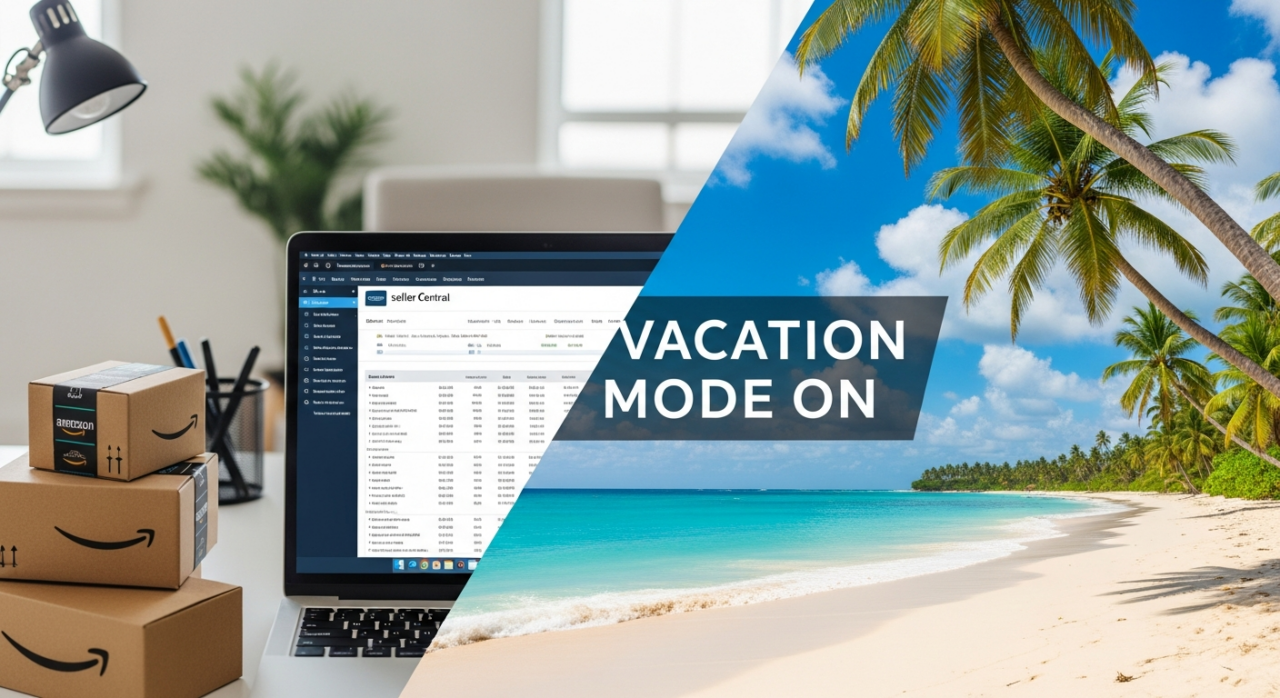
Activate Your Listings Status
Putting your store on hold is a straightforward process within Seller Central. First, navigate to “Settings” in the top-right corner and select “Account Info.” On the Seller Account Information page, look for the “Listings Status” section and click the “Going on a vacation?” link. Here, you can change the status of your marketplaces from “Active” to “Inactive”. Once you save your changes, your self-fulfilled listings will be removed from Amazon’s search results and product detail pages within one hour.
Plan Your Timing Strategically
Timing is everything. While your listings become inactive within an hour, it’s best practice to activate Vacation Mode at least 48 hours before you plan to be unavailable. This buffer gives you ample time to process and ship any last-minute pending orders without the pressure of new ones coming in.
Just as important is planning for your return. When you’re ready to start selling again, follow the same steps to set your listings back to “Active.” Be patient, as it can take up to 24 hours for all of your listings to reappear in search results and on product pages. Don’t wait until the minute you get back to reactivate your store.
Distinguish Between FBM and FBA
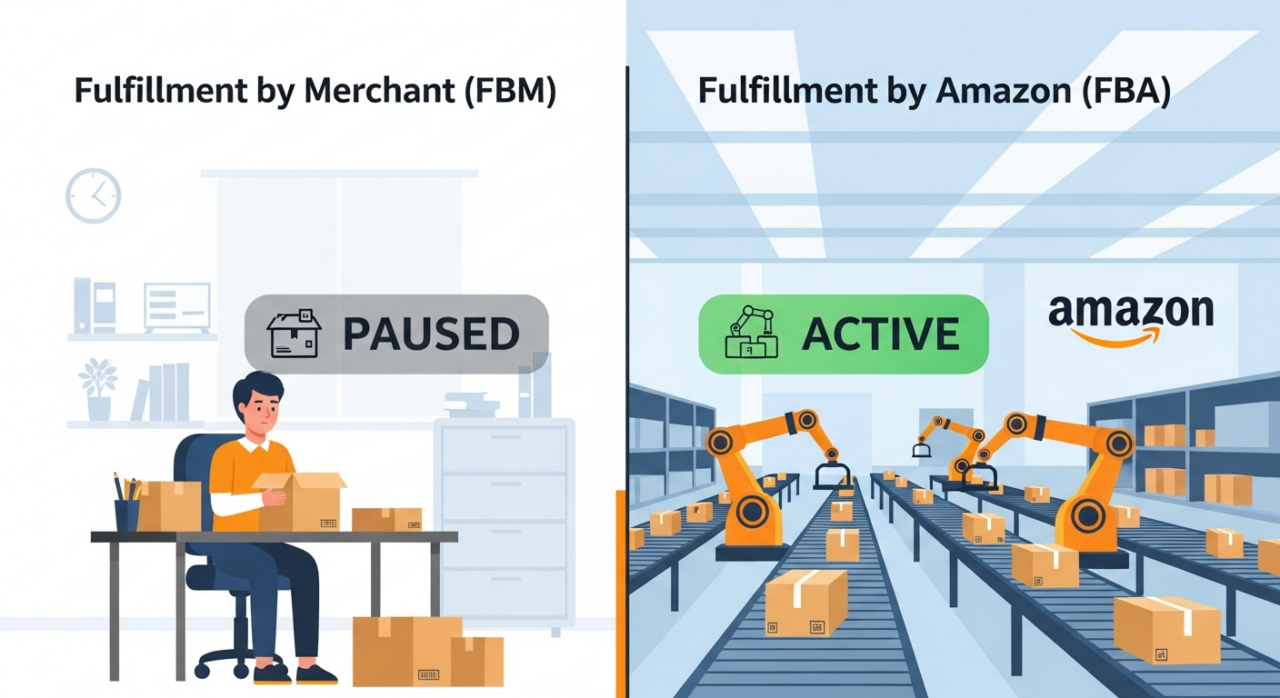
A critical point to understand is that Vacation Mode only applies to your Fulfillment by Merchant (FBM) listings. These are the products you store, pack, and ship yourself. Any inventory you have stored in Amazon’s warehouses for Fulfillment by Amazon (FBA) will remain active and available for purchase. Amazon will continue to handle the fulfillment and customer service for all FBA orders, meaning your sales from that part of your business won’t stop.
Clear All Pending Orders and Returns
Activating Vacation Mode does not pause your current obligations. You are still responsible for fulfilling any and all orders that were placed before your listings became inactive. Before you sign off, ensure every pending order has been shipped to avoid late shipments and negative impacts on your account health. Likewise, you must continue to process and authorize all return requests according to Amazon’s policies, even while your store is technically on pause.
Maintain Excellent Customer Service
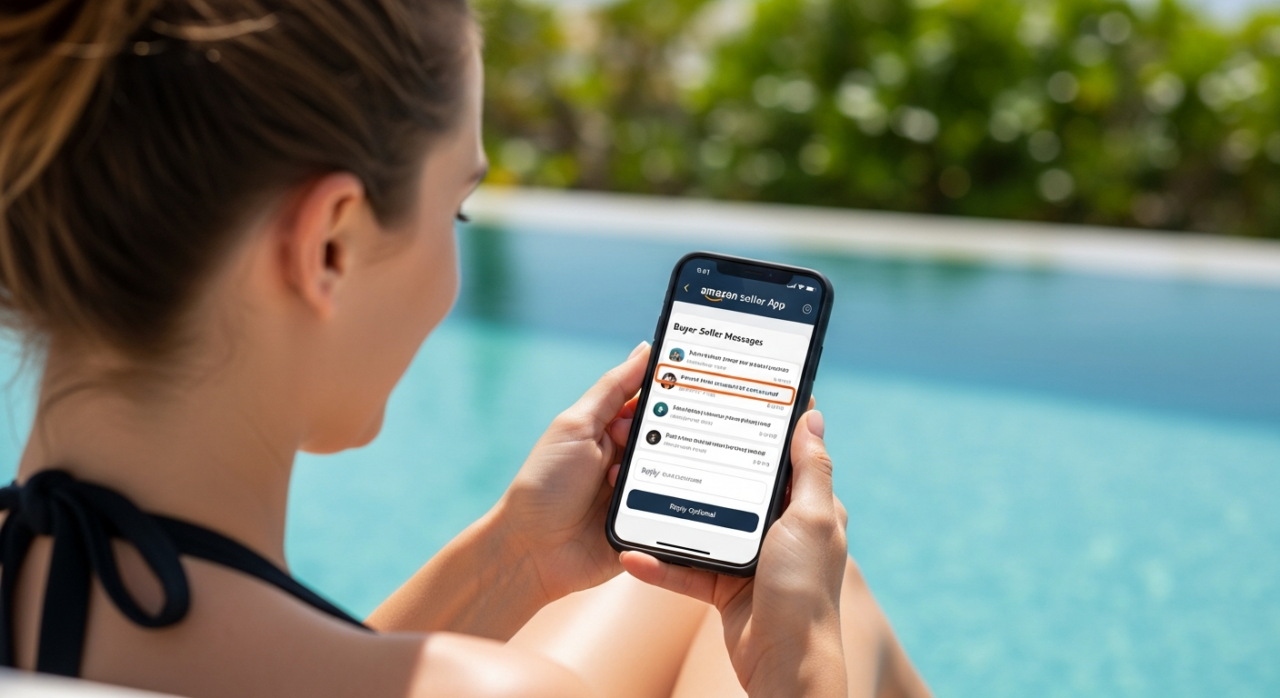
Your responsibility to communicate with customers does not go on vacation. Amazon’s policy requires sellers to respond to all buyer-seller messages within 24 hours. This rule remains in effect even when your listings are inactive. The best way to manage this remotely is by using the Amazon Seller app on your smartphone. It allows you to receive notifications and respond to inquiries promptly from anywhere, ensuring your customer service metrics stay strong.
Keep Your Financials in Mind
Finally, remember that while your FBM listings are inactive, your account status is not. If you have a professional seller account, you will continue to be charged the monthly subscription fee. Be sure to factor this into your financial planning for your time away. Vacation Mode protects your performance metrics, not your wallet, from standard account fees.
Need Help Growing Your Sales?
We are here to help you scale.
YouTube Channel Link: EHP Consulting Group on YouTube
TikTok Profile Link: EHP Consulting Group on TikTok
Written By: Ahzel P. Miral
Email: info@ehpconsultinggroup.com
Website: http://www.ehpconsultinggroup.com
Number: 925-293-3313
Date Written: July 7, 2026