
 (925) 293-3313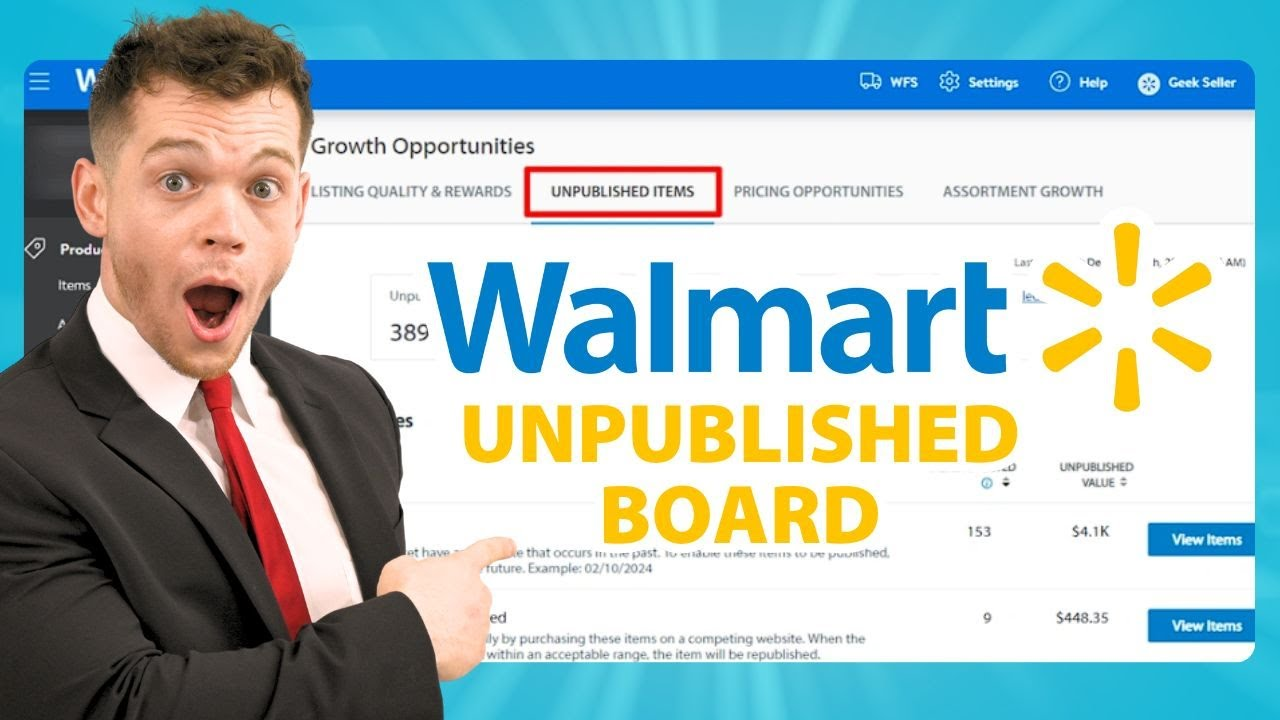
What to Do When Your Walmart Listing is Unpublished
You’ve perfected your product, crafted a compelling description, and uploaded a stunning primary image. Sales are starting to roll in, and then it happens—your Walmart listing is gone. It hasn’t been deleted, just “unpublished.” This sudden halt in sales can be frustrating, but it’s a common and often fixable issue.
Walmart’s system is designed to protect both customers and sellers by ensuring a high-quality, competitively priced marketplace. When a listing falls out of line with its standards, it gets temporarily taken down. Your key to understanding why and getting your product back online is the Unpublished Dashboard in Seller Center. Let’s break down the reasons this happens and the exact steps to get your listing live again.
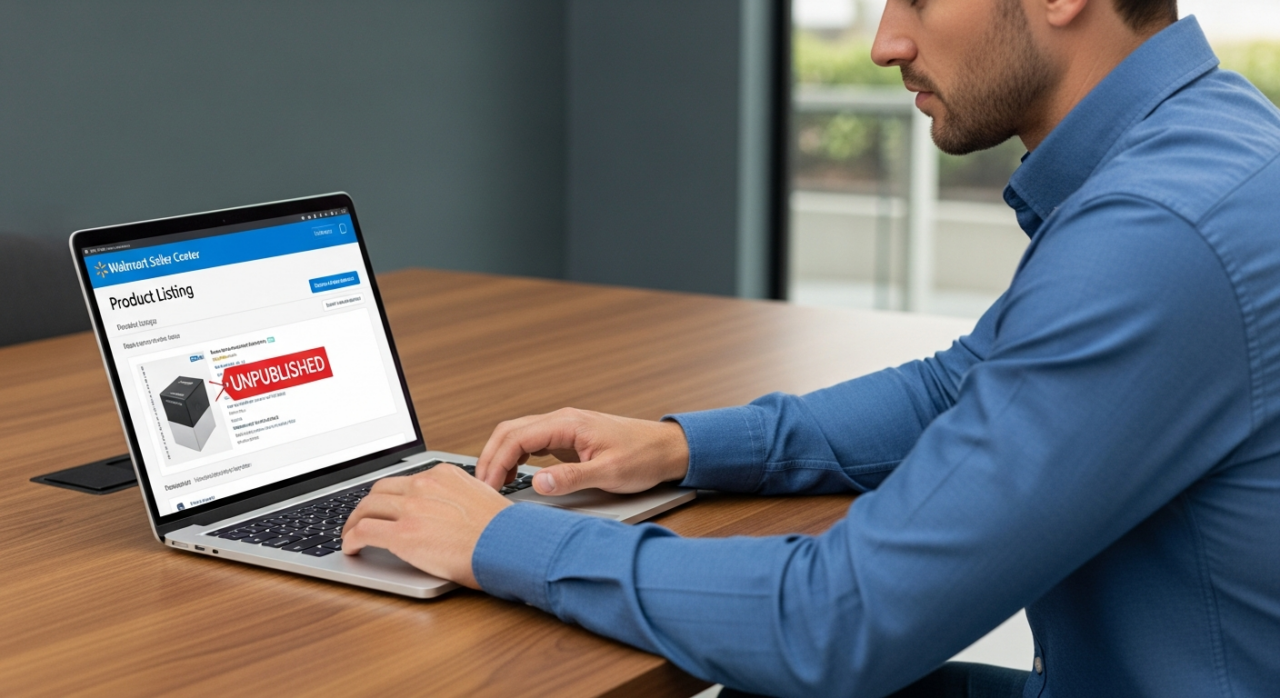
The Usual Suspects: Why Walmart Unpublishes Listings
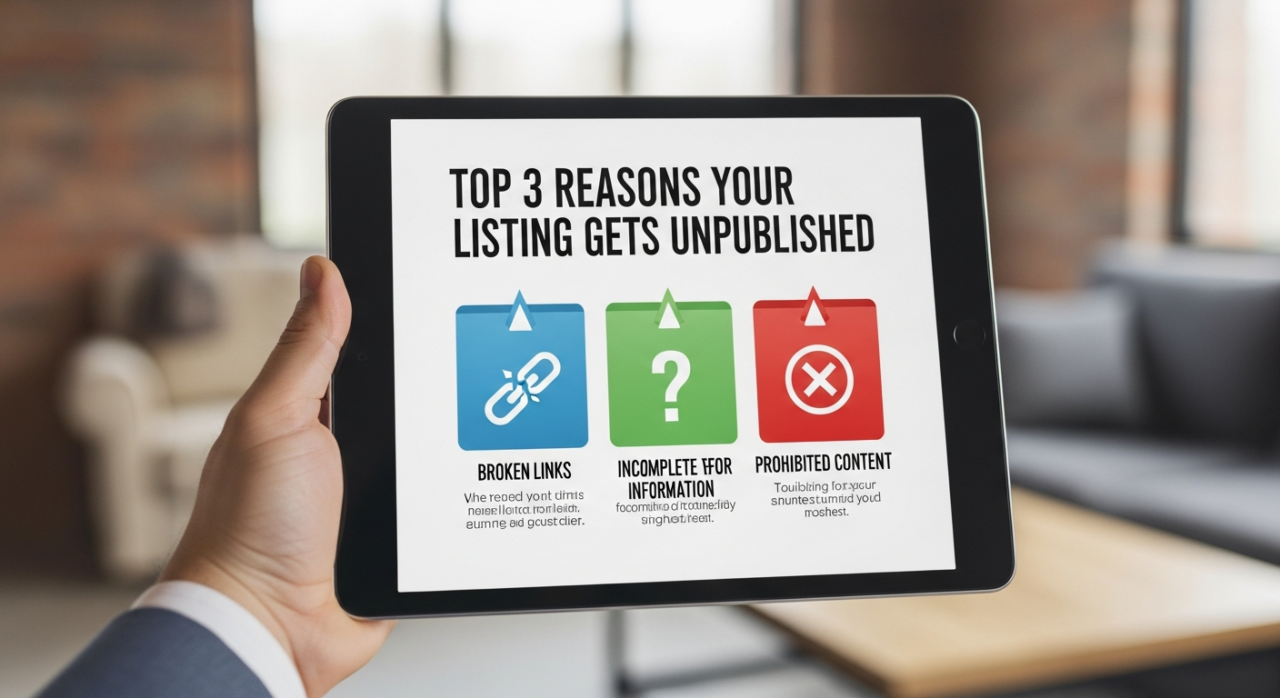
Most unpublished listings fall into one of three main categories. Understanding these will help you quickly identify and fix the problem.
- Pricing Violations: Walmart’s algorithms constantly scan for fair and competitive pricing. Your listing might get flagged for a price that is significantly higher than on competing sites, or even for an egregious shipping cost that makes the total price uncompetitive. Using a tool like Helium 10 can help you stay on top of market data. On the flip side, an abnormally low price might be flagged as a potential error to protect you from losses.
- Listing Quality and Accuracy: A successful marketplace relies on clear, accurate information. A listing can be unpublished for simple quality control issues like a missing primary image, missing price information, or an incorrect product identifier (like a UPC mismatch). Persistently low seller ratings can also contribute to a listing being taken down.
- Intellectual Property (IP) Claims: This is a more serious issue. If Walmart receives a complaint that your product infringes on a trademark or copyright, it will unpublish the listing immediately to investigate. You’ll need to prove you have the right to sell that product.
1. Start with Your Unpublished Dashboard
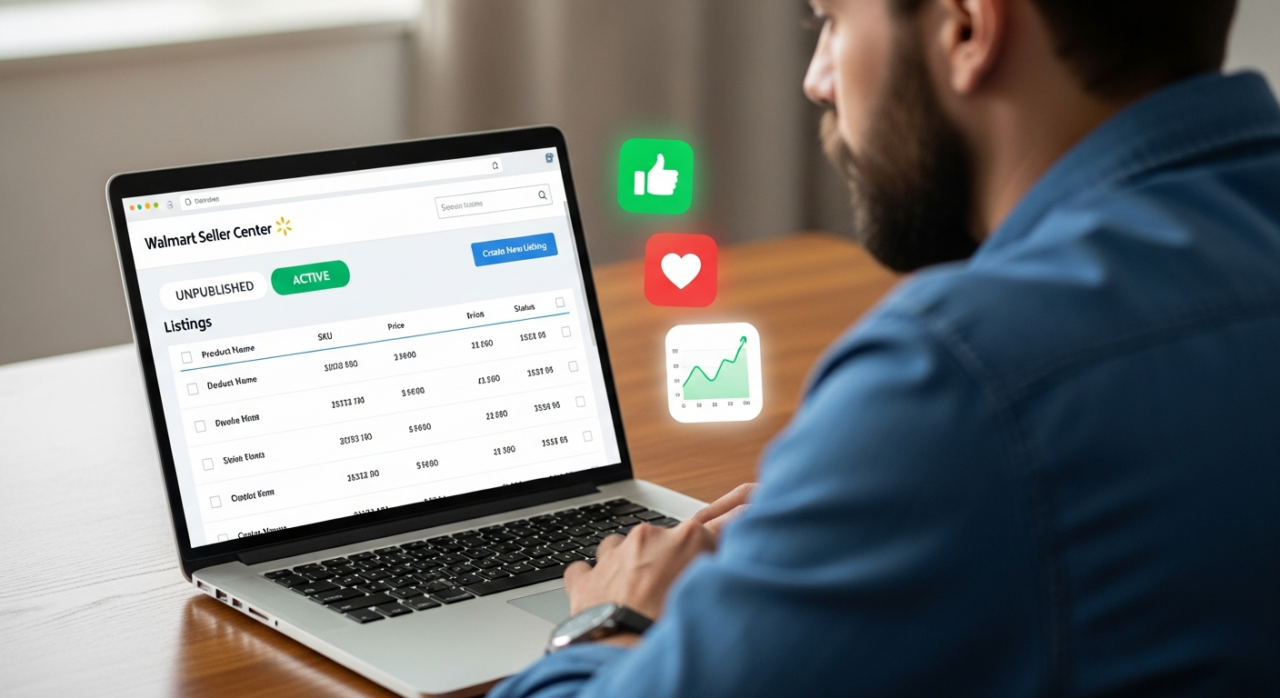
Your first and most important stop is the Unpublished Dashboard within the Walmart Seller Center. This tool is your command center for resolving these issues. It doesn’t just tell you which items are unpublished; it tells you why. This single piece of information is the key to a speedy resolution. Don’t immediately open a support case—start here. The dashboard provides the clearest path forward and is often the fastest way to get your product relisted.
2. Diagnose the Root Cause
Once you’re in the dashboard, find the specific item and look for the reason provided by Walmart. This will be a clear, concise tag like “Reasonable Price Not Satisfied” or “Missing Primary Image.”

- If the reason is pricing-related, your next step is simple market research. Check your competitors’ pricing for the same item using a tool like Jungle Scout. Is your price plus shipping significantly higher?
- If the reason is listing quality, open the item in your catalog and review it against the reason given. Is the image missing? Is the UPC correct?
- If the reason is an IP claim, the process is more involved. You will need to gather documentation that proves your product’s authenticity and your authorization to sell it. You can see how we’ve handled these issues in our case studies.
3. Take Corrective Action and Edit Your Listing
With the diagnosis complete, it’s time to fix the problem.
For pricing issues like “Reasonable Price Not Satisfied” or “Egregious Shipping Cost,” the fix is straightforward: adjust your item’s price or shipping fee to be competitive. Once you save the update, Walmart’s system will automatically review the change. In many cases, this is all you need to do to get the listing republished, often within 48 hours.
For listing quality issues, navigate to the listing in your catalog and make the necessary edits. Upload a primary image, correct the product identifier, or fill in any other missing information flagged by the system. If you’re unsure what’s wrong, consider getting a free listing audit to identify potential problems.
4. Use the Dashboard’s Built-in Appeal Function

For many issues beyond simple price adjustments, the Unpublished Dashboard has a direct appeal function. This is your chance to communicate with the review team. When you appeal, provide a clear and concise explanation.
For example, if a price was flagged as an error but it’s an intentional sale price, you can explain the promotion. You may not even need to provide formal documentation for many appeals; a simple, direct explanation can be enough. Using this appeal function can lead to a reinstatement within 24 to 48 hours. For more in-depth guidance, check out our comprehensive courses on navigating seller platforms.
5. Open a Seller Support Case (The Dual Approach)
While the dashboard is your primary tool, sometimes you need to bring in reinforcements. For complex issues like IP claims or if your dashboard appeal doesn’t seem to be moving, it’s time to contact Walmart Seller Support. Or, for professional help, you can review our services.
For the fastest possible resolution, consider a dual approach: file your appeal through the Unpublished Items Dashboard and, at the same time, open a support case. Provide the support team with your Item ID, SKU, and a clear description of the problem and the steps you’ve already taken. One channel may process your request faster than the other, so using both increases your chances of a quick resolution. If you’re still stuck, don’t hesitate to contact us.
Preparing Your Documentation
While many issues can be resolved with a simple edit or explanation, some require proof. Be prepared to provide documentation for certain appeals:
- For Intellectual Property Claims: You will absolutely need to provide invoices, purchase orders, or an official letter of authorization from the brand owner proving you are an authorized reseller.
- For Pricing Errors: If you are defending an intentionally low price (e.g., a clearance sale), be prepared to submit documentation to Seller Support to justify the pricing and confirm it is not an error.
Getting a listing unpublished can be a bump in the road, but it doesn’t have to be a roadblock. By proactively monitoring your Unpublished Dashboard, understanding the common causes, and taking swift, informed action, you can turn a potential sales stopper into a minor hiccup. For hands-on help from a team with proven results, reach out to EHP Consulting Group and see what our clients say in their testimonials.
Need Help Growing Your Sales?
We are here to help you scale.
Written By: Liezel Felisilda
📺 YouTube: EHP Consulting Group on YouTube
🎵 TikTok: EHP Consulting Group on TikTok
Email: info@ehpconsultinggroup.com
Website: www.ehpconsultinggroup.com
Number: 925-293-3313
Date Written: April 22, 2026