 (925) 293-3313
Scaling an eBay business means moving from simply listing items to strategically managing your entire sales process. A key part of this is mastering your order management and shipping workflow. A streamlined system not only saves you time but also keeps your customers happy and protects your seller performance metrics. Let’s dive into the essential strategies every eBay seller should implement to ship smarter, not harder.
1. Protect Your Seller Performance by Shipping on Time
Your reputation on eBay is everything, and the platform quantifies it through seller performance metrics. One of the most critical is your “late shipment rate.” This is the percentage of your transactions that weren’t shipped within your stated handling time. If this rate climbs above 3%, you’ll lose the ability to achieve or maintain “Top Rated” seller status, a badge that builds buyer confidence.

While a high late shipment rate on its own might not immediately drop your account to “Below Standard,” persistent poor performance can have serious consequences. eBay’s algorithm may reduce the visibility of your listings in search results, making it harder for buyers to find your items. In severe cases, it can lead to higher fees or even an account suspension. Consistently meeting your handling time is non-negotiable for long-term success.
2. Streamline Shipping with eBay’s Label Platform
Moving away from the post office counter and using eBay’s integrated shipping label platform is a game-changer for efficiency and protection. You can purchase and print labels for USPS, FedEx, and UPS directly from your seller dashboard, either one by one or in bulk for multiple orders.

Using this system provides a powerful layer of seller protection. When you print a label through eBay, the tracking number is automatically uploaded to the order. As long as that tracking shows a timely scan and proof of delivery, you are generally protected against false “Item not received” claims.
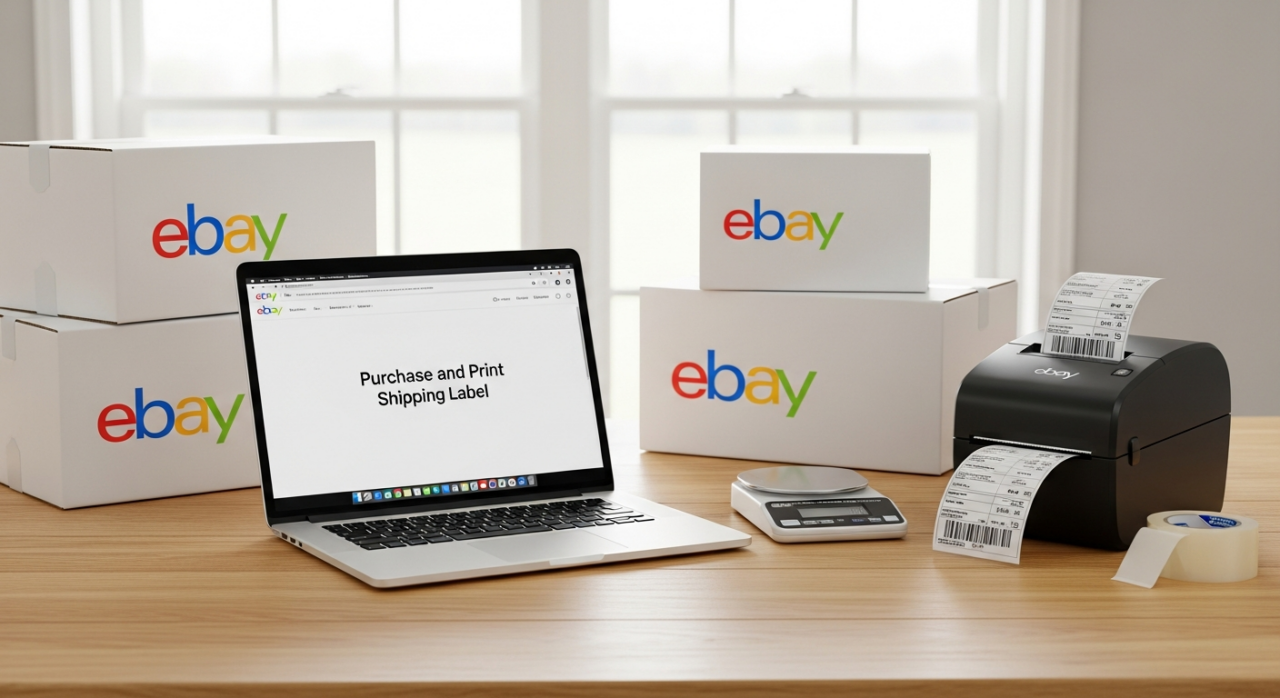
Furthermore, many of these services come with built-in liability coverage. USPS Priority Mail and Ground Advantage include up to $100 of coverage, as do most UPS services. For higher-value items, you can easily add services like Signature on Delivery or purchase additional insurance directly from the label creation screen, giving you complete peace of mind.
3. Put Your Business on Autopilot with Automation Rules
eBay provides powerful tools to automate repetitive tasks, freeing you up to focus on sourcing and listing. Two of the most effective are automated feedback and automated returns.
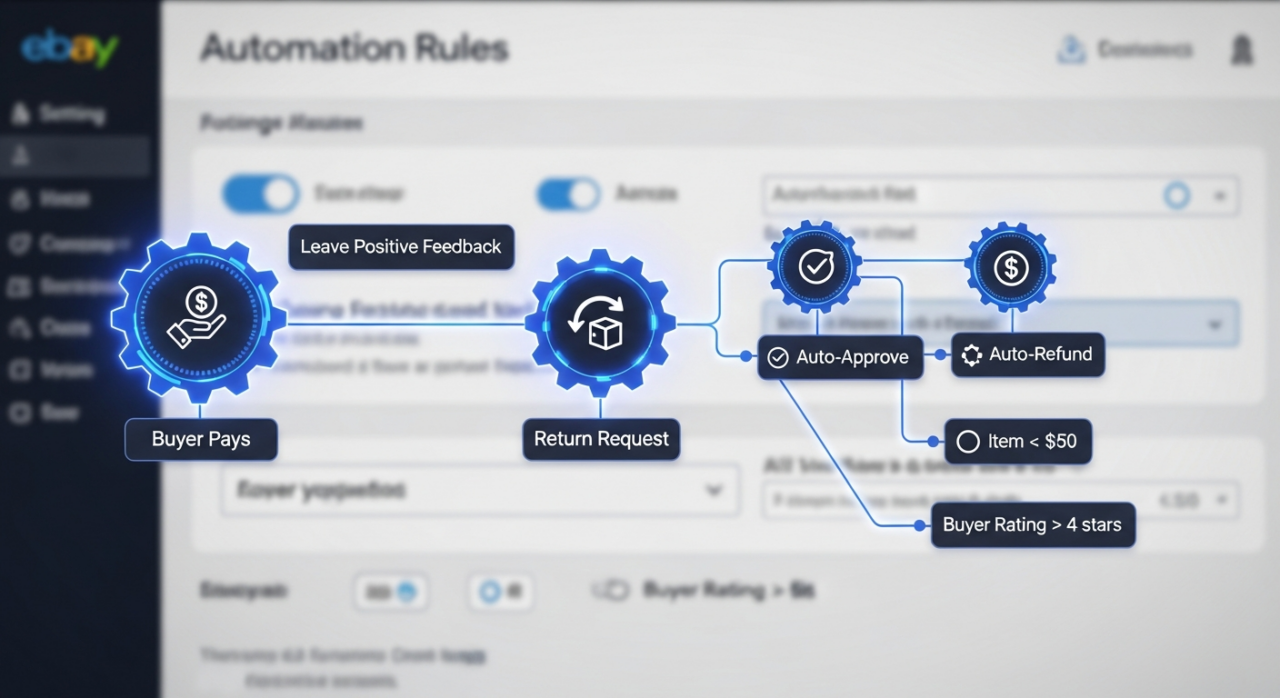
You can set a rule to automatically leave positive feedback for your buyers. This can be configured to trigger as soon as a buyer pays, or you can set it to activate only after the buyer has paid and left you positive feedback first. This simple automation helps build goodwill and encourages reciprocal feedback.
You can also create rules to manage your returns process. For instance, you might set a rule to automatically approve any return request for an item under a certain price point, or to issue an immediate refund without requiring a return for a low-cost item. Automating these decisions based on criteria you set saves you from manually handling every request and ensures a fast, consistent experience for your buyers.
4. Set Clear and Strategic Shipping Policies
Managing buyer expectations starts with setting clear shipping policies. The most important setting is your “handling time.” This is the number of business days you commit to shipping an order after receiving cleared payment. Be realistic with this setting. If you need two business days, state that. This, combined with weekends and holidays, creates your official “ship-by” date and gives you a predictable workflow.
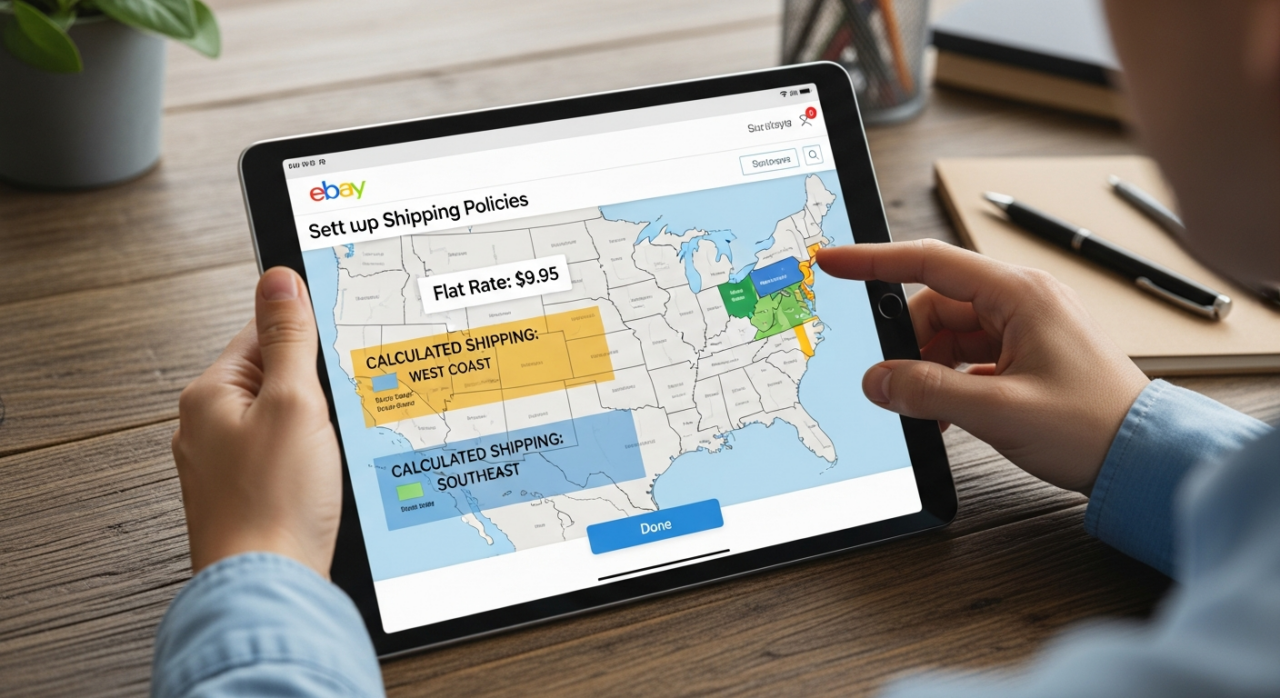
Beyond handling time, you control how shipping costs are presented to the buyer. You can establish rules to offer free shipping, set a single flat-rate cost for all domestic buyers, or use calculated shipping, where the cost is automatically determined by the buyer’s location and the package’s weight and dimensions. For more advanced control, you can create shipping rate tables to charge different flat rates for different regions, such as the West Coast versus the East Coast. Setting these policies correctly prevents confusion and ensures you are charging the right amount for every shipment.
YouTube Channel Link: EHP Consulting Group on YouTube
TikTok Profile Link: EHP Consulting Group on TikTok
Written By: Jhan Rose Magbanua
Email: info@ehpconsultinggroup.com
Website: http://www.ehpconsultinggroup.com
Number: 925-293-3313
Date Written: Mar 29, 2026