
 (925) 293-3313
For Amazon sellers, video advertisements have long been a high-barrier-to-entry medium, often requiring expensive equipment, professional editors, and significant time. However, Amazon’s recent rollout of AI-powered video generation within its Creative Studio has effectively leveled the playing field. By leveraging generative AI, brands can now transform static product listings into dynamic video ads in a matter of minutes.
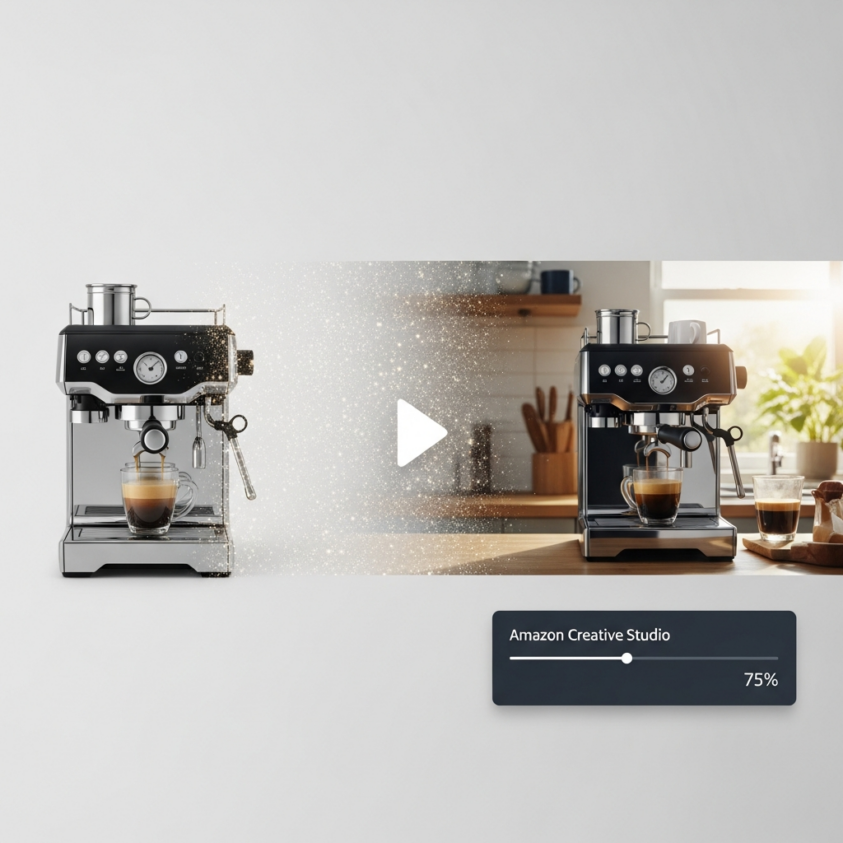
Here is how you can utilize these tools to scale your advertising efforts without increasing your production budget.
Locate Your Creative Command Center in Seller Central
The first step to utilizing AI video generation is knowing where to find it. This tool is officially housed within Amazon’s Creative Studio (formerly known as Video Builder). Access is free for any Amazon seller with an active Sponsored Ads account; you only pay for the actual advertising spend, not the tool itself. If you need assistance navigating these features, our Amazon advertising services can help guide your strategy.
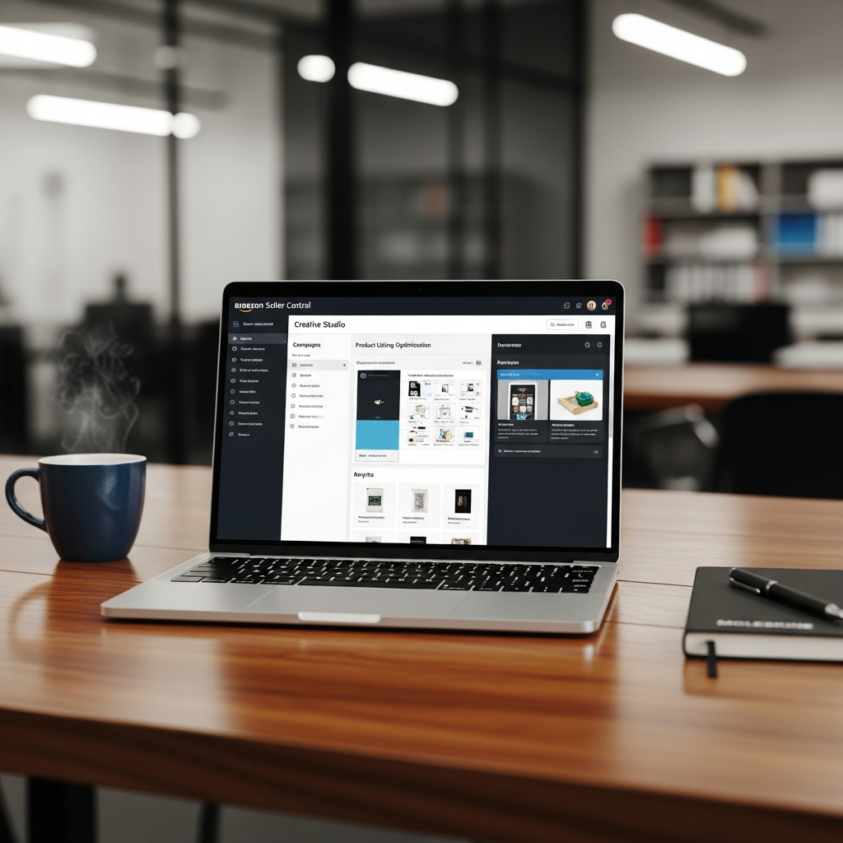
To get started, log into your Amazon Seller Central account and navigate to the Advertising tab. From there, select Campaign Manager. You will find Creative Studio located in the left-hand navigation menu or via a dropdown menu. This hub serves as the centralized location for all your generative AI assets, from images to full video sequences.
Turn Your Product Detail Page into a Video Script
One of the most powerful features of Amazon’s AI video tool is its ability to use “source material” you have already created. Instead of requiring you to upload raw footage, the AI pulls images, descriptions, and key selling points directly from your Product Detail Page (PDP). This evolution is part of the AI video generator and live image updates recently announced by Amazon.
Once you select a specific product (ASIN) and click “Generate Video,” the AI analyzes your listing assets to create multiple ad-ready video variations. The process is remarkably efficient, typically taking between three and ten minutes. This allows you to generate dozens of creative options in the time it would normally take to write a single creative brief for a production team.
Fine-Tune the Output for Brand Consistency
While the AI handles the heavy lifting, the Creative Studio provides an editing suite to ensure the final product aligns with your brand identity. You aren’t stuck with the first version the AI produces; you have the flexibility to modify specific elements to meet your quality standards.
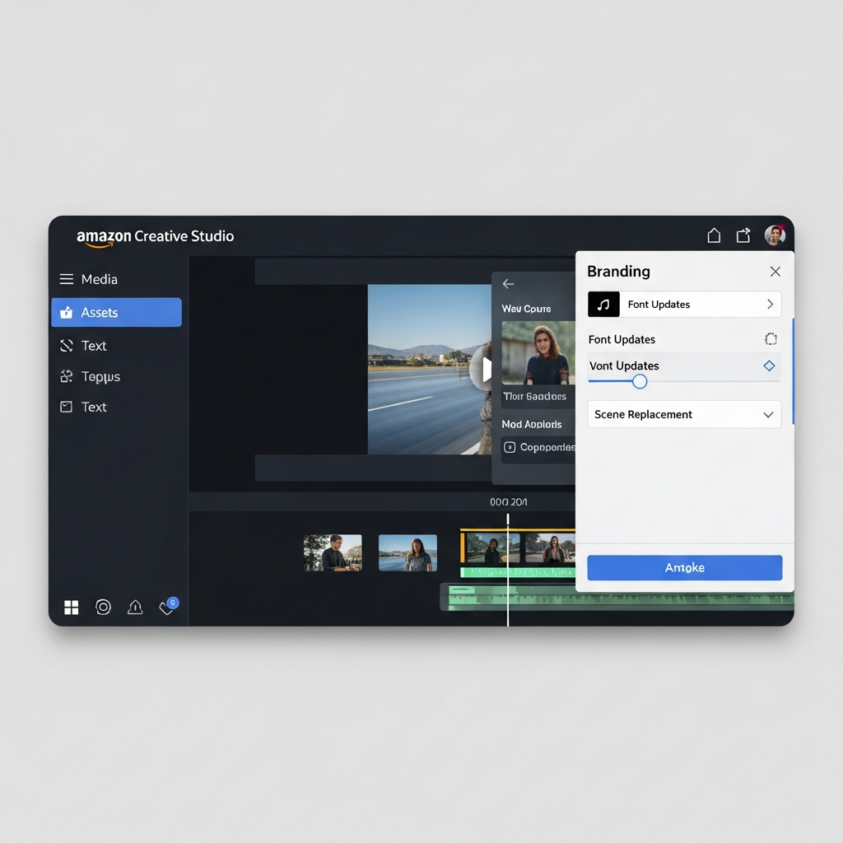
Within the editor, you can update fonts, messaging, and calls-to-action to better reflect your brand’s voice. You can also upload your custom logo to ensure brand recognition is front and center. If a specific segment of the video doesn’t look quite right, the tool allows for scene replacement, where you can swap out individual clips with alternative AI-generated options or your own existing lifestyle assets.
Explore the Broader Creative Studio Ecosystem
The video generator is part of a larger integrated suite of AI tools designed to streamline the creative process. Industry experts have noted that there are AI video ads on Amazon that actually perform, provided they are utilized correctly within the broader ecosystem. To get the most out of your video ads, you should look into the complementary features available within the studio:
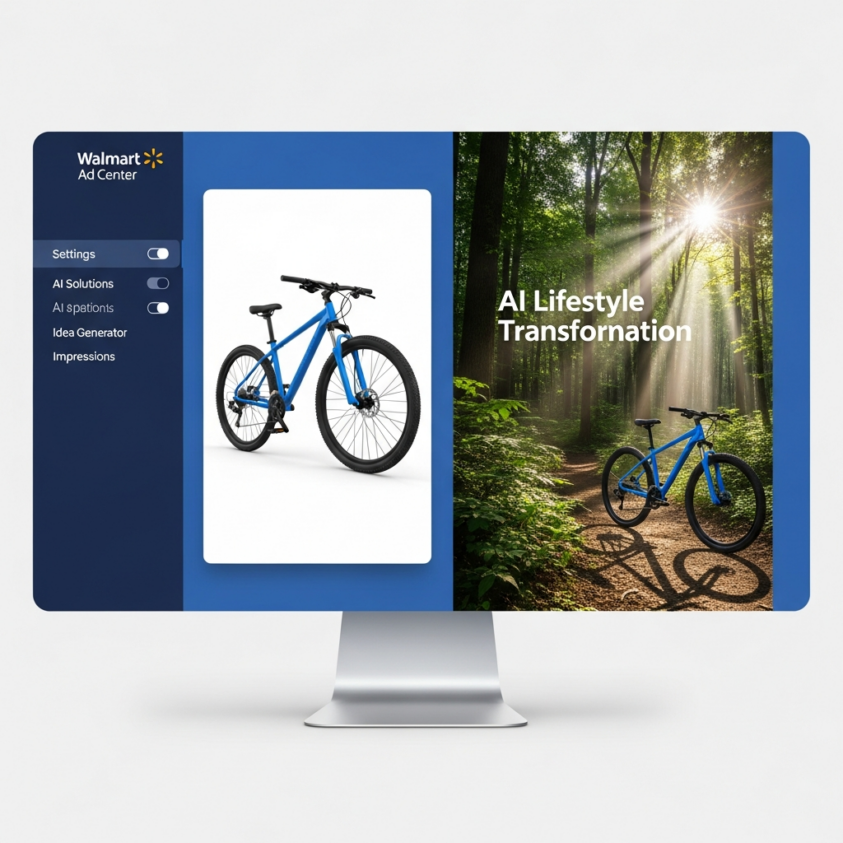
- Image Generator: This tool can take a basic product photo on a white background and convert it into a professional-grade lifestyle image, which can then be fed back into your video creations.
- Inspiration Gallery: If you are facing “creative block,” this hub allows you to browse successful ad templates and seasonal themes that can be applied directly to your products.
- Creative Agent (Beta): For a more comprehensive strategy, this conversational AI assistant can help research target audiences and brainstorm full-funnel campaign concepts.
- Audio Generator: Currently in beta for select users, this tool allows for the creation of AI-generated voiceovers to add a narrative layer to your video ads.

For those looking to master these tools, we offer comprehensive training courses to help your team stay ahead of the curve.
Understand the Trade-offs of AI-Generated Content
As Josh Hackett, CEO of EHP Consulting Group, has noted through extensive testing, while these tools offer incredible speed and cost savings, they are not without limitations. AI-generated videos can sometimes display “AI artifacts,” such as slightly distorted limbs in lifestyle scenes or logos that may appear to flicker or disappear.
The current editing suite is designed more for template modification than deep creative control. Sellers should view these AI tools as a way to generate high-volume, “good enough” content for testing and rapid deployment. By reviewing our case studies, you can see how strategic asset management impacts overall conversion. For high-stakes brand campaigns, a human touch is still required to review and polish the AI’s work to ensure it meets the professional standards expected by Amazon’s customer base. If you’re ready to integrate AI into your marketing mix, contact us today to get started.
Ready to Grow on Amazon?
At EHP Consulting Group, we help sellers rank higher, sell more, and scale faster.
👉 Contact us to audit your Amazon strategy
👉 Learn more about our full Amazon account management services
YouTube Channel Link: EHP Consulting Group on YouTube
TikTok Profile Link: EHP Consulting Group on TikTok
Written By: Jane Camille Olegario
Emaail: info@ehpconsultinggroup.com
Website: http://www.ehpconsultinggroup.com
Number: 925-293-3313
Date Written: July 13, 2026